Introduction
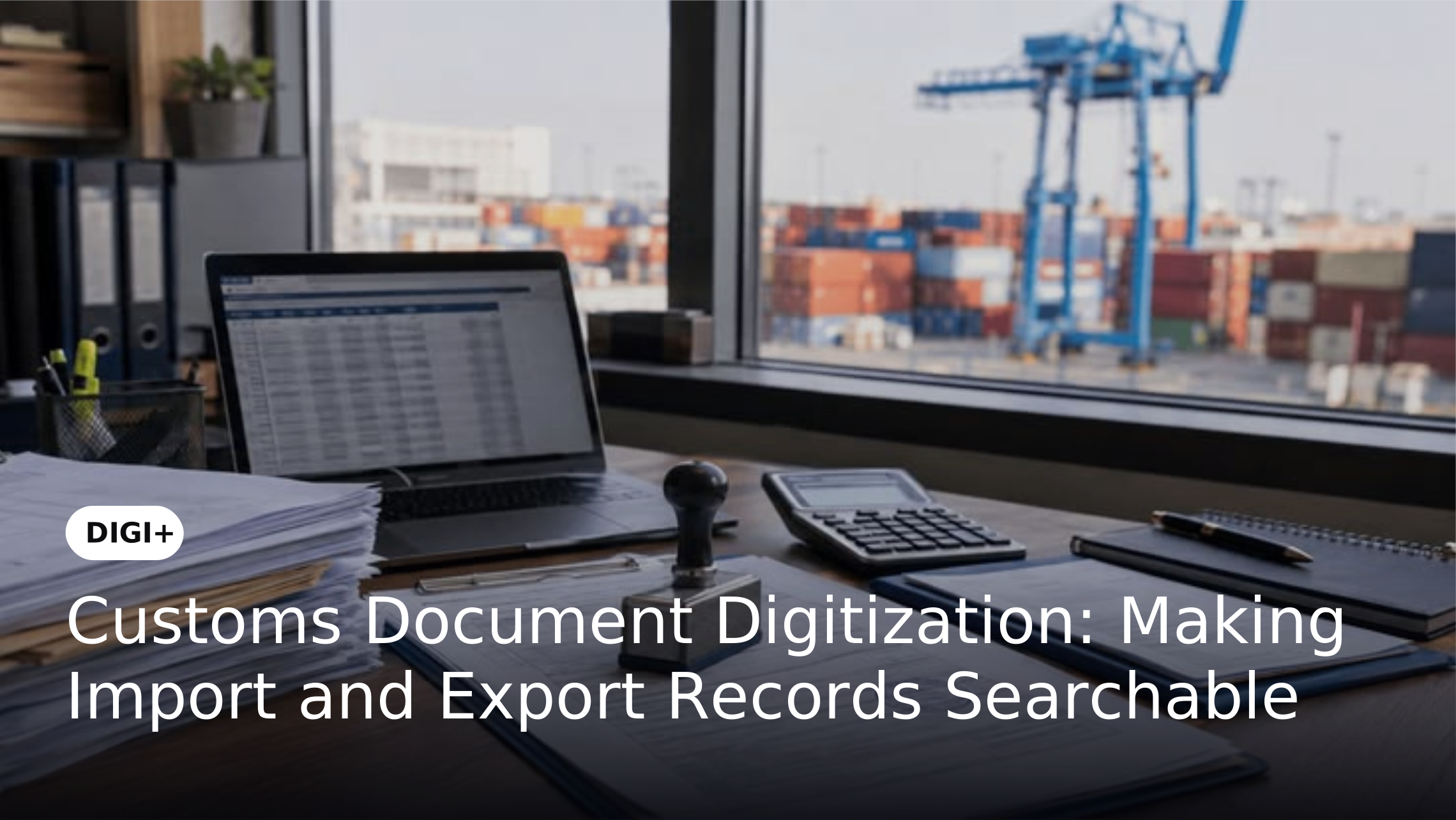
Import and export operations generate a large volume of documents, including commercial invoices, packing lists, bills of lading, bills of entry and certificates of origin. These records contain important shipment and transaction information, but many businesses still maintain them as physical files, scanned images or documents stored across disconnected folders. As the volume of trade transactions grows, locating a specific record can become a time-consuming task.
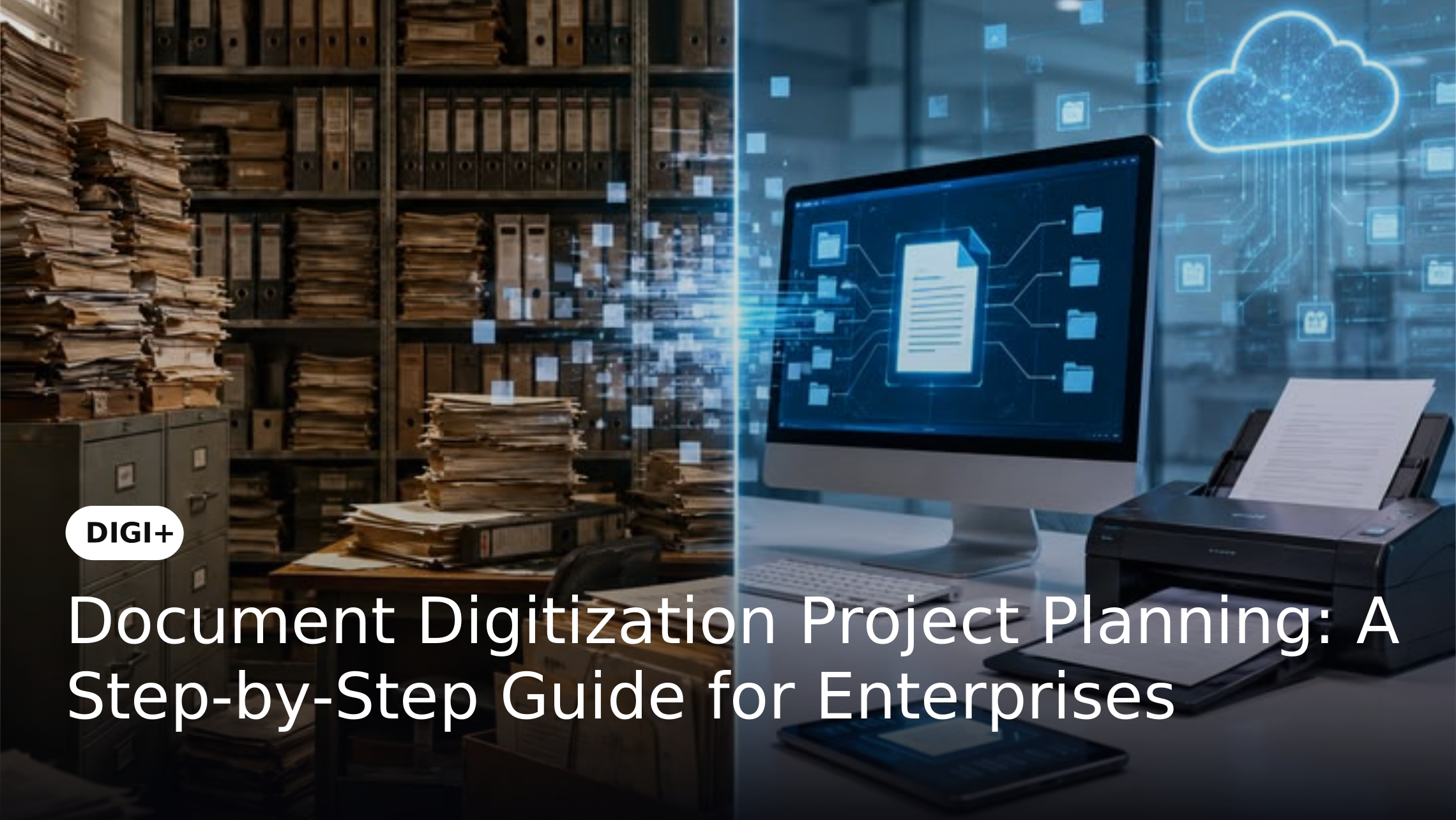
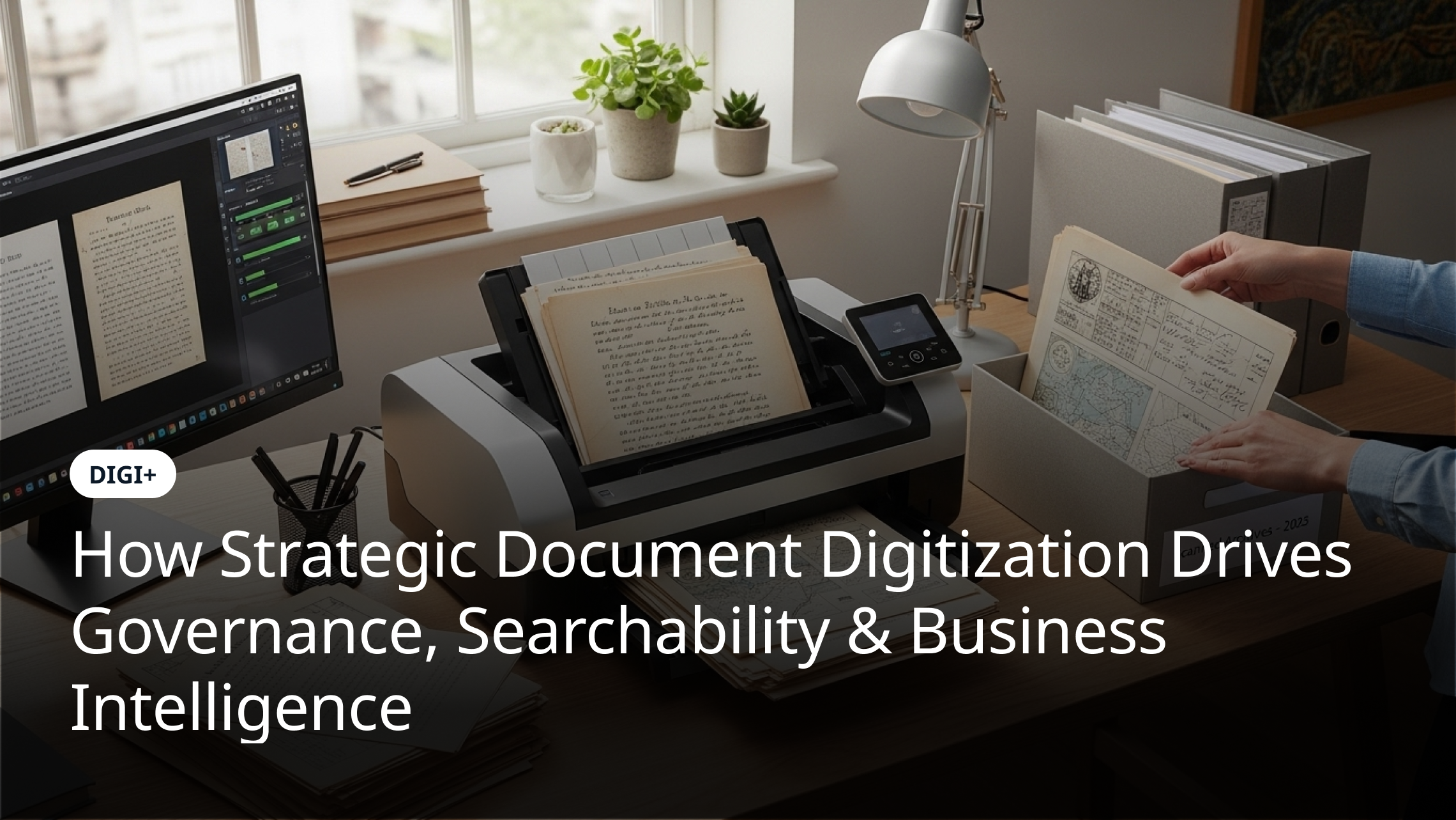
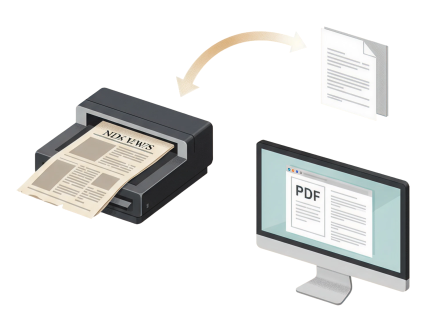
Customs document digitization helps businesses convert paper-based trade records into searchable digital documents. Through scanning, Optical Character Recognition (OCR) and structured indexing, organizations can make historical and current customs records easier to locate and reference. This approach supports better access to trade documentation without changing the underlying customs filing or clearance process.
Why Customs and Import-Export Records Need Digitization
Importers, exporters, freight forwarders and logistics teams handle multiple documents for every shipment. These records may be generated by different parties and stored across departments, branches, warehouses or physical archives. When documents are maintained in paper files or unstructured digital folders, employees may need to search through several locations to find a particular invoice, declaration or shipment record.
This creates difficulties when teams need to retrieve documents for internal reference, transaction reviews, customer queries or audits. Physical records can also deteriorate over time, while inconsistent file naming and storage practices make digital copies difficult to locate. Digitization provides a way to convert these records into searchable digital files and organize them for more consistent retrieval.
Common Paper-Based Customs Documents Businesses Manage
Customs and international trade operations involve several document types. Each serves a different purpose and may contain identifiers that help teams locate the corresponding shipment or transaction.
Common records that businesses may include in a digitization project are:
-
Commercial invoices: Contain details of the goods sold, transaction value, seller, buyer and invoice reference.
The exact document collection varies by business, trade route, product category and applicable requirements. Identifying the records that need to be digitized is an important first step in planning the project.
Challenges of Managing Physical Customs Records
Difficulty Locating Documents Across Shipments
A single shipment may involve several supporting documents created by different organizations. If these records are filed separately or stored without consistent references, employees may struggle to identify the complete set associated with a particular transaction. Searching by a shipment number, invoice reference or document date becomes difficult when the information is not indexed consistently.
Inconsistent Formats and Document Quality
Customs records may include printed forms, photocopies, handwritten annotations, older documents and scanned images. Differences in page size, layout, language and scan quality can affect how easily information can be read and searched. Poor-quality copies may also require additional preparation before OCR can recognize their text accurately.
How Customs Document Digitization Works
A customs document digitization project typically involves preparing physical records, scanning them, applying OCR and organizing the resulting files. The process should be planned around the types, volume and condition of the records being converted.
A typical process includes:
-
Identify document collections: Determine which import and export records need to be digitized, including their formats, age, volume and physical condition.
The process may need adjustments for older, damaged or unusually formatted records. A defined quality-checking approach helps identify incomplete scans and recognition issues before the digitized collection is used.
OCR and Metadata Fields for Organizing Customs Records
OCR helps convert text contained in scanned documents into machine-readable content. This makes it possible to search for recognized words and references instead of relying only on document images. For customs records, searchable content can help employees locate documents containing a particular invoice number, shipment reference or other printed identifier.
Metadata provides an additional way to organize the digitized collection. Depending on the information available in each document, useful indexing fields may include:
The availability and accuracy of these fields depend on the source document, its condition and the digitization process. OCR recognition should not be treated as automatic verification of the information contained in a customs record. Where accuracy is important, organizations should define suitable review procedures for critical records.
For a broader understanding of why indexing matters, businesses can refer to Why Most Digitization Projects Fail Without Structured Indexing, Metadata and Governance.
Improving Searchability Across Import and Export Archives
Digitized customs records become more useful when employees can retrieve them through consistent search methods. A well-organized archive can support searches using document categories, dates and available shipment or transaction references. This reduces dependence on physical file locations and manually maintained lists.
Businesses should establish consistent naming and indexing conventions before processing large document collections. For example, import and export records can be categorized separately, with additional identifiers used to distinguish document types and transactions. These conventions should be applied consistently across departments and locations so that employees can follow the same retrieval approach.
Organizations managing large collections can also benefit from reviewing How to Prioritize Documents for Enterprise Digitization. A clear prioritization approach helps teams identify which records should be processed first based on business relevance, retrieval frequency and archival requirements.
Common Challenges During Customs Document Digitization
Poor Scan Quality and Incomplete Records
Folded pages, faded print, handwritten notes and damaged documents can affect scanning and OCR results. Missing pages or incorrectly arranged records can also reduce the usefulness of a digitized collection. Businesses should assess the condition of their archives and establish scanning and quality-checking standards before beginning large-scale processing.
Inconsistent Indexing Across Document Collections
Different departments may use different naming conventions or reference formats for similar records. Without common indexing standards, digitized files can remain difficult to retrieve even when their text is searchable. Defining document categories and consistent reference fields helps create a more organized archive.
Managing Large Volumes of Historical Records
Organizations with years of accumulated paperwork may need to process records in stages. Digitizing everything at once can make the project difficult to manage, particularly when documents vary in condition, format and importance. A phased approach based on document volume, retrieval needs and archival priorities can make the work more manageable.
How DIGI+ Supports Customs Document Digitization
DIGI+ supports document digitization through scanning, OCR and document indexing capabilities. These capabilities can help businesses convert physical customs and trade records into digital files with searchable text and organized metadata. This gives teams a more practical way to locate records across document collections without depending entirely on manual searches through paper archives.
For organizations managing large import and export archives, the digitization approach can be planned around document types, scanning requirements and relevant indexing fields. The resulting digital records can support easier reference and retrieval. Businesses can also explore Ensure Traceability with Well-Indexed Digital Documents to understand the role of consistent indexing in making digitized records easier to locate.
Conclusion
Customs document digitization helps businesses make import and export records more accessible by converting paper-based documents into searchable digital files. Scanning, OCR and structured indexing can reduce dependence on physical archives and make it easier for teams to locate records using document types, dates and available transaction references. A planned approach also helps organizations address challenges related to document condition, inconsistent formats and large volumes of historical paperwork.
For importers, exporters and logistics organizations, digitizing customs records is a practical step toward improving access to trade documentation. With DIGI+, businesses can approach the conversion of physical records through scanning, OCR and indexing, creating digital archives that are easier to search and reference as documentation needs grow.