Introduction
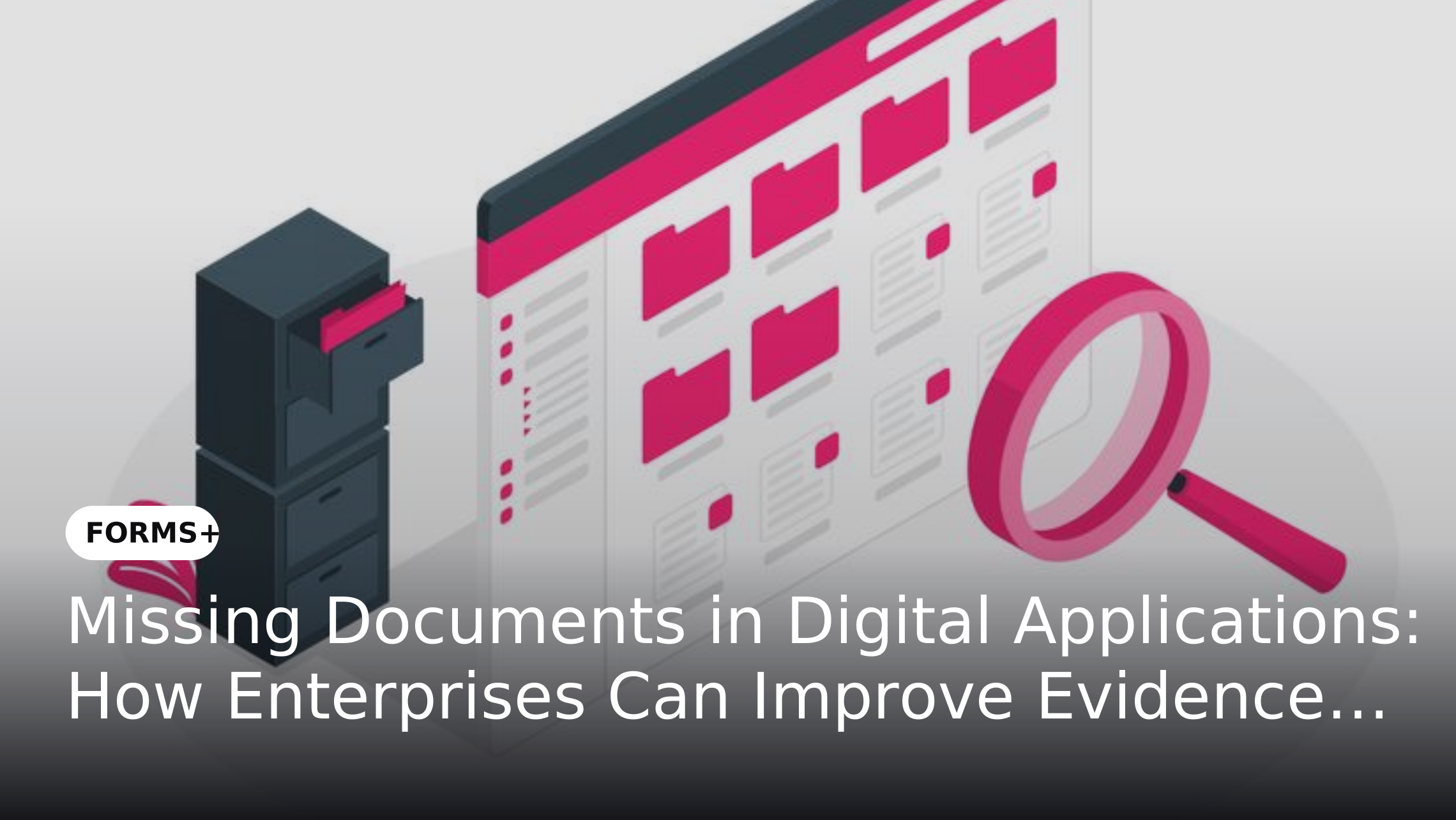
Digital applications help enterprises collect information from customers, employees, vendors and business partners. However, receiving a completed form does not necessarily mean an application is ready for processing. Supporting documents such as identity proofs, registration certificates, declarations, invoices or signed records may still be missing.
When these gaps are identified after submission, teams must contact applicants, request additional files and wait for updated information. This creates avoidable follow-ups and delays subsequent activities. Enterprises can address this problem by incorporating evidence collection into the application itself, using digital forms that clearly define document requirements and check for mandatory attachments before submission.
Why Missing Documents Delay Digital Applications
An application may contain all the requested information but remain incomplete without its supporting evidence. For example, a vendor registration may include company details but lack a registration certificate or tax document. Similarly, an employee onboarding application may contain personal information but omit identity proof or a signed declaration.
When reviewers discover these gaps, they must identify the missing files, contact applicants and wait for the required documents. This increases administrative effort and can delay verification, approvals and service delivery. These problems are closely connected to broader data-capture issues discussed in How Digital Data Capture Improves Operational Accuracy.
Why Document Requirements Should Be Defined at Intake
Document requirements should be established before an application is submitted. Each application type may require a different set of supporting files, so organizations need to distinguish between mandatory, conditional and optional documents.
For example, a vendor registration form may require company registration and tax documents, while an employee onboarding form may request identity proof, bank details and signed policy acknowledgements. Clearly communicating these requirements helps applicants understand what they need to provide and gives processing teams a consistent basis for reviewing submissions.
Common Causes of Incomplete Document Submissions
Several process gaps can lead to missing supporting documents:
These issues often originate in the design of the form itself. As explained in Bad Data Enters at the Form Level And It Costs More Than You Think, incomplete inputs at the point of capture can create downstream rework and processing delays.
How Digital Forms Improve Evidence Collection
Digital forms provide a structured way to collect application information and supporting files together. Instead of asking applicants to complete a form and send documents separately, organizations can include dedicated upload fields within the application.
This gives applicants a clearer submission process and helps processing teams receive information and attachments through a consistent channel. When combined with mandatory fields and validation rules, digital forms can identify missing required attachments before the application is submitted.
Making Supporting Documents Mandatory
One way to improve evidence completeness is to make required document uploads mandatory. Each upload field should clearly identify the document being requested and provide relevant instructions, such as the accepted format or any specific submission requirements.
For example, a vendor registration form could include mandatory upload fields for a company registration certificate and tax documentation. An employee onboarding form could request identity proof and signed declarations. If a required attachment has not been provided, the form should prompt the applicant to complete that section before submission.
Applying File-Type and Submission Validation
Collecting an attachment is only one part of the process. Organizations should also define which file formats are acceptable for each document category. For example, a process may accept PDF files for signed declarations while allowing PDF, JPG or PNG files for identity documents, depending on its requirements.
File-type enforcement helps applicants submit files in accepted formats and reduces avoidable issues caused by unsupported uploads. Other validation rules can check whether required fields have been completed and whether information follows predefined formats. However, confirming that a file has been attached and uses an accepted format does not establish that its contents are genuine, current or accurate. Those checks require an appropriate verification or review process.
Using Conditional Requirements for Different Applications
Not every applicant needs to provide the same documents. A single form may serve different applicant categories, departments, locations or transaction types. Requiring every user to upload the same set of files can create unnecessary steps and make the application process harder to complete.
Conditional form logic can display additional questions and document requirements based on an applicant's responses. For example, selecting a particular vendor category could display relevant certificate upload fields, while selecting a specific employee category could trigger additional documentation requirements. This approach is consistent with the principles explained in Adaptive Smart Forms: Dynamic Field Logic for Smarter Data Collection.
Routing Complete Applications to the Right Teams
After submission, applications should reach the teams responsible for reviewing them. Routing rules can direct submissions to the appropriate department or approver based on application type, business unit or other predefined conditions.
For example, vendor registration submissions can be directed to Procurement, while employee onboarding applications can be routed to HR. When required-document controls are included at intake, reviewers can begin with more structured submissions instead of repeatedly following up for basic missing attachments. Teams should still define responsibility for reviewing evidence, resolving exceptions and requesting additional information where necessary.
How FORMS+ Supports Evidence Collection at Intake
FORMS+ supports structured digital form creation with required-evidence attachments and file-type enforcement. Organizations can define document upload requirements within their forms so applicants can provide supporting files alongside the information being collected. Its validation capabilities help enforce predefined submission requirements, while conditional form logic can make document requirements relevant to different applicant categories.
Submissions can also be connected to routing and approval processes, helping organizations direct collected information to the appropriate teams. By bringing structured data capture and supporting-document collection into the same intake process, FORMS+ helps enterprises reduce avoidable submission gaps and create a more consistent starting point for application processing.
Frequently Asked Questions
1. Why do digital applications often have missing documents?
Digital applications may have missing documents because requirements are unclear, upload fields are optional or supporting files are collected through separate channels. Defining document requirements within the form helps reduce these gaps.
2. How can enterprises prevent incomplete document submissions?
Enterprises can make required attachments mandatory, specify accepted file formats and use form validation to identify missing information before submission. Conditional fields can also display additional document requirements based on applicant responses.
3. What is evidence collection in digital applications?
Evidence collection refers to gathering supporting documents alongside application information. These documents may include identity proofs, certificates, declarations, invoices or other records needed to process an application.
4. Can digital forms make document uploads mandatory?
Yes. Digital forms can include mandatory attachment fields that require applicants to upload specified documents before submitting the application. This helps improve submission completeness at the intake stage.
5. Does file-type validation verify the authenticity of uploaded documents?
No. File-type validation checks whether an uploaded file uses an accepted format. It does not establish whether the document is genuine, accurate, current or legally valid. Additional verification may be required.
6. How does FORMS+ help improve document collection?
FORMS+ supports required-evidence attachments, file-type enforcement, form validation and conditional form logic. These capabilities help enterprises structure document requirements and collect supporting files as part of digital application submissions.
Conclusion
Missing documents are often a process-design problem rather than simply an applicant error. When evidence requirements are unclear or disconnected from the application form, organizations rely on manual checks and repeated follow-ups to complete submissions. Defining required documents, applying upload controls and using conditional requirements can help address these gaps at the point of intake.
Enterprises should treat evidence collection as an integral part of digital application design. With FORMS+, organizations can combine structured data capture, required attachments, file-type enforcement and form validation to make submissions more complete before they enter the next stage of processing.