Introduction
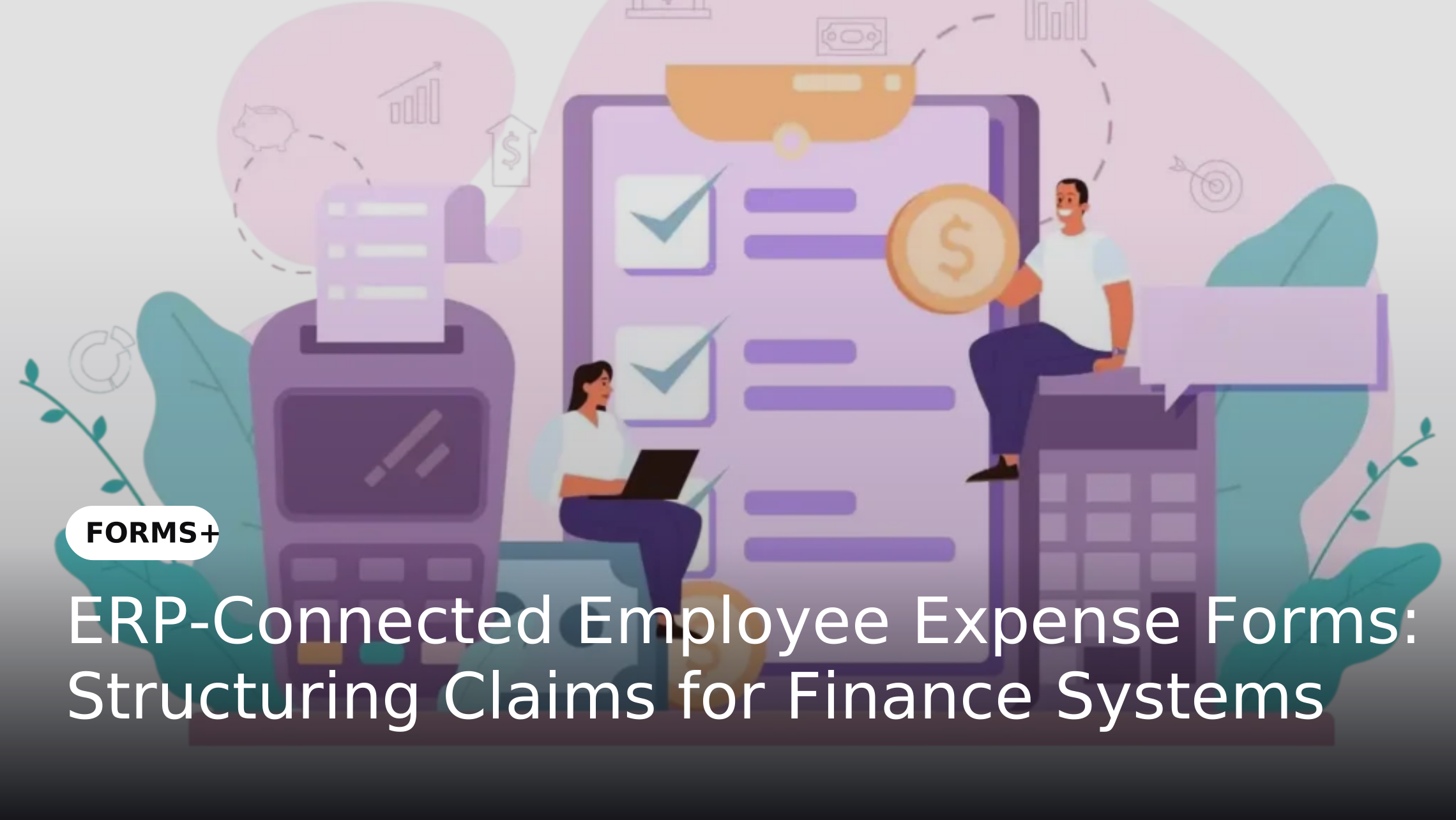
Employee expense reimbursement involves more than collecting receipts and recording transaction amounts. Finance teams need consistent information about employees, expense categories, departments, cost centres and business purposes before claims can be reviewed and processed. When employees submit these details through emails, spreadsheets or inconsistent formats, finance teams often spend additional time correcting information and transferring it into their financial systems.
Digital expense forms connected with Enterprise Resource Planning (ERP) systems can provide a more structured approach to this process. By standardizing information at the point of submission and mapping relevant fields to the receiving system, organizations can reduce repetitive data entry and improve the consistency of employee expense records.
Why Employee Expense Claims Need Structured Data Capture
Employees may incur expenses related to business travel, accommodation, meals, transportation, client meetings, equipment or other approved business activities. Each expense category may require different information and supporting evidence. When organizations rely on spreadsheets or email-based submissions, employees may provide inconsistent descriptions, omit required references or attach receipts without sufficient transaction details.
Structured digital forms help establish a common submission format. Organizations can define mandatory fields, predefined expense categories and conditional questions based on the type of claim. This approach also supports the broader need for reliable information at the point of entry, as discussed in Bad Data Enters at the Form Level And It Costs More Than You Think.
The Role of ERP Integration in Employee Expense Submission
ERP systems maintain financial and operational information such as employee references, departments, cost centres, project codes and accounting records. However, when expense information is collected outside these systems, finance teams may need to transfer the submitted details manually before they can continue processing a claim.
Connecting employee expense forms with an ERP environment can help transfer relevant submission data into the appropriate financial processes. For example, an employee may submit a travel expense with a transaction date, amount, expense category, department reference and receipt. A configured integration can map these fields to corresponding ERP data fields, subject to the receiving system's requirements and available integration capabilities. This is a specific application of the wider integration approach explained in Why Enterprise Forms Should Integrate Directly with Your Existing Business Applications.
Essential Information to Capture in Employee Expense Forms
An enterprise expense form should collect the information finance teams need to identify, classify and review each claim. The exact fields depend on the organization's expense policy, financial structure and ERP configuration.
Common information includes:
Collecting these details consistently helps establish a structured expense record before information moves into finance systems.
How ERP-Connected Employee Expense Forms Work
The integration process connects employee data capture with the organization's existing financial environment. Its implementation depends on the ERP platform, available interfaces, data structure and business rules.
A typical process can follow these stages:
This structure creates a more consistent handoff between employee submissions and finance-system processing without assuming that the form platform independently performs accounting or reimbursement.
Benefits of Structuring Expense Data Before Finance Processing
1. Reduce Repetitive Data Entry
When employees submit expense information through standardized forms, organizations can reduce the need for finance teams to manually re-enter the same details into multiple systems. Configured integrations can transfer mapped information to the relevant ERP environment, reducing repetitive administrative work.
The benefit depends on the quality of field mapping and the reliability of the integration. Organizations should define which fields are transferred, how reference values are handled and what happens when a submission cannot be processed.
2. Improve Expense Data Consistency
Different employees may describe similar expenses in different ways. For example, one employee may select transportation while another enters a free-text description such as local travel. Such variations can make it difficult to classify and report expenses consistently.
Digital forms can use predefined categories, dropdown fields and validation rules to standardize submitted information. This creates more consistent data for finance teams and supports the broader principle of Enterprise Data Starts at the Source: Why Better Forms Drive Better Decisions.
3. Improve Supporting Document Collection
Missing receipts and incomplete supporting evidence can delay the review of employee expense claims. When documents are submitted separately through emails or messaging platforms, finance teams may need to follow up to locate the correct evidence.
Expense forms can include required attachment fields and file-type controls based on the organization's submission requirements. These controls help ensure that employees provide the expected supporting files, although they do not independently verify the authenticity or accuracy of receipt contents.
4. Establish More Consistent Financial References
Finance systems may rely on employee identifiers, departments, cost centres and project references to organize expense information. If these values are entered inconsistently, finance teams may need to correct submissions before processing.
Forms can use predefined reference values and validation rules to standardize these fields. Where supported by the integration design, the submitted information can then be mapped to corresponding ERP fields. Organizations should confirm that reference values match the target system's data structure.
5. Improve Submission Traceability
A structured submission process provides a more consistent record of the information employees provide and the supporting documents attached to each claim. Form audit trails can help organizations review submission-related activities and maintain visibility into changes or actions taken during the form process.
When the receiving ERP system also maintains transaction and processing records, organizations can establish a clearer connection between the original expense submission and its subsequent financial processing.
Best Practices for Designing ERP-Ready Employee Expense Forms
Define the Required Expense Data Structure
Start by identifying the information finance teams require for different expense categories. Employee identifiers, transaction dates, expense types, amounts, business purposes and supporting evidence should be defined before the form is designed.
The field structure should also be reviewed against the target ERP's data model. This helps prevent mismatches between the information employees submit and the fields the finance system expects.
Use Conditional Fields for Different Expense Categories
A travel expense may require a destination and travel dates, while a client-meeting expense may require a business purpose and participant details. Collecting every possible field from every employee can make the form unnecessarily complicated.
Conditional logic can display relevant questions based on the selected expense category. This helps organizations collect the information required for each type of claim while keeping the submission process focused.
Standardize Cost Centre and Project References
Where expense allocation requires cost centres, business units or project codes, organizations should define how employees select or provide these references. Free-text entry can create inconsistencies when employees use different names or abbreviations for the same organizational unit.
Predefined values, validation rules or approved reference-data integrations can help maintain consistency. The exact method should be selected according to the organization's ERP configuration and data-management requirements.
Establish Clear Integration and Exception Rules
Before connecting an expense form to an ERP system, teams should identify which fields need to be transferred and what action the receiving system should perform. The integration design should account for required fields, accepted data formats, reference matching and error responses.
Organizations should also define how incomplete submissions, unmatched employee records and failed transfers are handled. A failed data transfer should be identifiable and reviewable rather than silently treated as a successful submission.
Review Form and Integration Performance
Organizations should periodically review submission completeness, frequently missing fields, rejected transfers and recurring data inconsistencies. These observations can help identify where form instructions, validation rules or field mappings need improvement.
Form analytics and finance-system reporting can provide complementary views of the submission and processing stages. This makes it easier to identify data-quality issues without confusing form completion metrics with reimbursement or payment performance.
How FORMS+ Supports Employee Expense Data Capture
FORMS+ enables enterprises to create structured digital forms for collecting business information. For employee expense submissions, organizations can configure fields to capture employee details, transaction information, expense categories and supporting evidence. Its capabilities include mandatory fields, field-level validation, conditional logic and required evidence attachments, helping standardize submissions before information moves to downstream business processes.
FORMS+ also supports integration with enterprise applications, including ERP environments. The exact ERP platform, field mapping, reference-data handling and transfer actions should be confirmed during implementation. Its role in this use case is to provide a structured data-capture layer for employee expense claims, while approval orchestration, accounting treatment, reimbursement calculations and payment execution remain with the relevant configured workflow and finance systems.
Conclusion
Employee expense submissions need consistent information before finance teams can review and process them. When claims arrive through spreadsheets, emails or inconsistent formats, organizations face additional data entry, missing evidence and mismatched financial references. Structured digital forms help standardize these submissions by defining the information employees need to provide.
By connecting FORMS+ with an appropriately configured ERP environment, enterprises can establish a more consistent handoff between employee expense data capture and finance-system processing. With suitable field mapping, validation and exception handling, organizations can improve submission quality and reduce repetitive data handling while keeping accounting and reimbursement activities within their designated financial systems.