Introduction
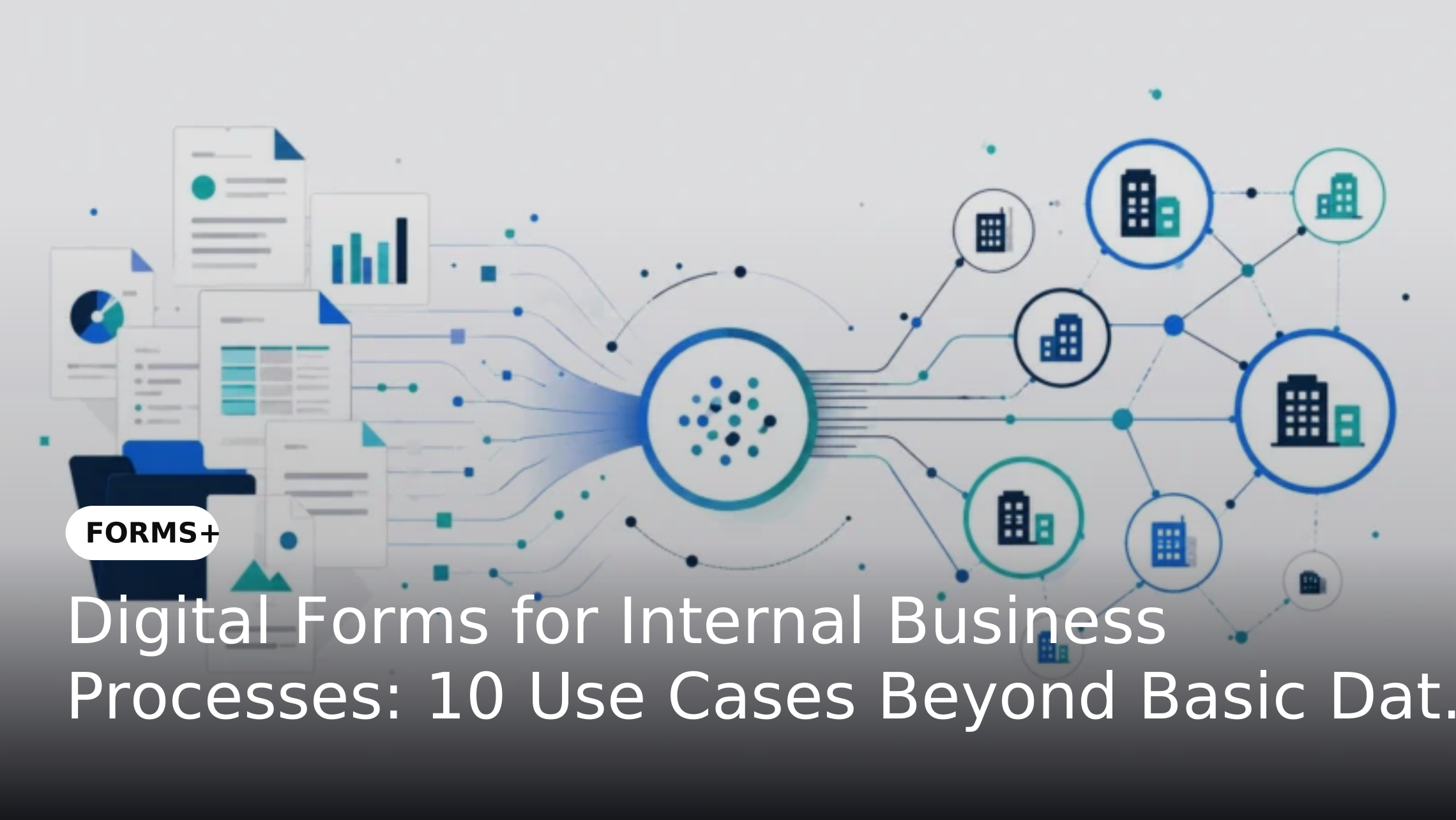
Digital forms have moved beyond replacing paper documents or collecting basic information online. Enterprises can use them as structured entry points for internal processes such as employee requests, procurement, IT access, vendor onboarding, compliance and approvals.
When connected to validation, routing, approvals and business applications, digital forms can help standardize how internal requests enter an organization and what happens next. This makes them useful not only for data capture but also for creating more consistent and connected business processes.
What Are Digital Forms for Internal Business Processes?
Digital forms are electronic forms that allow employees, managers, vendors or other users to submit structured information through an online interface. In an internal business environment, these forms can initiate requests, collect supporting information, trigger approvals or provide data to downstream systems.
Unlike basic online forms, enterprise digital forms can support validation, conditional fields, routing, status tracking and integrations with business applications. They provide a structured alternative to spreadsheets and email-based requests, particularly when multiple departments need consistent information and process visibility. Why Enterprises Are Replacing Spreadsheet-Based Business Requests with Intelligent Forms
10 Digital Form Use Cases for Internal Business Processes
1. Employee Onboarding Requests
Employee onboarding often requires information and actions from HR, IT, Finance, Administration and managers. A digital onboarding form can collect employee information, required documents, role details and equipment requirements in a standardized format. The submission can then initiate tasks or approvals for different departments.
This reduces the need for HR teams to send separate emails to multiple departments and gives each team access to the information relevant to its part of the onboarding process.
2. IT Access and Equipment Requests
Employees frequently need access to applications, systems, hardware or other IT resources. Instead of submitting requests through email, employees can use digital forms that capture the required access type, department, manager approval and business justification. Rules can then determine which requests require additional approval.
The form can become the starting point for a structured IT request process while providing visibility into pending and completed requests.
3. Purchase and Procurement Requests
Internal purchase requests often require information about the item, quantity, cost, department, budget and business justification. A digital purchase request form can standardize this information and route submissions according to predefined approval requirements. This can help procurement teams receive complete information before processing a request.
Digital forms can therefore provide a structured intake layer before the request moves into procurement or financial systems.
4. Vendor Registration and Information Updates
Vendor onboarding requires organizations to collect company information, contact details, tax information, banking information and supporting documents. A digital vendor registration form can standardize the information collected from suppliers while ensuring required fields and documents are submitted before review.
This can also provide a consistent starting point for procurement and supplier-management processes while reducing back-and-forth communication.
5. Employee Leave and Travel Requests
Leave and travel requests are common internal processes that often involve employees, managers and HR or Finance teams. Digital forms can capture dates, request types, destinations, business justification and supporting information in a standardized structure. Approval routing can then direct the request to the appropriate manager or department.
For larger organizations, standardized digital forms can also make it easier to maintain consistent request processes across teams or locations.
6. Expense and Reimbursement Requests
Expense reimbursement processes typically require employees to provide transaction details, categories, amounts and supporting receipts. A digital form can validate required information and collect supporting documents at the point of submission. It can then route the request for review and approval.
This reduces reliance on spreadsheets or email attachments while creating a more structured record of each reimbursement request.
7. Contract and Legal Review Requests
Business teams often need Legal to review contracts, agreements, proposals or other documents. A legal request form can capture the contract type, business unit, priority, counterparty information, required completion date and supporting documents before the request reaches the legal team.
This gives Legal more complete information at intake and helps establish a consistent process for handling internal requests.
8. Compliance and Audit Submissions
Compliance teams frequently need information, evidence and confirmations from different departments. Digital forms can provide structured checklists, required evidence fields and validation rules to make submissions more consistent. They can also capture information about who submitted or reviewed the response.
This creates a more organized approach to collecting compliance information while reducing fragmented email-based submissions.
9. Facilities and Administrative Requests
Internal facilities processes can include maintenance requests, workspace requirements, visitor requests, asset allocation and other administrative services. Employees can submit these requests through standardized digital forms that capture location, request type, urgency and supporting information.
Routing can then direct requests to the appropriate facilities or administrative team while allowing employees to track progress.
10. Project and Business Initiative Updates
Project teams often collect status updates, risks, resource requirements and milestone information from multiple stakeholders. A structured digital form can standardize these updates so project leaders receive information in a consistent format. Conditional fields can also ensure that users provide additional information only when relevant.
This can help organizations create a repeatable approach to collecting project information across teams, business units or initiatives.
What Makes These Use Cases Suitable for Digital Forms?
The strongest candidates generally share several characteristics:
- The process receives recurring requests.
- Similar information is collected repeatedly.
- Required fields or validation rules can be defined.
- Requests need to be routed to specific people or teams.
- Approvals are part of the process.
- Supporting documents may be required.
- Status visibility is important.
- Information needs to reach another business system.
- Manual follow-ups create delays.
- Consistent data is required across departments.
These characteristics help distinguish a useful enterprise form from a simple online questionnaire.
From Digital Data Capture to Process Automation
A digital form becomes more valuable when the information collected can initiate the next business action.
For example:
Employee request → Validation → Manager approval → Department routing → System update → Status tracking
This model moves the form beyond basic data collection. Instead of requiring employees to submit information and then wait for someone to manually process it, the form becomes part of a connected business process. Organizations looking specifically at the operational benefits of structured capture can also explore How Digital Data Capture Improves Operational Accuracy.
How Digital Forms Improve Internal Process Management
Standardized Data Capture
Digital forms can establish common fields, formats and validation rules for recurring internal requests. This helps reduce inconsistent submissions and improves the quality of information entering downstream processes.
Reduced Manual Handoffs
When routing and approvals are connected to the form submission, teams can reduce unnecessary email forwarding and manual coordination.
Better Process Visibility
Centralized submissions can make it easier to identify pending requests, monitor progress and understand where a process may be slowing down.
Consistent Employee Experience
A standardized digital request process gives employees a predictable way to submit information regardless of which department handles the request.
Easier Integration
When form data needs to move into another business application, integration can reduce duplicate data entry and help maintain continuity between the intake process and downstream systems. Why Enterprise Forms Should Integrate Directly with Your Existing Business Applications
Best Practices for Implementing Digital Forms Internally
1. Start With the Process
Do not begin by converting every paper form or spreadsheet into a digital form. First understand the process, its users, required information, approval steps and downstream actions.
2. Standardize Common Information
Where departments collect similar information, use consistent field names, formats and validation rules. This can improve data quality across internal processes.
3. Keep Forms Relevant to the User
Use conditional logic where appropriate so employees only see fields relevant to their request. This can reduce unnecessary input and make forms easier to complete.
4. Define Ownership
Every important form should have a business owner responsible for its requirements, review cycle and continued relevance.
5. Connect Forms to the Next Action
A digital form should not simply replace an email attachment. Where appropriate, connect submissions with routing, approvals, notifications, systems or other downstream processes.
For organizations managing forms across multiple departments, structured governance and lifecycle management can help maintain consistency as the number of forms grows.
How Forms+ Supports Internal Business Processes
Forms+ enables enterprises to create digital forms that combine structured data capture with validation, conditional logic, routing, approvals, SLA tracking, analytics and integrations. For example, an employee request can be captured through a digital form, validated against defined rules, routed to the appropriate approver and tracked through completion. Forms+ also supports enterprise integrations so form-driven processes can connect with existing business applications. Explore Forms+
This allows organizations to use digital forms as structured entry points for internal processes rather than treating them as standalone data-collection tools.
Measuring the Impact of Digital Forms
Enterprises should evaluate digital forms based on the process outcomes they support rather than simply counting how many forms have been digitized.
Useful measures include:
These measures can help organizations identify which forms are delivering operational value and which processes may require further improvement.
Common Mistakes When Digitizing Internal Forms
Digitizing a Poor Process
Moving an inefficient paper or spreadsheet process online does not automatically make it better. Organizations should simplify unnecessary steps before digitizing them.
Creating Forms Without Ownership
Without clear ownership, forms can become outdated as processes, policies and business requirements change.
Collecting More Information Than Necessary
Every field should have a business purpose. Excessive fields can increase completion time and reduce adoption.
Ignoring What Happens After Submission
The form is only one part of the process. Organizations should define what happens after information is submitted and who is responsible for the next action.
Creating Department-Specific Forms Without Standards
Independent form creation can lead to duplicate forms and inconsistent data. Enterprise-wide standards can provide consistency while allowing legitimate department-level differences.
Conclusion
Digital forms can support far more than basic data collection across an enterprise. From employee onboarding and IT requests to procurement, compliance, legal reviews and project updates, they provide a structured way to capture information and initiate internal business processes.
The greatest value comes when forms are connected to the actions that follow. With validation, routing, approvals, integrations and visibility, Forms+ can help enterprises turn internal form submissions into more consistent and connected business processes.
FAQs
What Internal Business Processes Can Use Digital Forms?
Digital forms can support recurring processes such as employee onboarding, IT access requests, procurement, vendor registration, expense claims, legal reviews, compliance submissions, facilities requests and project updates.
Can Digital Forms Replace Internal Email Requests?
They can replace many email-based requests where the process requires structured information, defined routing or approvals. The suitability depends on the complexity and requirements of the specific process.
What Is the Difference Between a Digital Form and an Automated Form?
A digital form primarily captures information electronically. An automated form can also trigger actions such as validation, routing, approvals, notifications or system updates after submission.
How Should Enterprises Decide Which Processes to Digitize First?
Start with recurring processes that involve significant manual effort, repeated data entry, defined rules, approval steps or frequent requests. Prioritizing these processes can help organizations demonstrate value sooner.
Can Digital Forms Integrate With Existing Enterprise Systems?
Yes. Digital forms can connect with business applications through integrations or APIs where supported. This can allow submitted information to move into downstream systems without requiring duplicate manual entry.