Introduction
Manual processes can work effectively when transaction volumes are low and workflows involve limited handoffs. As organizations grow, however, routine activities often become dependent on emails, spreadsheets, repeated data entry, manual approvals and employee follow-ups. The resulting costs are not always visible in payroll or software budgets because they also appear as delays, rework, errors and lost productivity.
Business automation software changes how these activities are executed by applying predefined rules to repetitive tasks, routing work automatically and connecting people with the systems they already use. The decision is therefore not simply about replacing manual work with software. It is about comparing the total operational cost, process speed, consistency, visibility and scalability of both approaches.
Business Automation Software vs Manual Processes: What Is the Difference?
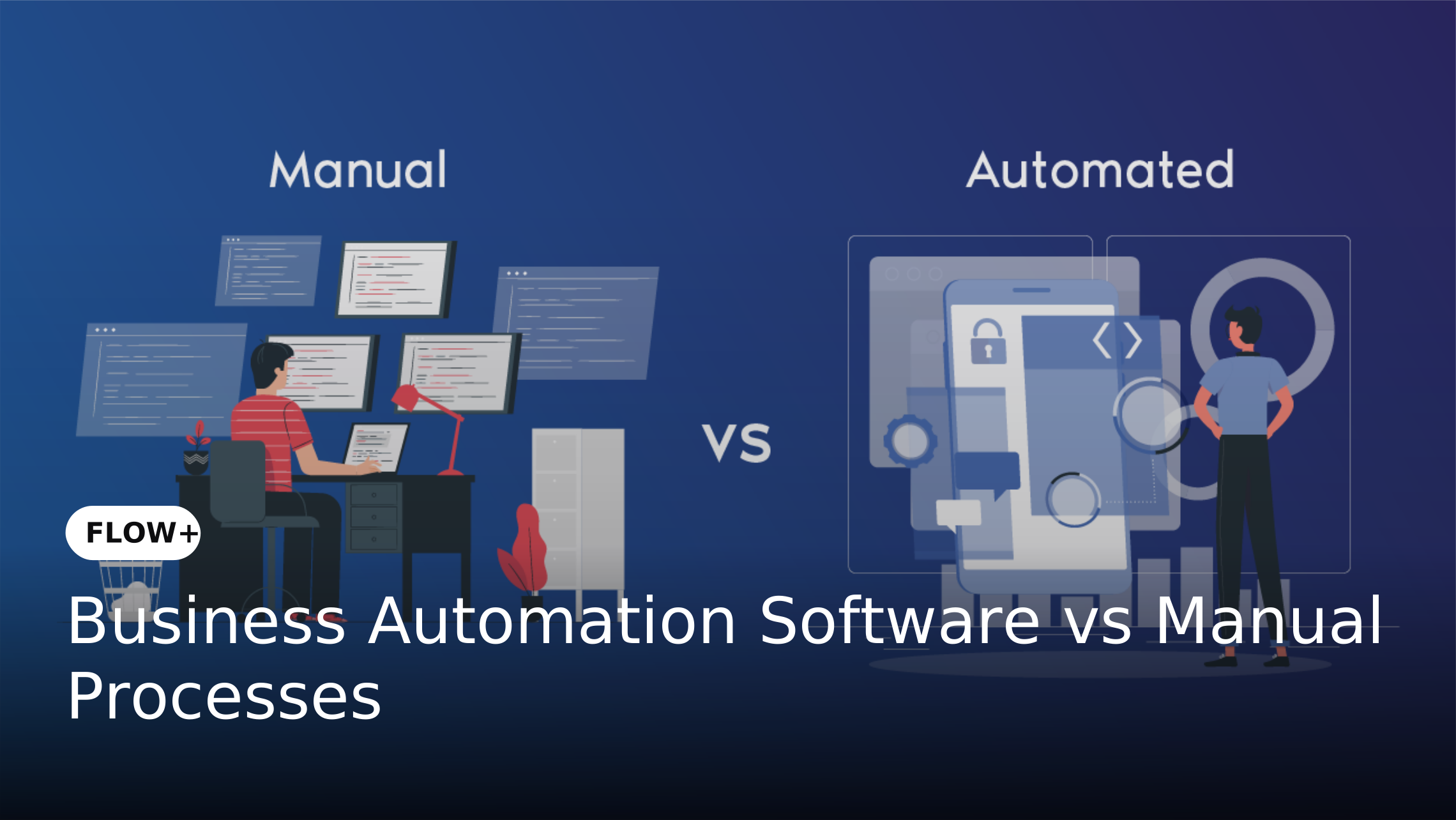
Manual processes depend heavily on people to initiate tasks, transfer information, make routine decisions, follow up with stakeholders and update records. A purchase request, for example, may move through email approvals before an employee manually updates a spreadsheet and informs Finance that the request has been completed. Each handoff introduces another point where work can be delayed or information can be missed.
Business automation software uses configured workflows to determine what happens next based on predefined rules. Requests can be captured digitally, routed to the appropriate person, escalated when deadlines are missed and tracked throughout the process. Human decision-making remains important where judgment is required while repetitive coordination can be handled automatically.
Cost: Manual Processes vs Business Automation Software
The cost of manual processes extends beyond employee salaries. Businesses also incur costs through repetitive data entry, follow-ups, corrections, approval delays, document handling and the management time required to track work. As transaction volumes increase, these hidden operational costs can make manual processes increasingly expensive even when the underlying activities appear simple.
A 2025 survey of 1,000 UK public-sector workers by Appian and Coforge found that manual process inefficiencies were associated with an average of five hours of extra work or delays per worker each week. Across the UK's public-sector workforce, this amounted to 30.6 million hours per week. While the research focuses on the UK public sector rather than enterprises generally, it illustrates how recurring manual inefficiencies can accumulate into significant operational costs.
Where Automation Can Reduce Operational Cost
Automation can reduce the amount of employee time spent on repetitive coordination activities. Instead of employees manually checking request status, sending reminders or transferring information between systems, the software can perform these activities according to predefined rules.
The potential impact can be substantial for high-volume processes. McKinsey has reported that successful operations centers applying RPA and related automation technologies reduced costs by 30–60% while improving delivery quality. This figure reflects specific automation implementations rather than a guaranteed saving for every enterprise.
Speed: Why Automated Processes Usually Move Faster
Manual workflows are often limited by human availability. A request may remain untouched because the responsible employee is unavailable, an approval email was missed or another department has not provided the required information. Even when each individual task takes only a few minutes, multiple handoffs can significantly increase the overall cycle time.
Business automation software can execute routing, notifications, escalations and repetitive processing without waiting for someone to perform each coordination step. Work can therefore continue according to predefined rules even outside normal working hours. This does not mean every automated process becomes instantaneous. The actual improvement depends on process design, integration quality, decision complexity and the amount of human intervention that remains.
Cycle Time vs Task Time
One important distinction is between task time and process cycle time. An employee might need only five minutes to approve a request, but the complete process could take two days because the request sits in an inbox between steps.
Automation primarily creates value by reducing these waiting periods and unnecessary handoffs. McKinsey research on intelligent process automation found examples where straight-through process time was reduced by 50–60%, demonstrating the potential impact when substantial portions of a process can be automated. McKinsey & Company
Operational Differences Between Manual and Automated Processes
The difference between manual processes and business automation software extends beyond speed and cost. It affects how work is assigned, monitored, measured and governed across the organization.
1. Task Assignment
Manual processes often depend on employees knowing who should handle the next step. When responsibility is unclear, requests can be forwarded between teams or remain unattended.
Automated workflows assign tasks according to predefined rules. A purchase request can automatically move to the appropriate manager based on value thresholds while exceptions can follow a different approval path.
2. Process Visibility
Manual processes make it difficult to determine where a request is currently located. Employees may need to search emails, spreadsheets or shared folders to understand the status of a transaction.
Automation provides centralized process visibility. Managers can monitor pending tasks, identify bottlenecks and track workflow performance without relying entirely on individual employees for updates.
3. Accuracy and Consistency
Manual data entry creates opportunities for incorrect values, incomplete information and inconsistent process execution. Repeated work can also result in duplicate records or missed steps.
Automation applies predefined rules consistently. While automated systems still depend on accurate input and well-designed workflows, they reduce unnecessary variation in repetitive activities.
4. Accountability
In a manual process, determining who delayed a request may require reviewing email conversations or speaking with multiple employees.
Automated workflows can record task assignments, actions, timestamps and approval decisions. This creates a clearer audit trail and makes accountability easier to establish.
5. Scalability
Manual processes generally require additional employee effort as transaction volumes increase. This can make growth increasingly dependent on adding people or accepting longer processing times.
Automation allows organizations to handle higher volumes without increasing manual coordination at the same rate. Scalability still depends on system architecture, integrations and process design but automated workflows provide a stronger foundation for expansion.
Manual Processes Are Not Always the Wrong Choice
Automation should not be treated as a requirement for every business activity. Processes involving highly subjective decisions, infrequent exceptions or rapidly changing requirements may still require substantial human involvement. The objective should be to automate activities where software can reliably improve the way work is performed. Repetitive data movement, routine approvals, notifications, status updates and standardized routing are generally stronger candidates than activities that depend heavily on human judgment.
McKinsey research similarly notes that not every task is suitable for complete automation. Some activities involve decision-making, interactions and handoffs where technology can support employees without completely replacing human involvement. McKinsey & Company
How to Compare the Total Cost of Manual and Automated Processes
A meaningful comparison should begin with the current process rather than the software price. Document how many transactions the process handles, how much employee time each transaction requires, how many people participate and how long requests typically remain open.
Next, identify indirect costs such as rework, errors, delayed approvals, missed SLAs, document handling and management follow-ups. Compare these with the expected costs of software licensing, implementation, integrations, training and ongoing administration. This approach provides a more realistic view of whether automation can create measurable business value.
When Business Automation Software Makes More Sense
Automation becomes increasingly relevant when a process is repetitive, high-volume, rules-based or dependent on multiple handoffs. Processes that regularly create approval bottlenecks, require employees to perform repetitive data entry or depend heavily on email follow-ups can provide clear opportunities for improvement.
The case becomes stronger when the process affects several departments or enterprise systems. Procurement, HR onboarding, contract approvals, employee requests, vendor management and financial workflows can involve multiple stakeholders where centralized orchestration provides greater value than automating isolated tasks.
How FLOW+ Changes the Manual Process Model
FLOW+ provides an orchestration layer for enterprise workflows by allowing organizations to configure approval hierarchies, business rules, task assignments, notifications, escalations and integrations. Instead of employees manually coordinating every stage, the workflow determines what should happen next while keeping people involved where decisions or approvals are required.
This approach is particularly relevant for enterprises where processes extend across departments and applications. Forms+ can support structured data capture while DMS+ can manage documents associated with a workflow. Digi+ can help convert paper-based information into digital records while AccountsPayable+ can support downstream accounts payable processes. FLOW+ connects these stages where they form part of the same business process.
Real-World Example: Purchase Approval
Consider an organization where purchase requests are submitted through email. An employee sends a request to a manager, Finance reviews the request separately and Procurement later updates a spreadsheet. Employees may need to send reminders to determine whether the request has been approved while managers have limited visibility into pending purchases.
With an automated workflow, the request can be submitted through a structured form and routed according to predefined approval rules. Notifications can be triggered automatically while overdue tasks can be escalated. Supporting documents can be managed within DMS+ and approved requests can continue into connected business systems. The key improvement is not simply faster approval. It is the replacement of fragmented coordination with a controlled process.
What Enterprises Should Measure After Automation
Organizations should measure the process before automation so that improvements can be evaluated against a clear baseline. Useful metrics include average cycle time, processing time, approval turnaround time, manual effort per transaction and error or rework rates.
After implementation, organizations can also monitor SLA compliance, workflow backlog, exception rates, throughput and user adoption. Measuring these indicators helps determine whether automation is actually improving the process rather than simply moving the same inefficiencies into a software environment.
Common Mistakes When Comparing Automation With Manual Processes
One common mistake is comparing the software license price with the salary cost of an employee. This creates an incomplete calculation because manual processes also generate coordination, error, delay and management costs. The opposite mistake is assuming that every automated process will produce immediate savings without accounting for implementation, integration and maintenance costs.
Another mistake is automating an inefficient process without redesigning it first. Automation can accelerate an unnecessarily complex approval chain just as effectively as it can improve a well-designed process. Enterprises should therefore simplify the process, define ownership and establish measurable objectives before implementing automation.
Frequently Asked Questions
1. Is business automation software always cheaper than manual processes?
Not necessarily. Automation requires software, implementation, integration and maintenance investment. The business case becomes stronger when a process has high transaction volumes, repetitive work, frequent delays or significant error and coordination costs.
2. Does automation completely eliminate human involvement?
No. Well-designed enterprise automation typically removes repetitive coordination while keeping people involved in approvals, exceptions, judgment-based decisions and other activities that require human oversight.
3. How can businesses calculate the cost difference?
Start with the current cost of employee time, processing volume, rework, errors, delays and management effort. Then compare these costs with software licensing, implementation, integration, training and maintenance expenses.
4. Which processes are best suited for automation?
High-volume, repetitive, rules-based processes with predictable steps are generally strong candidates. Examples include approvals, employee requests, vendor onboarding, document routing and standardized service requests.
Conclusion
The comparison between business automation software and manual processes should not be reduced to software cost versus employee effort. Manual operations can carry substantial hidden costs through delays, repetitive coordination, errors, rework and limited visibility. Automation introduces its own investment requirements but can improve process speed, consistency, accountability and scalability when applied to the right workflows.
For enterprises, the practical question is therefore which processes justify automation and what measurable outcomes should improve after implementation. By establishing a baseline, identifying high-value opportunities and measuring cycle time, cost, accuracy and operational performance, organizations can make automation decisions based on business outcomes rather than technology adoption alone.