Introduction
Workflow automation is increasingly becoming a strategic business investment rather than simply an operational efficiency initiative. Enterprises automate approval processes, employee requests, procurement workflows, finance operations, service requests and other repetitive activities to reduce manual effort, improve consistency and make processes easier to monitor. But before investing in a workflow automation platform, decision-makers need to answer a more fundamental question: What measurable value will the automation create?
Calculating workflow automation ROI gives CIOs, CFOs, COOs and operations leaders a structured way to answer that question. Instead of treating every hour saved as a direct financial saving, enterprises can evaluate labor effort, processing time, cycle time, errors, rework, transaction capacity and operating costs against the full cost of automation. This guide explains how to establish a baseline, calculate potential returns, build a realistic business case and measure whether an automation initiative delivers the expected value after implementation.
What Is Workflow Automation ROI?
Workflow automation ROI measures the value generated by automating a business process compared with the investment required to implement and operate that automation.
A basic ROI formula is:
ROI (%) = [(Total benefits − Total automation cost) ÷ Total automation cost] × 100
The formula follows the standard ROI approach used in Deloitte's publicly available guidance on measuring automation ROI. Deloitte recommends looking beyond direct cost savings and considering productivity, scalability, quality, process insights, employee capacity and governance when evaluating automation value. Measuring automation ROI, Deloitte
For workflow automation, measurable benefits can include:
- Reduced manual processing effort
- Lower error and rework costs
- Faster process completion
- Reduced administrative effort
- Increased transaction capacity
- Reduced manual coordination
- Better process visibility
Automation costs can include:
The key principle is simple: calculate ROI from the economics of the specific process rather than applying a generic automation percentage.
Why Enterprises Should Calculate Workflow Automation ROI Before Automating
Automation can create value, but not every process is equally suitable for automation. A high-volume process with repetitive activities, predictable rules and frequent handoffs may have a stronger business case than a low-volume process that depends heavily on human judgment.
Deloitte's research provides an indication of the potential financial impact of automation. In its 2021/22 intelligent automation survey, organizations expected an average 31% cost reduction over the following three years, while organizations that had moved beyond the pilot stage reported an average 32% cost reduction. Deloitte also reported an average payback period of 22 months for organizations piloting intelligent automation. These are survey findings across participating organizations and should not be treated as guaranteed results for an individual workflow automation project. Robotic Process Automation, Deloitte
These figures also demonstrate why enterprises should calculate ROI for individual processes rather than assume that automation will automatically produce a specific level of savings.The objective is not to automate the maximum number of processes. It is to identify processes where automation can create measurable and defensible business value.
What Should Be Included in a Workflow Automation ROI Calculation?
A reliable ROI model should include both benefits and costs. Looking only at hours saved can make an automation project appear more financially attractive than it actually is.
1. Labor Effort Saved
Start by measuring how much employee time the current process consumes.
Capture:
- Number of transactions processed
- Average time spent per transaction
- Number of employees involved
- Fully loaded hourly employee cost
For example, if employees collectively spend 500 hours per month processing a workflow and automation reduces that requirement to 200 hours, the process releases 300 hours per month.
A simplified calculation is:
Labor-effort value = Hours saved × Fully loaded hourly cost
UiPath's public Business ROI documentation uses a similar approach, calculating time saved from human effort and multiplying it by the relevant hourly cost. Business ROI, UiPath
However, there is an important distinction:
Time released is not automatically the same as cash saved.
If employees use the released capacity to process more requests, improve service levels or focus on higher-value activities, the organization has gained capacity rather than necessarily reducing payroll.
2. Error and Rework Costs
Manual workflows can create costs beyond the original processing effort.
For example, an incorrect request may require employees to:
- Contact another department
- Respond to a customer or supplier
Measure:
- Financial impact of material errors
A simplified calculation is:
Error-related savings = Errors avoided × Average cost per correction
Only monetize error reduction when the organization has reliable data to support the estimate.
3. Processing Time and Cycle Time
Automation can improve both the amount of work required and the elapsed time required to complete a process.
These are different metrics.
Consider a purchase request that requires only 30 minutes of actual employee work but remains open for three days because it moves between email inboxes and departments. Automation may not eliminate all 30 minutes of human involvement, but it can reduce waiting time by automatically routing the request, notifying the next approver and escalating overdue actions.
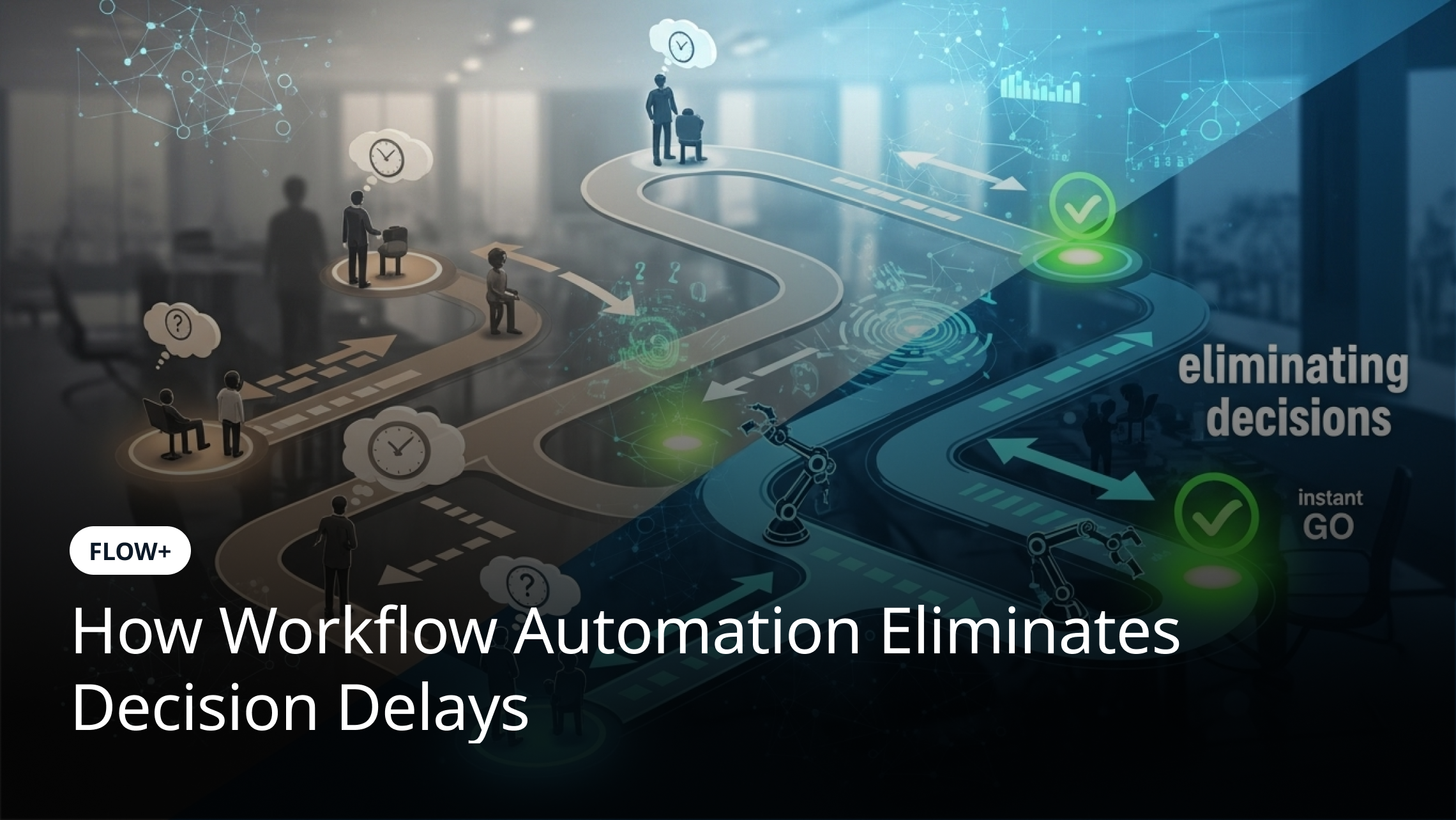
This makes cycle-time reduction particularly relevant for approval-heavy workflows.Your existing Approval Bottlenecks in Enterprises: How Workflow Automation Eliminates Decision Delays article can support this topic because it addresses the operational causes of approval delays. This ROI article adds a different angle by showing how improvements in those processes can be measured financially.
4. Increased Operational Capacity
One of the most frequently misunderstood components of automation ROI is capacity.
Suppose a finance team currently processes 1,000 requests per month. Automation reduces manual effort enough for the same team to process 1,500 requests without adding employees.
The business has gained 500 transactions of additional capacity.
That does not necessarily mean the organization has reduced its payroll cost.
Deloitte's automation ROI guidance similarly emphasizes that automation value should not be limited to FTE reduction. It highlights productivity, scalability, process improvements and better deployment of skilled employees as additional sources of value. Measuring automation ROI, Deloitte
Therefore, automation ROI should distinguish between:
- Hard savings — costs actually removed from the business
- Capacity value — additional work that can be handled with existing resources
- Productivity value — employee time redirected toward higher-value work
This makes the business case more credible.
5. Avoided Operating Costs
Some automation initiatives can eliminate specific operating expenses.
Examples can include:
- Manual data-entry services
- Temporary processing staff
- Outsourced administrative work
- Physical document handling
- Repetitive reconciliation activities
Only include a cost as an avoided cost if the organization can demonstrate that the expense would actually disappear or materially decrease.
6. Automation Platform and Implementation Costs
A realistic ROI calculation must include the complete cost of automation.
Consider:
- Platform subscription or licensing
- Data migration where required
- Internal project resources
A business case that compares labor savings against only the software subscription can significantly overstate ROI.
A Step-by-Step Method to Calculate Workflow Automation ROI
Step 1: Select a Specific Process
Start with one identifiable business process. Avoid calculating ROI for "workflow automation" as an entire enterprise initiative.
Potential candidates include:
- Internal compliance workflows
Look for processes with:
- Significant administrative effort
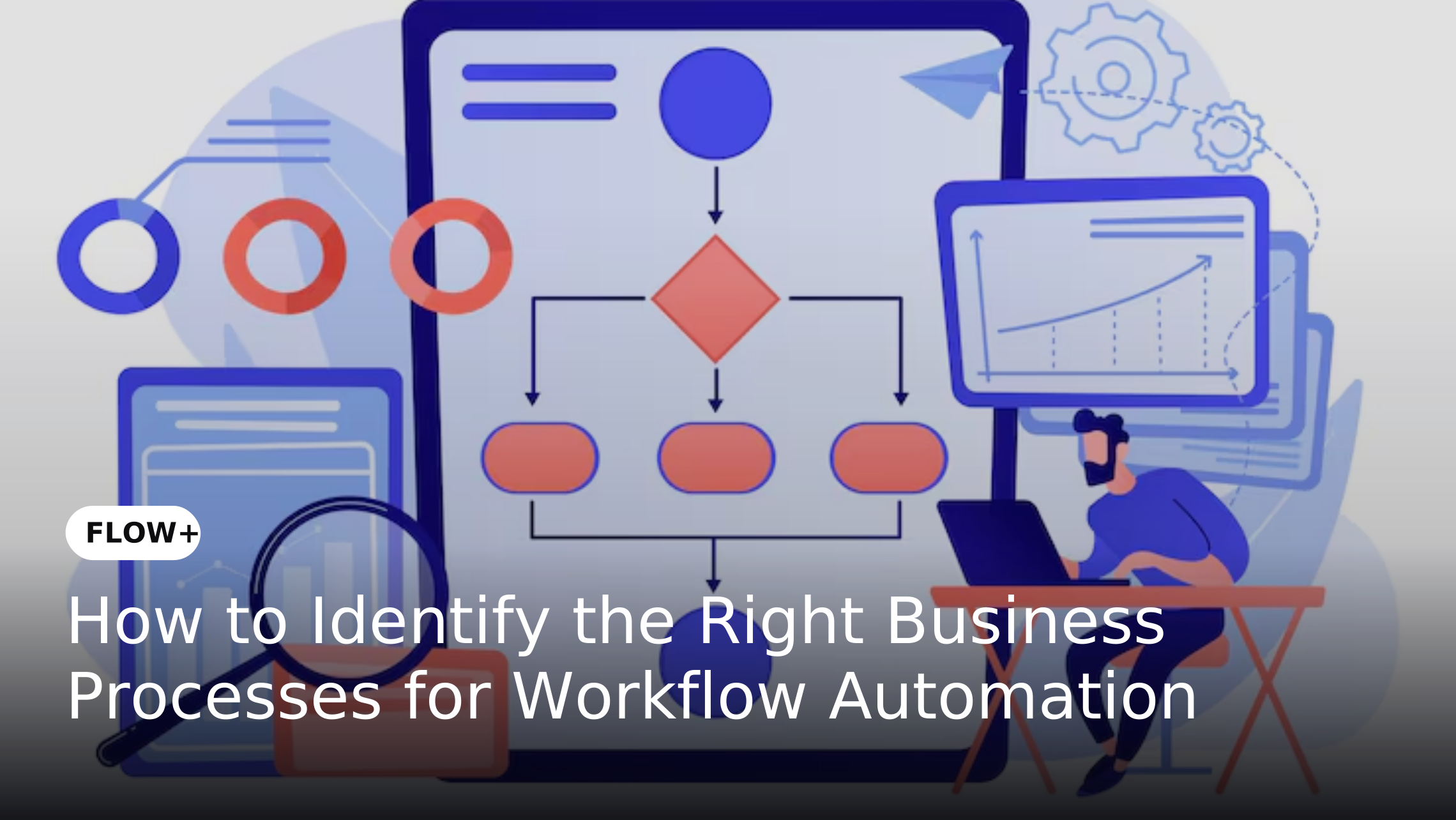
This connects naturally with How to Identify the Right Business Processes for Workflow Automation, where process suitability is established before automation.
Step 2: Establish the Current-State Baseline
Before automating, record how the process performs today.
Capture:
- Monthly transaction volume
- Number of employees involved
- Current cost per transaction
For example, an organization may discover that a procurement approval process handles 1,000 requests per month, consumes 600 employee hours and takes an average of three days from initiation to completion. These figures are only an example. Actual business cases should use historical organizational data.
Your baseline becomes the reference point against which automation results are measured.
This is also where Process Mapping for Workflow Automation: How to Map Processes Before You Automate becomes useful. Mapping the existing workflow can reveal unnecessary approvals, handoffs, repetitive activities and bottlenecks before the ROI calculation is finalized.
Step 3: Calculate the Current Annual Cost
A simplified labor-cost calculation is:
Annual manual labor cost = Annual labor hours × Fully loaded hourly cost
For example:
Monthly labor hours = 600
Fully loaded hourly cost = ₹800
Annual labor hours:
600 × 12 = 7,200 hours
Annual labor cost:
7,200 × ₹800 = ₹57,60,000
This is a hypothetical example, not an industry benchmark.
For an actual business case, use the organization's loaded employee cost rather than salary alone. Depending on the organization's accounting approach, this may include benefits, employer contributions, facilities and other relevant employment costs.
Step 4: Estimate the Post-Automation Effort
Next, determine how much human effort will remain after automation.
Automation may still require employees to:
- Validate sensitive information
- Handle failed transactions
Suppose monthly manual effort falls from 600 hours to 250 hours.
Monthly hours released:
600 − 250 = 350 hours
Annual hours released:
350 × 12 = 4,200 hours
At ₹800 per hour:
4,200 × ₹800 = ₹33,60,000
This represents released labor capacity, not necessarily ₹33.6 lakh of direct cash savings.
Step 5: Calculate Annual Benefits
Combine only the benefits that can be reasonably supported.
Potential benefit categories include:
Hours released × fully loaded hourly cost
Errors avoided × average cost of correction
Costs directly eliminated through automation
Additional transactions that can be processed without proportionally increasing resources
Financial benefits associated with faster processing where the organization can reliably quantify them. A useful principle is to avoid assigning a monetary value to benefits that cannot be supported by organizational data.
For example, better process visibility may be strategically valuable, but it should not automatically be assigned a financial figure.
Step 6: Calculate Total Automation Cost
Now calculate the complete investment required for the automation initiative.
Include:
Platform costs
Annual subscription or licensing costs for the workflow automation platform.
Implementation costs
Costs associated with designing, configuring and deploying the workflows.
Integration costs
Expenses associated with connecting the workflow to ERP, CRM, HR, finance or other business systems.
Training and change-management costs
Costs associated with training employees, communicating process changes and supporting adoption.
Internal administration costs
Time and resources required from internal IT, operations or process owners to manage the automation.
Maintenance and support costs
Ongoing expenses required to maintain workflows, integrations, configurations and support processes.
For example, suppose an organization estimates:
Platform cost = ₹12,00,000 per year
Implementation cost = ₹10,00,000
Integration cost = ₹4,00,000
Training and change management = ₹2,00,000
Internal administration = ₹2,00,000
The total first-year automation cost would be:
₹12,00,000 + ₹10,00,000 + ₹4,00,000 + ₹2,00,000 + ₹2,00,000 = ₹30,00,000
These figures are hypothetical and should be replaced with the organization's actual costs.
Step 7: Calculate ROI
Once annual benefits and automation costs have been established, apply the ROI formula:
ROI (%) = [(Annual benefit − Annual automation cost) ÷ Annual automation cost] × 100
For example, if:
Annual measurable benefit = ₹40,60,000
First-year automation cost = ₹30,00,000
Then:
ROI = [(₹40,60,000 − ₹30,00,000) ÷ ₹30,00,000] × 100
ROI = 35.3%
This is a hypothetical illustration only.
Step 8: Calculate the Payback Period
ROI measures the return relative to the investment.
Payback period measures how long it takes for the investment to be recovered.
A simplified calculation is:
Payback period = Initial investment ÷ Monthly net benefit
For example, if:
Initial investment = ₹18,00,000
Monthly net benefit = ₹2,00,000
Then:
Payback period = ₹18,00,000 ÷ ₹2,00,000
Payback period = 9 months
Organizations should calculate the payback period using their own expected benefits and costs rather than relying on a generic automation benchmark.
Example: Calculating Workflow Automation ROI
Consider a hypothetical procurement approval process.
Before automation:
- 600 employee hours per month
- Fully loaded labor cost of ₹800 per hour
- Annual manual labor cost of ₹57,60,000
After automation:
- 250 employee hours per month
- Annual remaining labor cost of ₹24,00,000
- Platform and operating cost of ₹12,00,000 per year
- Implementation cost of ₹10,00,000
The annual labor-effort value released would be:
(600 − 250) × ₹800 × 12 = ₹33,60,000
The first-year automation cost would be:
₹12,00,000 + ₹10,00,000 = ₹22,00,000
Using the simplified ROI model:
ROI = [(₹33,60,000 − ₹22,00,000) ÷ ₹22,00,000] × 100
ROI ≈ 52.7%
This is a hypothetical illustration only. It does not represent a guaranteed FLOW+ result or an industry benchmark.
A real business case should also incorporate validated error savings, integration costs, training, maintenance, internal administration and other material benefits or costs.
Which Metrics Should Enterprises Track After Automation?
ROI should not be calculated once and then forgotten. Organizations should establish a measurement framework before implementation and continue tracking performance after deployment.
Processing Time
Measure how much active employee time is required to complete each transaction.
Cycle Time
Measure the elapsed time from workflow initiation to completion.
Automation Rate
Track the percentage of eligible workflow activity completed without manual intervention.
Exception Rate
Measure how frequently automated transactions require human intervention.
A high exception rate may indicate that workflow rules need improvement or that the process is not as standardized as initially assumed.
Error and Rework Rate
Compare errors and correction activity before and after automation.
Transaction Volume
Track the number of transactions processed over time.
This is especially important when demonstrating capacity improvements.
SLA Performance
Measure how frequently workflows are completed within defined service-level targets.
Cost per Transaction
Calculate the operating cost associated with processing each transaction.
A useful comparison is:
Pre-automation cost per transaction vs. post-automation cost per transaction
Cycle-Time Reduction
Measure how much elapsed time has been removed from the process.
For approval workflows, this can reveal improvements that labor-hour calculations may not capture.
ROI
Compare cumulative measurable benefits against total investment over the selected measurement period.
How to Avoid Overestimating Workflow Automation ROI
A credible ROI model should be conservative.
Do Not Treat Every Hour Saved as Cash Savings
If employees spend fewer hours on manual processing, those hours may be redirected to higher-value work rather than eliminated.
Calling all released capacity "cost savings" can make an ROI calculation misleading.
Include the Full Cost of Automation
Software licensing is only one part of the investment.
Implementation, integration, testing, training, administration and maintenance can materially affect the business case.
Use Actual Transaction Volumes
Use historical transaction data wherever possible.
Do not base the model on the theoretical maximum number of transactions the workflow could process.
Separate Technical Potential From Financial Return
An activity being technically automatable does not mean that automating it will generate positive ROI.
Technical automation potential and financial ROI are different measurements. An enterprise should evaluate both process suitability and the expected economics of automation.
Measure Exceptions
An automated workflow may handle the standard path efficiently while sending a large percentage of transactions into manual exception handling.
Measure the exception path separately.
Account for Change Management
Even technically successful automation can underperform if employees do not adopt the new process.
Training, communication, process ownership and change management should therefore be considered in both implementation planning and ROI measurement.
Compare Results Against the Original Baseline
After implementation, compare actual results with the baseline established before automation.
This provides a more reliable answer to the question:
Did the automation actually deliver the expected value?
What Workflow Automation ROI Can Mean Beyond Cost Savings
A narrow financial calculation can overlook important business outcomes.
Deloitte's publicly available automation ROI guidance recommends considering multiple value dimensions, including cost savings, productivity, scalability, quality, employee satisfaction, process insights and governance and control. Measuring automation ROI, Deloitte
For workflow automation, these outcomes can include:
- More consistent process execution
- Greater visibility into bottlenecks
- Increased employee capacity
- Better management information
These benefits should be measured even when they cannot be reliably converted into monetary values.
For example:
These figures can demonstrate operational improvement without artificially assigning a monetary value to every outcome.
Why Measurement Matters as Automation Scales
ROI measurement becomes increasingly important as organizations move from individual automation projects to broader automation programs.
Deloitte's research shows that organizations use automation for more than cost reduction, including productivity, accuracy, customer experience and scaling operational capacity. Its 2022 intelligent automation research also found that more than half of surveyed organizations had not calculated cost reduction from their automation initiatives and 70% had not calculated expected revenue increases. Robotic Process Automation, Deloitte
This highlights an important measurement gap: organizations may invest in automation without establishing a sufficiently detailed framework for measuring its financial impact.
For workflow automation teams, a practical approach is:
Automate → Measure → Compare → Optimize → Scale
Instead of treating automation as a one-time implementation, organizations can use performance data to identify where workflows need further optimization.
How FLOW+ Supports Measurable Workflow Automation
FLOW+ helps organizations structure and automate business processes through configurable workflows, routing, approvals, notifications, monitoring and integrations. This is particularly relevant to ROI measurement because automation needs operational data to demonstrate whether a process has improved.
For example, an approval workflow can be evaluated using:
- Number of requests processed
FLOW+ provides workflow monitoring and process visibility that can help teams observe how processes perform after implementation.
The objective is not simply to automate a process and assume that value has been created. It is to establish a baseline, automate the appropriate activities, measure the resulting performance and use that information to identify further opportunities for improvement.
How to Build a Workflow Automation Business Case for Leadership
When presenting an automation proposal to senior leadership, avoid making the presentation primarily about platform features.
Instead, structure the business case around five questions:
- What does the process cost today?
- What specific problem will automation solve?
- Which benefits can be quantified reliably?
- What will automation cost to implement and operate?
- How will actual results be measured after deployment?
A strong business case should also clearly distinguish between different types of value.
-
Operational improvements - Better cycle time, SLA performance, consistency, visibility and governance.
This structure gives leadership a clearer view of both the financial case and the operational impact of workflow automation.
FAQs
What is the formula for workflow automation ROI?
Workflow automation ROI can be calculated using [(Total benefits − Total automation cost) ÷ Total automation cost] × 100. Benefits should be based on measurable improvements while automation costs should include implementation and ongoing operating expenses.
What metrics should be included when calculating automation ROI?
Common metrics include labor hours, processing time, cycle time, transaction volume, error rate, rework, exception rate, SLA performance, cost per transaction and total automation investment.
Does automation ROI only mean reducing employee costs?
No. Automation can create value through increased capacity, faster processing, fewer errors, improved consistency, better governance and improved visibility. Released employee capacity should not automatically be treated as headcount reduction.
How long does it take to see workflow automation ROI?
There is no universal payback period. It depends on transaction volume, process complexity, implementation costs, operating costs and measurable benefits. Enterprises should calculate payback using their own baseline and expected performance rather than relying on a generic benchmark.
How can enterprises measure automation ROI after implementation?
Establish a baseline before automation and compare it with post-implementation results. Track processing time, cycle time, transaction volume, exception rates, errors, SLA performance, cost per transaction and measurable financial benefits over time.
What is the difference between ROI and payback period?
ROI measures the return generated relative to the investment. Payback period measures how long it takes for the cumulative financial benefit to recover the initial investment. Both metrics can be useful when evaluating an automation business case.
Conclusion
Workflow automation ROI should be based on measurable business outcomes rather than assumptions about how much automation should save. By establishing a current-state baseline, measuring labor effort, identifying genuine cost savings, accounting for capacity gains, including the full cost of automation and tracking post-implementation performance, enterprises can build a more credible business case for workflow transformation.
For CIOs, CFOs, COOs and operations leaders, the objective is not simply to automate more processes. It is to identify where automation can create measurable and sustainable value. Platforms such as FLOW+ can support this approach by structuring workflows, improving process visibility and providing the operational data needed to monitor performance. When automation is treated as a continuous measurement and optimization initiative rather than a one-time technology deployment, organizations can make better decisions about where to automate, what to measure and when to scale.