Introduction
Selecting business automation software is only the starting point of an enterprise automation initiative. The software must fit the organization's processes, systems, governance requirements and business objectives before it can create measurable value. Without proper implementation planning, enterprises can end up automating inefficient processes, creating disconnected workflows or adding technology without solving the underlying operational problem.
Successful implementation requires a structured approach that connects process redesign with technology deployment. Enterprises need to establish a baseline, identify the right processes, define business rules, integrate applications, configure workflows, test real-world scenarios, prepare employees and measure outcomes after deployment. This guide explains how to move from automation planning to a controlled enterprise implementation.
Why Business Automation Software Implementation Requires a Structured Approach
Enterprise automation changes how work moves between employees, departments and business applications. A workflow may involve data capture, approvals, document management, ERP updates, notifications and compliance records. Implementing these components independently can create new silos instead of improving the overall process.
Recent Deloitte research reinforces the importance of addressing implementation barriers beyond the technology itself. Its 2022 intelligent automation survey identified integration difficulties, lack of skills and difficulty changing business processes as major barriers to scaling automation. A structured implementation therefore needs to address people, processes, technology and governance together.
Step 1: Define What the Implementation Must Achieve
Start by defining the business problem that automation needs to solve. The objective could be reducing approval delays, lowering manual effort, improving SLA compliance, increasing process visibility, reducing errors or enabling the organization to handle greater transaction volumes without proportionally increasing administrative work.
Avoid objectives such as simply "deploy business automation software." Instead, establish measurable outcomes such as reducing average approval turnaround time or lowering manual processing effort per transaction. A clear objective provides the basis for evaluating whether implementation has delivered business value.
Step 2: Establish a Baseline Before Automating
Measure the existing process before making changes. Establish the current average cycle time, processing time, approval turnaround time, manual effort per transaction, transaction volume and error or rework rate.
Also account for indirect costs such as employee follow-ups, duplicate data entry, document handling, delayed approvals and management time spent tracking requests. This creates a realistic baseline for comparing the manual process with the automated process later.
What to Measure Before Implementation
Useful baseline metrics include:
The comparison should not simply be software license cost versus employee salary. The relevant calculation is the total cost of operating the existing process compared with the total cost of implementing and operating the automated process.
Step 3: Select the Right Business Process
Not every process is ready for automation. Prioritize processes with significant manual effort, recurring transactions, defined rules, frequent bottlenecks, multiple handoffs or measurable operational impact.
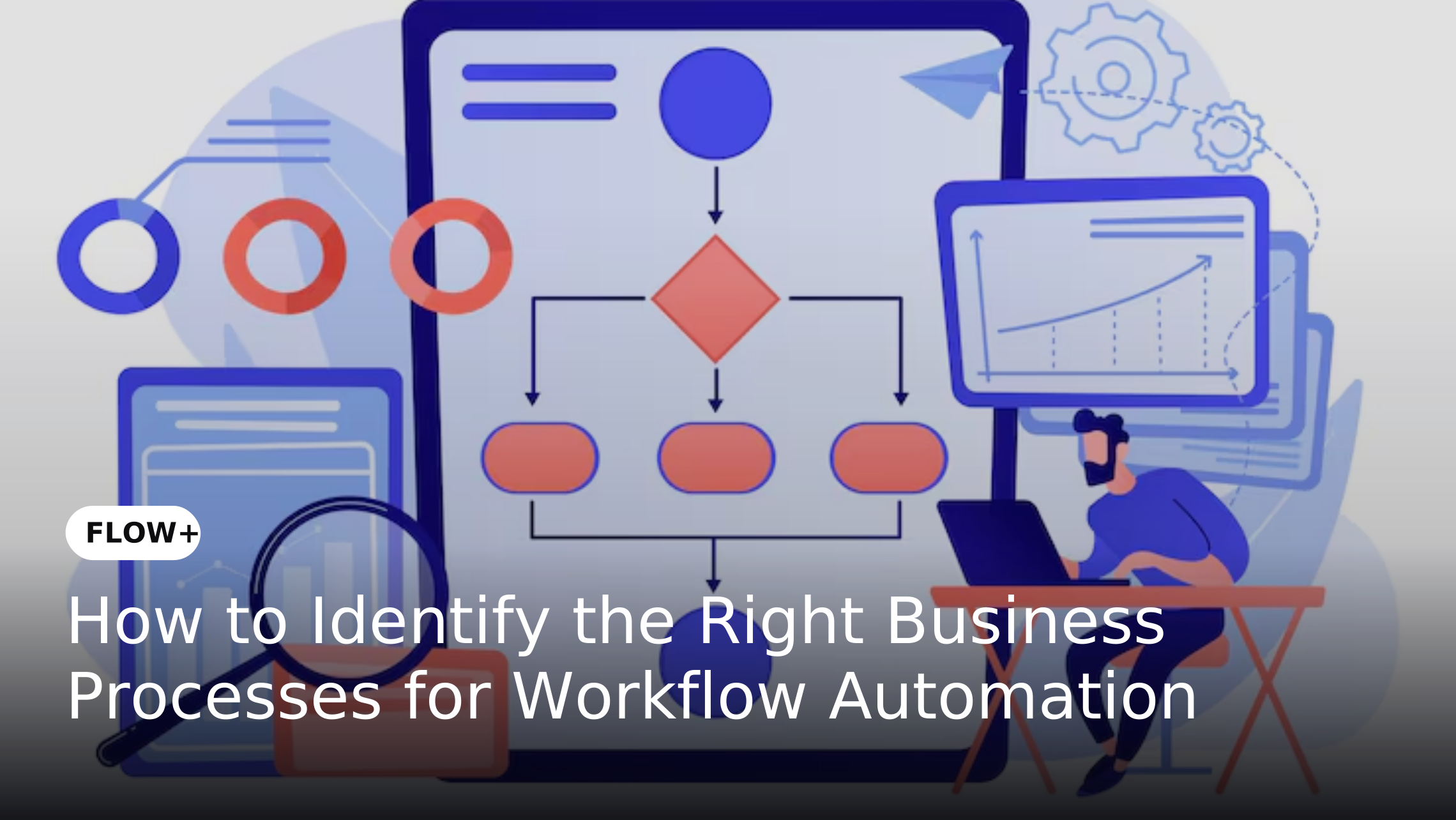
The existing FLOW+ guide on How to Identify the Right Business Processes for Workflow Automation provides a more detailed framework for evaluating process volume, manual effort, bottlenecks, business impact, scalability and automation readiness.
Step 4: Map the Current-State Process
Document how work actually moves through the organization. Identify the trigger, inputs, tasks, owners, systems, approval points, handoffs, exceptions and final outcome.
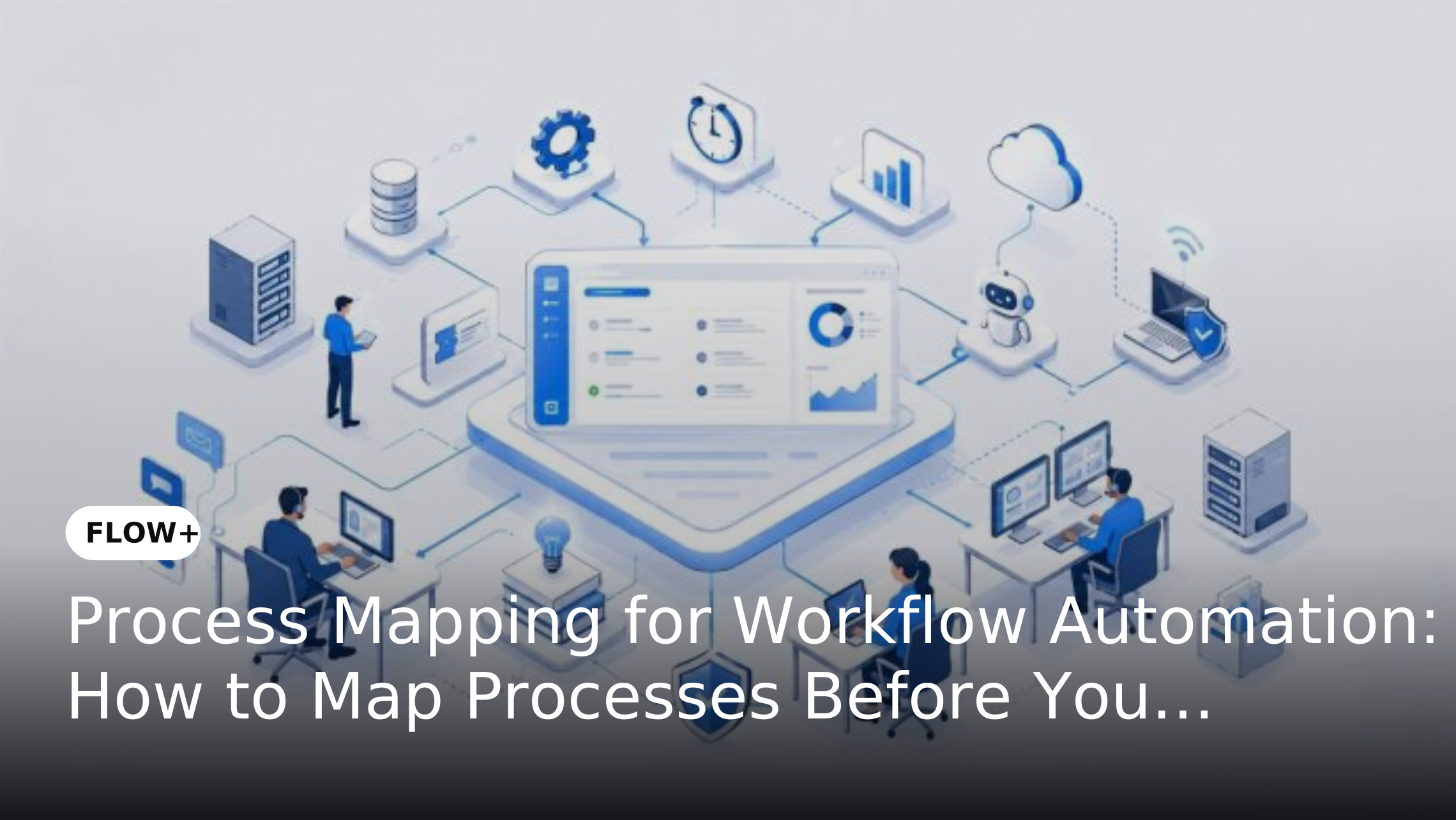
The purpose is not to reproduce the existing process inside software. It is to understand where work waits, where information is entered repeatedly and where ownership becomes unclear. The Process Mapping for Workflow Automation guide can support this stage by providing a structured approach to documenting current-state processes and identifying bottlenecks.
Step 5: Redesign the Process Before Automating It
This is a critical implementation stage. Remove unnecessary approvals, duplicate activities and avoidable handoffs before configuring the software. Standardize inputs and clarify responsibilities so the future workflow is simpler than the current manual process.
Automation should not be used to accelerate a process that is fundamentally inefficient. The existing 8 Steps to a High-Impact Business Process Automation Strategy also emphasizes standardizing processes before automation.
Step 6: Define Business Rules and Human Decision Points
Identify which activities can follow predefined rules and where human judgment is required. Define approval thresholds, routing conditions, escalation rules, exception paths and task ownership before configuring the workflow.
This creates a controlled balance between automation and human decision-making. For example, routine purchase requests can follow automated approval rules while higher-value requests can be routed to additional management or Finance review.
Step 7: Identify Integration Requirements
Enterprise workflows rarely operate within one application. A business automation process may need to connect with ERP, CRM, HR, finance systems, document repositories or other enterprise applications.
Define what information needs to move between systems, when it should move and what should happen if an integration fails. This is particularly important because Deloitte's 2022 research identified integration difficulties as the leading barrier to end-to-end intelligent automation among the barriers it measured.
For a deeper look at this area, see Cross-Platform Workflow Orchestration: Integrating Workflow Automation With ERP, CRM and Third-Party Apps.
Step 8: Configure the Automated Workflow
Translate the redesigned process into the automation platform. Configure triggers, tasks, routing, approvals, notifications, escalations, SLAs, business rules and integrations according to the approved future-state process.
FLOW+ supports configurable workflows, enterprise integrations, real-time monitoring and workflow management so organizations can move from a documented process design to an operational workflow. Its approach also allows business teams to participate in workflow configuration rather than relying entirely on development teams for routine process changes.
Step 9: Build Security and Governance Into the Workflow
Security and governance should be designed before deployment rather than added after implementation. Establish role-based access, approval authority, workflow ownership, audit requirements and rules for modifying or retiring workflows.
Governance is particularly important when automation expands across departments. Each workflow should have defined owners and controls so organizations know who can change business rules, approve modifications and access process information.
Step 10: Test the Workflow Against Real-World Scenarios
Testing should cover both the standard process and exceptions. Validate incomplete information, rejected requests, delayed approvals, escalations, integration failures, changes in approval authority and requests that need to return to an earlier stage.
Business users should participate in testing because technical validation alone cannot determine whether the workflow accurately reflects operational requirements. Resolving these issues before production is less disruptive than discovering them after rollout.
Step 11: Run a Controlled Pilot
Start with a limited department, business unit or process group where practical. A pilot allows the organization to validate the workflow, integrations, user experience and governance model before expanding the implementation.
The pilot should use the baseline metrics established earlier. Compare cycle time, manual effort, approval turnaround, error rates and SLA performance against the original process to determine whether the implementation is delivering the expected improvement.
Step 12: Prepare Employees for the New Process
Automation changes how employees interact with a process even when it does not eliminate human decision-making. Employees need to understand what has changed, which activities are automated, when they need to intervene and how exceptions are handled.
Training should therefore focus on the new operating process, not just on software features. Clear communication can also reduce resistance by explaining how automation changes repetitive coordination while allowing employees to focus more on activities that require judgment.
Step 13: Roll Out in Phases
After the pilot demonstrates measurable value, expand implementation gradually. Prioritize additional workflows based on business impact, process readiness, integration complexity and lessons learned from the pilot.
A phased approach also allows enterprises to reuse governance models, workflow patterns and implementation practices. This reduces the risk of creating numerous disconnected automation projects across departments.
Step 14: Measure the Results After Implementation
Compare post-implementation performance against the original baseline. Measure whether cycle time, manual effort, approval turnaround, errors and rework have improved.
Also monitor SLA compliance, workflow backlog, exception rates, throughput and adoption. The objective is not simply to prove that the workflow was deployed but to determine whether it produced a measurable operational improvement.
How to Evaluate the Total Cost of Implementation
The financial assessment should include the full cost of both approaches. Automation costs can include software licensing, implementation, integration, training, administration and ongoing maintenance.
The manual process should also be assessed beyond employee salaries. Repetitive data entry, follow-ups, corrections, document handling, delayed decisions and management coordination can create significant indirect operating costs. A proper comparison therefore considers total cost of ownership on both sides.
How to Measure Business Automation ROI
ROI should be evaluated using the baseline established before implementation. Compare the cost and effort of the automated process with the original manual process while accounting for measurable improvements in productivity, cycle time, quality, scalability and governance.
For the detailed calculation methodology, see How to Calculate Workflow Automation ROI: A Practical Guide for Enterprises. That article recommends selecting a specific process and establishing its current-state baseline before calculating automation ROI. ([dMACQ][8])
Common Business Automation Implementation Mistakes
- Automating an Inefficient Process
One of the most common mistakes is transferring every existing manual step into the new system. This can make an inefficient process faster without actually making it better. Processes should be simplified and unnecessary steps removed before automation.
- Ignoring Integration Requirements
Another common mistake is treating integration as a later technical activity. If employees still need to manually move information between applications after implementation, the organization may simply have replaced one form of manual coordination with another.
- Measuring Deployment Instead of Outcomes
Counting the number of workflows deployed does not demonstrate business value. Enterprises should instead measure cycle time, manual effort, accuracy, SLA compliance, throughput and operating costs against the original baseline.
- Underestimating Change Management
Employees may create workarounds when they do not understand or trust a new process. Training, communication and process ownership should therefore be included in the implementation plan rather than treated as post-launch activities.
Connecting Workflow Automation With Other Enterprise Processes
Enterprise workflows often depend on more than one type of business activity. A request may begin with structured data capture, require supporting documents, move through multiple approvals and eventually trigger a transaction in another business system. Connecting these stages can reduce manual handoffs and provide greater visibility across the complete process.
FLOW+ can orchestrate these workflows while complementary solutions address specific process requirements. Forms+ can support structured data capture, Digi+ can digitize paper-based information, DMS+ can manage documents and records and AccountsPayable+ can support invoice and accounts payable activities. Together, these capabilities can help enterprises connect individual process stages into a more consistent digital workflow.
How FLOW+ Supports Business Automation Software Implementation
FLOW+ helps enterprises translate redesigned business processes into configurable workflows by coordinating tasks, approvals, business rules, notifications, SLAs and integrations. This provides a structured path from process design to workflow execution while allowing organizations to maintain visibility into how work moves across departments.
Its role becomes particularly valuable when implementation extends beyond one application or department. FLOW+ can orchestrate the workflow while complementary dMACQ solutions support specific stages such as structured data capture, document management, digitization or AP processing. This creates an implementation model based on the actual business process rather than isolated software deployments.
Real-World Example: Vendor Onboarding Implementation
Consider a vendor onboarding process managed through email and spreadsheets. Procurement collects vendor information, Finance validates financial details and Legal reviews contracts separately. Employees manually follow up with each department to determine the current status.
An automated implementation could begin with structured information capture through Forms+, route tasks and approvals through FLOW+ and manage supporting documents through DMS+. Approval rules can determine who reviews the request while automated notifications and escalations reduce manual follow-ups. The result is a connected process rather than separate departmental activities.
When Should Enterprises Scale Automation?
Organizations should scale automation when the initial implementation has demonstrated measurable operational improvement and the new process has stable ownership, governance and support. The decision should be based on evidence from the implemented workflow rather than on the success of the technology deployment alone.
Additional processes can then be prioritized using business impact, transaction volume, manual effort, process readiness, integration complexity and expected value. This allows enterprises to expand automation systematically while applying lessons from earlier implementations to reduce risk in subsequent projects.
Conclusion
Successful business automation software implementation requires a structured approach that connects process objectives with measurable operational outcomes. Enterprises need to establish a baseline, identify suitable processes, redesign inefficient activities, define business rules, plan integrations, configure and test workflows and introduce automation in a controlled manner.
Implementation success should ultimately be measured by business performance rather than deployment activity. By comparing cost, cycle time, manual effort, accuracy, SLA performance and other relevant metrics against the original baseline, organizations can determine whether automation is delivering measurable value. With FLOW+ coordinating workflows, people and enterprise systems, businesses can extend automation across processes while maintaining the visibility and governance needed to scale.