Introduction
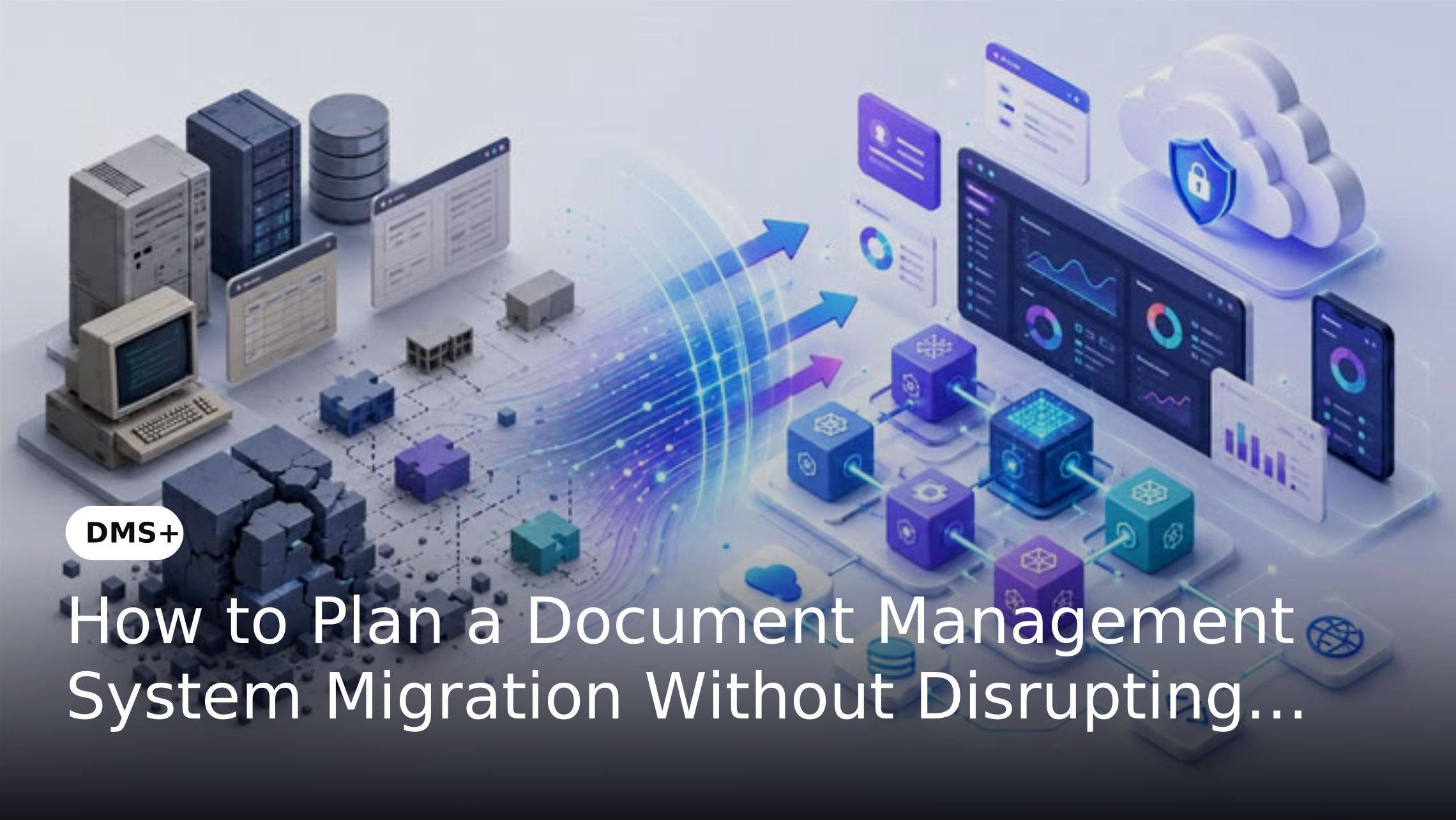
Migrating documents from shared drives, legacy repositories or disconnected systems into a document management system can improve accessibility, control and governance. However, moving large volumes of business records without proper planning can create duplicate files, missing documents, inconsistent metadata and temporary disruptions to daily work.
A successful DMS migration therefore requires more than transferring files from one location to another. Organizations need to understand what should be migrated, how information should be structured and how users will continue accessing critical documents throughout the transition.
Why DMS Migration Requires Careful Planning
Documents stored across multiple locations often follow different naming conventions, folder structures and access rules. Some records may also be outdated, duplicated or no longer relevant to business operations.
Moving everything without assessment can simply transfer these problems into the new document management system. A structured migration process helps organizations clean existing content, establish a consistent information structure and reduce unnecessary data before it enters the new environment.
Step 1: Assess Your Existing Document Environment
Before planning the migration, identify where business documents currently reside. This could include shared network drives, personal folders, legacy document repositories, cloud storage or departmental systems.
Identify Document Sources
Create an inventory of the repositories that contain documents and identify which departments use them. Record the approximate volume, document types, ownership and access requirements associated with each source.
Identify Duplicate and Obsolete Documents
Not every document needs to be migrated. Identify duplicate, outdated or irrelevant records before migration to avoid carrying unnecessary content into the new DMS.
Identify Business-Critical Documents
Determine which documents are essential to ongoing operations. Contracts, employee records, financial documents, compliance records and active business files may require priority treatment during migration.
Step 2: Define the Target Document Structure
Once the existing environment is understood, determine how documents will be organized in the new system. The structure should reflect how employees actually search for and use information.
Define Document Categories
Create consistent categories based on business requirements rather than simply reproducing existing folder structures. Categories may be organized by department, document type, business process or other relevant attributes.
Establish Metadata Requirements
Metadata can make documents easier to identify and retrieve without relying entirely on folders. Define the information users need to find and manage documents efficiently before migration begins.
Plan Access Permissions
Determine who should be able to view, edit, approve or manage different categories of documents. Establishing permissions before migration helps prevent unnecessary access changes after documents are transferred.
Step 3: Clean and Prepare Documents Before Migration
Data preparation is one of the most important stages of a DMS migration. Moving unstructured content without cleaning it first can make the new system difficult to manage.
Remove unnecessary duplicates, identify incomplete records and standardize document names where required. Documents should also be mapped to their appropriate categories and metadata fields before they are transferred into the new environment.
Organizations should also identify unsupported or outdated file formats and determine whether they need to be converted before migration. Establishing these requirements in advance helps reduce errors and ensures that documents remain accessible and usable after they are transferred.
Step 4: Create a Migration Plan
A migration plan should define what will move, when it will move and who will be responsible for each stage.
Prioritize Documents by Business Importance
Critical documents should receive priority based on their operational or compliance importance. This helps teams focus migration efforts where disruption would have the greatest impact.
Decide on a Migration Approach
Organizations can choose between different approaches depending on their document volume and operational requirements. A phased migration can move departments or document categories gradually while allowing teams to validate each stage before continuing.
Define Responsibilities
Assign ownership for data preparation, migration, validation, permissions and user communication. Clear responsibilities reduce delays and make it easier to resolve issues during implementation.
Identify System and Workflow Dependencies
Identify business applications, workflows and processes that depend on documents stored in the existing environment. This may include ERP, CRM, HR, finance or other business systems. Understanding these dependencies before migration helps organizations avoid disrupting processes that rely on existing document locations or access methods.
Step 5: Create a Backup and Rollback Plan
Before migrating production documents, create a secure backup of the source data. The backup should remain accessible until the migration has been completed and validated successfully.
Organizations should also define a rollback process in case of data loss, corruption, incorrect permissions or other unexpected migration issues. Having a recovery plan provides an additional layer of protection and helps reduce operational risk during the transition.
Step 6: Test Before Moving Production Documents
Testing allows organizations to identify problems before they affect daily operations. Start with a controlled sample of documents and replicate representative business scenarios.
Check whether documents are correctly categorized, searchable and accessible to authorized users.
Validate metadata, permissions, version information and document relationships before proceeding with larger migration batches. Testing should also confirm that critical users can access the documents and complete their normal tasks in the new environment.
Step 7: Prepare Users for the New DMS
A migration affects employees who rely on documents as part of their daily work. Users should understand where documents will be located, how they will search for information and how existing processes may change.
Communicate the Migration Timeline
Provide employees with clear information about when migration activities will take place and whether temporary access restrictions are expected.
Provide Role-Based Training
Different users interact with a DMS differently. Regular users may need search and document access training while administrators may require training on permissions, metadata and document management controls.
Preparing users before the migration is complete can reduce confusion and help teams adopt the new document environment more quickly.
Step 8: Use a Phased Migration to Reduce Operational Risk
Moving everything at once can increase the impact of unexpected issues. A phased approach allows organizations to migrate manageable groups of documents and validate results before proceeding.
For example, an organization can begin with one department or document category. The results can then be reviewed before moving to subsequent migration stages. This approach allows teams to identify issues early and apply lessons from one phase to the next.
Step 9: Validate Documents After Migration
Migration should not be considered complete when files appear in the new system. Organizations should verify that documents have been transferred accurately and remain usable.
Check document counts, metadata, permissions, versions and search results. Business users should also validate a sample of migrated documents to confirm that the new structure supports their day-to-day requirements. Any discrepancies identified during validation should be documented and resolved before the migration is considered complete.
How DMS+ Can Support the Migration Process
DMS+ provides a centralized environment for organizing and managing business documents after migration. Its document management capabilities can support structured classification, metadata-based organization, access control, version management and document retrieval. These capabilities align with several of the requirements involved in a successful migration.
Structured classification can help organize migrated documents, metadata can support more efficient retrieval, access controls can help manage user permissions and version management can help maintain document history. The goal of migration should not simply be to move files into DMS+. Instead, organizations can use the transition as an opportunity to move from fragmented document repositories to a more structured and controlled document environment.
Common DMS Migration Mistakes to Avoid
Migrating Everything Without Reviewing It
Moving every available document can increase storage requirements and reproduce existing information problems. Review and clean content before migration.
Replicating the Old Folder Structure
Simply copying an existing folder hierarchy may preserve the limitations of the previous environment. Use the migration as an opportunity to establish a more effective document structure.
Ignoring User Access Requirements
Incorrect permissions can create either security risks or unnecessary access restrictions. Define access requirements before documents are migrated.
Skipping Validation
A successful file transfer does not guarantee a successful migration. Always validate document counts, metadata, permissions and usability after each migration phase.
Failing to Identify System Dependencies
Documents may be connected to business processes, applications or workflows. Failing to identify these dependencies before migration can disrupt processes that rely on existing document locations or access methods.
DMS Migration Checklist
Before starting the migration, confirm that your organization has:
Conclusion
A DMS migration should be treated as an information management project rather than a simple file transfer. Assessing existing content, defining a structured target environment and testing migration stages can significantly reduce the risk of missing documents, incorrect permissions and operational disruption.
With a phased approach and clear ownership, organizations can move from fragmented repositories to a more organized document management environment while maintaining access to the information employees need throughout the transition. DMS+ can provide the structured environment needed to organize, manage and retrieve documents after migration while supporting controlled access and document governance.