Introduction
Employee records are created and updated throughout an employee's time with an organization. From resumes, offer letters and identity documents to performance records, policy acknowledgments and exit documents, HR teams manage a large volume of sensitive information. When these documents are stored across email inboxes, shared folders, paper files and disconnected systems, finding the right record can become difficult while increasing the risk of duplication, unauthorized access and missing documentation.
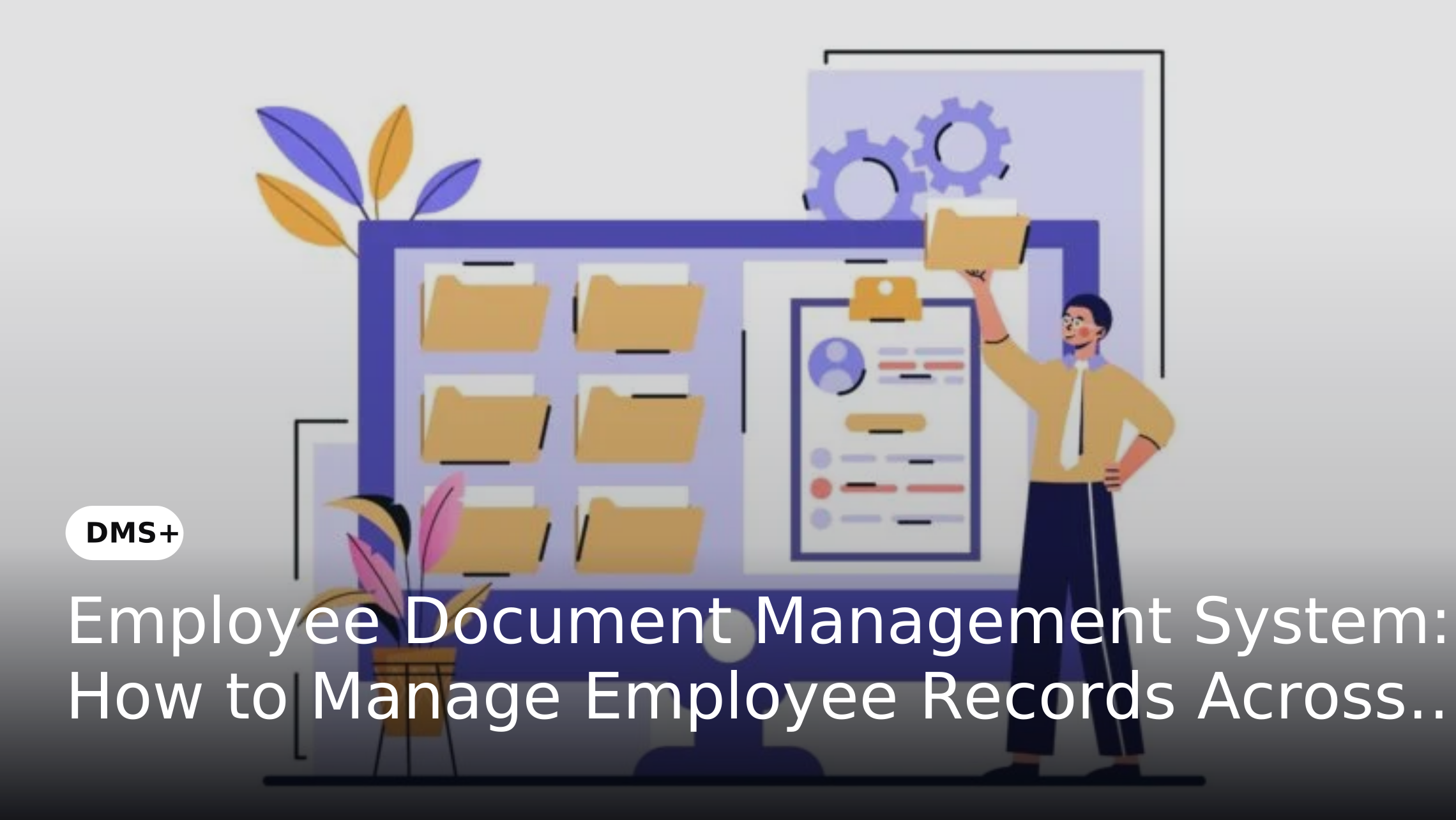
An employee document management system provides a centralized environment for storing, organizing, accessing and controlling employee records. By connecting document management with the employee lifecycle, organizations can establish consistent processes for document collection, version control, access management, retention and archiving. This helps HR and other authorized teams manage employee information more efficiently while supporting organizational compliance and document governance.This approach is also relevant to broader HR document management systems, which are designed to centralize and manage employee records.
What Is an Employee Document Management System
An employee document management system provides a centralized environment for storing, organizing and managing employee records throughout their lifecycle. It applies structured classification, permissions, metadata, version control, search, audit trails and retention policies to documents that would otherwise be scattered across folders, email inboxes or physical files.
A typical system may manage documents such as:
- Resumes and application documents
- Offer and appointment letters
- Identity and address documents
- Educational and professional certificates
- Tax and payroll-related documents
- Training and certification records
- Performance-related documents
- Leave and employment records
- Disciplinary documentation
- Promotion and transfer records
- Resignation and termination documents
- Experience and relieving letters
For organizations looking to centralize employee records, DMS+ can support HR document management through secure document storage, structured employee files, controlled access, search and lifecycle management. This allows HR teams to manage employee documentation within a governed system rather than relying on disconnected storage locations.
Why Employee Document Management Matters
Employee documents contain sensitive personal, employment and organizational information. Managing these records manually can create operational challenges for HR teams and employees.
Scattered Employee Records
Employee information may exist across physical files, email attachments, spreadsheets, shared drives and individual HR systems. This makes it difficult to establish a single reliable source for employee documentation.
Time-Consuming Document Retrieval
HR teams frequently need to locate documents for employee requests, audits, internal reviews or administrative activities. Searching through multiple storage locations can consume valuable time.
Duplicate or Outdated Documents
Without appropriate version control, multiple copies of the same document may exist. Employees may also submit updated certificates, identification documents or other records without older versions being properly managed.
Unauthorized Access
Employee records often contain confidential information. A centralized document management system can help organizations control access according to roles, departments or specific responsibilities.
Inconsistent Document Retention
Different employee documents may have different retention requirements. Without defined policies, organizations may retain documents longer than necessary or remove records before they should be archived.
Managing Documents Across the Employee Lifecycle
An employee document management system becomes more useful when document management is aligned with each stage of the employee lifecycle.
1. Recruitment and Hiring
Employee documentation begins before an individual formally joins the organization. Recruitment teams may collect resumes, applications, identification documents, educational certificates and other supporting information.A document management system can provide a structured location for storing these records while limiting access to authorized recruitment and HR personnel.
Once a candidate is hired, relevant documents can be associated with the employee's official record. This creates a more organized transition from recruitment to employee onboarding and reduces the need to recreate documentation.
2. Employee Onboarding
Onboarding often requires employees to submit multiple documents within a short period.
These may include:
- Identification and address proof
- Signed employment agreements
- Previous employment records
- Benefits-related documentation
A centralized repository allows HR teams to organize submitted documents against the appropriate employee record. Document status and required-document categories can also help teams identify missing information. Where organizations use digital forms or automated workflows, submitted information can be connected to the relevant document management process. Organizations can also automate document collection in HR onboarding to reduce manual follow-ups and improve visibility into pending employee documentation.
3. Employee Records During Employment
Employee documentation continues to grow after onboarding. Changes such as promotions, transfers, salary revisions, training completion, certifications and policy acknowledgments can generate new records. Keeping these documents within a structured employee repository helps maintain a continuous record rather than treating every document as an isolated file.
Version control is particularly useful when documents are updated over time. Maintaining a complete document history can help authorized users understand what changed, when it changed and who made the change.
4. Performance and Development Records
Performance reviews, development plans, training certificates and professional qualifications can form an important part of an employee's record. A document management system can organize these documents by employee and document type. This gives authorized HR and management teams a more structured way to retrieve historical records when needed.
Access controls are important at this stage because performance-related documentation may contain confidential information that should not be available to every employee or department.
5. Compliance and Employee Documentation
Organizations may need to maintain specific employee records for internal policies, regulatory requirements or audits.
A DMS can support compliance-oriented document management through features such as:
These capabilities can help organizations establish consistent controls around sensitive employee documentation. However, document management software does not by itself guarantee regulatory compliance. Organizations still need to define appropriate policies based on applicable employment, privacy, tax and record-retention requirements.
6. Employee Offboarding
Employee documentation does not end when an employee leaves the organization. Offboarding may generate or require documents such as resignation letters, clearance records, asset-return documentation, exit interview records, experience letters and relieving letters.
A structured employee document repository allows these records to be added to the employee's historical record and managed according to organizational retention policies. After the employee leaves, access to the record can be adjusted based on organizational requirements while documents can be retained, archived or disposed of according to applicable policies.
Key Features of an Employee Document Management System
Centralized Employee Document Repository
A centralized repository gives HR teams a consistent location for employee records. Documents can be organized using employee profiles, categories, metadata and folders according to the organization's information architecture.
Document Search and Retrieval
Search capabilities allow authorized users to locate employee documents using relevant metadata, document names, employee information or other indexed attributes. This can reduce the effort required to locate records manually.
Role-Based Access Control
Different users require different levels of access. HR administrators may need broader access than managers or employees.
Role-based permissions help restrict sensitive documents to authorized users and support the principle of providing access based on business responsibilities.
Version Control
Employee documents can change throughout the employment lifecycle. Version control helps users identify the latest approved version while preserving historical versions where required.
Audit Trails
Audit trails can record document-related activities such as uploads, modifications, access or other actions supported by the system. This provides greater visibility into how employee records are managed.
Document Classification and Metadata
Metadata can help classify employee documents by type, department, employee, employment stage or other attributes. Consistent classification also improves searchability and document organization.
Retention and Archiving
Employee records should not necessarily remain active indefinitely. Document retention and archiving capabilities can help organizations apply defined policies to records at different stages of their lifecycle.
Secure Document Sharing
Some employee documents need to be shared with employees, managers, payroll teams or other authorized parties. Controlled sharing can help organizations provide access without broadly exposing the underlying repository.
Benefits of Using an Employee Document Management System
Faster Access to Employee Records
HR teams can retrieve documents from a centralized repository instead of searching through multiple physical and digital locations.
Better Document Organization
Standardized classification and metadata help create a consistent structure for employee records across departments and locations.
Improved Document Security
Access controls can limit sensitive employee information to authorized users while reducing unnecessary exposure.
Reduced Paper Dependency
Digitally managed employee records can reduce reliance on physical files and simplify document retrieval and storage.
Better Support for Audits
Centralized records, document histories and audit trails can make it easier for authorized teams to locate and review relevant documentation.
Consistent Employee Record Management
Organizations can establish standardized processes for collecting, storing, updating, archiving and managing employee documents across the employee lifecycle.
Improved HR Productivity
By reducing manual document searches and repetitive file-management activities, HR teams can spend more time on activities that require direct employee and organizational engagement.
Best Practices for Employee Document Management
Establish a Document Classification Structure
Define categories for employee documents before migrating records into the system. For example, organizations can create categories for recruitment, onboarding, employment, performance, compliance and offboarding.
Define Access Permissions
Identify who should be able to view, edit, download or share different categories of employee records. Permissions should reflect actual job responsibilities.
Standardize Metadata
Use consistent employee identifiers, document types, dates and other metadata. This makes records easier to search and manage as the repository grows.
Define Retention Policies
Determine how long different employee documents should be retained and when they should be archived or disposed of based on applicable requirements and internal policies.
Maintain Version Control
Establish rules for replacing or updating employee documents so that users can identify the current version without unnecessarily losing historical records.
Protect Sensitive Information
Use appropriate access controls and security measures for confidential employee records. Organizations should also regularly review permissions to ensure former employees or users who have changed roles no longer retain unnecessary access.
Create a Consistent Offboarding Process
Employee document management should include a defined process for handling records when an employee leaves. This should cover document completion, access changes, retention and archival requirements.
How to Implement an Employee Document Management System
Implementing an employee document management system requires more than transferring existing files into a digital repository. Organizations should first understand how employee documents are currently created, collected, accessed, updated and retained.
A practical implementation can follow these steps:
- Identify employee document types across recruitment, onboarding, employment and offboarding.
- Map existing storage locations including paper files, shared drives, email and HR applications.
- Define document categories and metadata for consistent classification.
- Establish access permissions based on HR roles and responsibilities.
- Define document retention and archival policies before migration.
- Digitize relevant physical records where required.
- Migrate existing digital and scanned records into the centralized repository.
- Configure search, version control and audit capabilities according to business requirements.
- Integrate with relevant HR processes where document exchange or approvals are required.
- Train HR teams and employees on document submission, retrieval and access procedures.
- Regularly review permissions and document policies as organizational requirements change.
Employee Document Management System vs Traditional File Management
Traditional file management often depends on shared folders, spreadsheets, email attachments or physical employee files. While these approaches may work for smaller document volumes, they can become difficult to govern as organizations grow.
An employee document management system adds structured classification, permissions, version control, search, audit trails and retention to employee records. Unlike basic file storage, it manages documents as controlled business records with consistent access and governance across departments and locations. Organizations using an HRMS can also explore how an HRDMS extends the capabilities of an HRMS through structured document storage, lifecycle management and secure access.
Frequently Asked Questions
1. What Are the Challenges of Managing Employee Documents Manually?
Manual employee document management can result in scattered records, duplicate files, slow retrieval, inconsistent naming, limited visibility and difficulties controlling access. These challenges can become more significant as employee numbers and document volumes increase.
2. Who Should Have Access to Employee Documents?
Access should be based on job responsibilities and document sensitivity. HR administrators may require broader access while managers, employees, payroll teams and other departments may only need access to specific records. Organizations should define permissions according to their internal access policies.
3. Can an Employee DMS Manage Documents for Remote and Distributed Employees?
Yes. A centralized digital repository can allow authorized HR teams and employees to access relevant documents without depending on physical files or a particular office location. Access permissions can help ensure that remote access remains appropriately controlled.
4. How Can Organizations Prevent Duplicate Employee Records?
Organizations can establish standardized employee identifiers, document categories, metadata and naming conventions. Version control can also help distinguish updated documents from previous versions and reduce the creation of unnecessary duplicates.
5. What Should Organizations Consider Before Choosing an Employee Document Management System?
Organizations should evaluate document security, access controls, search capabilities, version control, audit trails, retention management, integration options, scalability and ease of administration. The system should also align with the organization's employee-document processes and governance requirements.
6. Can Existing Paper Employee Files Be Added to a DMS?
Yes. Paper records can be digitized and incorporated into a document management repository where appropriate. Organizations should establish document classification, indexing, quality-control and retention procedures before migrating the digitized records.
7. How Can HR Teams Improve Employee Document Retrieval?
HR teams can improve retrieval by using standardized metadata, document categories, employee identifiers and consistent classification rules. Search and indexing capabilities within a DMS can then help authorized users locate records more efficiently.
8. Should Employee Documents Be Archived After an Employee Leaves?
Records may need to be retained after an employee leaves depending on the document type, applicable requirements and organizational retention policies. A DMS can help separate active employee records from archived records and apply defined retention controls.
Conclusion
An employee document management system provides organizations with a structured way to manage employee records from recruitment and onboarding through employment, compliance activities and offboarding. Centralizing employee documentation can improve retrieval, organization, security and consistency while reducing dependence on paper files and disconnected storage locations.
For HR and enterprise teams, effective employee document management should combine technology with clear policies for classification, access, version control, retention and archival. When these practices are aligned with the employee lifecycle, organizations can create a more controlled and efficient environment for managing employee records throughout their useful life.