Introduction
Enterprise documents contain information that ranges from employee records and financial statements to contracts, customer information and confidential business plans. As organizations grow, controlling who can access this information becomes increasingly difficult. Employees change roles, departments share documents, external partners require temporary access and sensitive files may move across multiple business functions. In 2026, IBM reported that the average cost of a data breach in India reached INR 255 million, highlighting the financial consequences of inadequate information security.
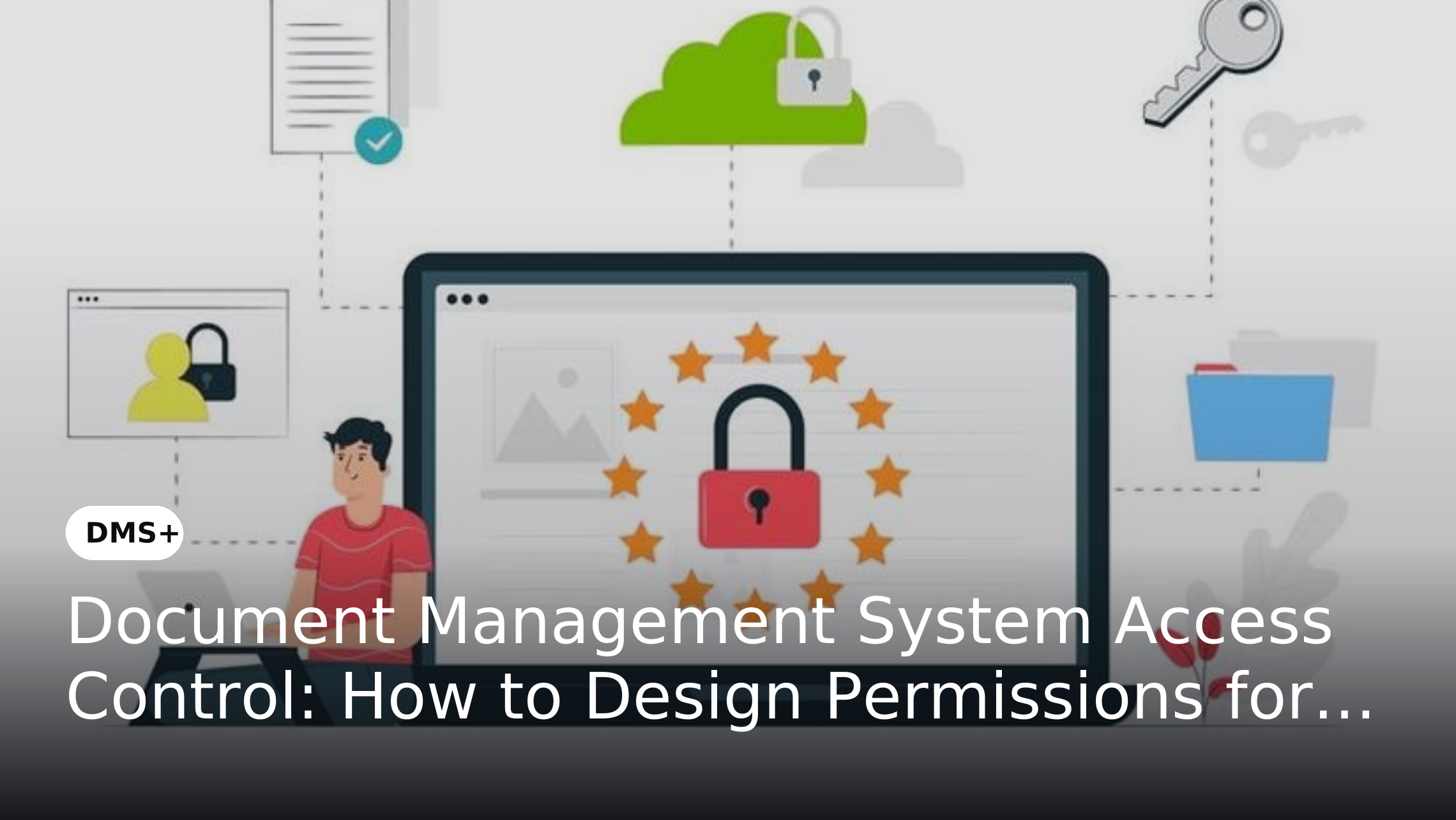
A document management system access control strategy helps enterprises establish consistent rules for who can access documents, what they can do with them and when their permissions should change. Rather than assigning access on an ad hoc basis, organizations can structure permissions around roles, departments, document sensitivity and business requirements. This creates a more scalable approach to protecting enterprise documents without preventing authorized employees from accessing the information they need.
Why Enterprise Document Access Needs a Structured Permission Model
Document access becomes harder to manage as organizations expand. Employees move between departments, new teams are created, external collaborators require access and sensitive information is shared across business functions. Without a defined permission model, users can accumulate unnecessary access while administrators struggle to determine who should be able to view, edit, download or share specific documents.
A structured permission model connects document access to business responsibilities. HR may require access to employee records, finance may need financial documents and legal teams may need contracts without accessing unrelated information. Defining permissions around roles, document sensitivity, required actions and business responsibilities helps organizations reduce unnecessary access while ensuring employees can access the information they need to perform their work.
What Is Document Management System Access Control?
Document management system access control is the process of defining and enforcing which users or groups can access enterprise documents and which actions they can perform. Depending on the organization's requirements, permissions can determine whether a user can view, upload, edit, download, share, approve or delete a document.
Access can be structured using user roles, departments, document types, sensitivity levels and business functions. This gives enterprises more control than broad shared-folder permissions and makes it easier to apply consistent access policies across large document repositories.
Principles for Designing Enterprise Document Permissions
Apply Least-Privilege Access
The principle of least privilege means users should receive only the permissions required to perform their responsibilities. Someone who needs to review a document may not need permission to edit, download or share it. Limiting unnecessary permissions reduces exposure if an account is compromised or a user accidentally handles sensitive information incorrectly.
Least privilege should be treated as an ongoing governance principle rather than a one-time configuration. When employees change roles or responsibilities, their document access should be reviewed and adjusted accordingly.
Use Role-Based Access
Role-based access control assigns permissions according to predefined organizational roles. Instead of creating individual permission rules for every employee, an enterprise can establish roles such as HR executive, finance analyst, legal manager or department head and associate appropriate document permissions with each role.
RBAC becomes particularly useful as organizations scale because administrators can manage permissions at the role level. For a deeper explanation of granular permissions, see The Importance of Fine-Grained Access Control.
Separate Access from Actions
Having access to a document does not necessarily mean a user should have unrestricted control over it. A user may need to view a document without being able to edit, download, print or share it.
Permission design should therefore distinguish between different actions. Defining these actions clearly helps organizations create more precise controls and prevents users from receiving broader privileges than their responsibilities require.
Consider Document Sensitivity
Documents should not all be governed by the same access rules. Contracts, employee records, financial information, intellectual property and regulatory records may require stronger restrictions than general policies or internal announcements.
Document classification can provide the basis for these controls. When documents are categorized according to sensitivity, business function or document type, organizations can apply appropriate permissions without manually managing every file.
How to Build an Enterprise Document Permission Model
1. Identify Users and Business Roles
Begin by identifying the people and groups that interact with enterprise documents. These may include employees, managers, administrators, HR teams, finance teams, legal teams, auditors, vendors and other external collaborators.
Next, determine what each role actually needs to do with documents. This distinction is important because two users working within the same department may require different levels of access depending on their responsibilities.
2. Classify Documents
Group documents according to business function, document type, sensitivity, ownership or regulatory requirements. For example, employee records may require restricted HR access while corporate policies may be available to a much broader internal audience.
Classification creates a foundation for consistent permission rules. It also makes it easier to identify which documents require additional controls rather than applying restrictive permissions across the entire repository.
3. Define Required Actions
Determine which actions each role needs for each document category. Typical permissions include viewing, uploading, editing, downloading, sharing, approving and deleting.
This prevents the common mistake of treating access as a simple yes-or-no decision. A finance analyst may need to view and update financial records while approval rights remain restricted to a finance manager.
4. Apply Role and Document-Level Permissions
Role-level permissions provide a scalable baseline, while document-level permissions can handle sensitive or exceptional cases. For example, a legal department may have access to contracts generally while only the assigned legal team receives access to a confidential acquisition agreement.
A hybrid approach allows enterprises to maintain manageable permission structures without sacrificing granular control where it is genuinely required.
5. Control Temporary and External Access
External partners, consultants and auditors may require access to specific documents for a limited period. These users should not automatically receive the same permissions as internal employees.
Temporary or external access should have clearly defined scope, permitted actions and review or expiry conditions. For organizations that frequently collaborate outside their boundaries, Secure Cross-Organization Collaboration with DMS+ provides a related perspective on controlled document sharing.
6. Review Permissions Regularly
Permission management should continue after the initial configuration. Employees change roles, projects end, contractors leave and business responsibilities evolve. Access that was appropriate six months ago may no longer be justified.
Regular access reviews can identify inactive accounts, unnecessary permissions and outdated exceptions. Combining these reviews with audit information creates a stronger governance process.
Common Enterprise Permission Models
Role-Based Access Control
RBAC is appropriate when access requirements can be mapped clearly to organizational roles. It simplifies administration by allowing permissions to be assigned to roles rather than individually configured for every employee.
However, RBAC should not automatically mean broad departmental access. Sensitive documents may still require additional restrictions based on document type, ownership, project or confidentiality.
Department-Based Access
Department-based access restricts documents according to business functions such as HR, finance, legal or operations. It is relatively simple to implement and can work well for information that naturally belongs to a particular department.
Its limitation is that departments often collaborate. A finance document may require legal review or an HR document may need restricted access to a specific management group. Additional controls may therefore be required.
Document-Level Access
Document-level permissions provide more granular control by restricting access to specific documents or document groups. This is useful for confidential contracts, employee records, financial information, intellectual property and other sensitive records.
Document-level controls should be used selectively. Applying highly granular permissions to every document can make administration unnecessarily complex and increase the risk of inconsistent access rules.
How to Prevent Permission Sprawl
Permission sprawl occurs when users accumulate access that is no longer necessary. Common causes include role changes without permission updates, permanent access granted for temporary projects, excessive individual permissions and overlapping roles.
Enterprises can reduce permission sprawl by minimizing individual exceptions, reviewing access periodically and establishing clear ownership for permission management. A centralized DMS also makes it easier to apply consistent policies instead of maintaining disconnected permissions across shared folders and systems.
The Role of Audit Trails in Access Governance
Access controls determine what users are allowed to do, while audit trails provide visibility into what actually happened. A useful audit trail can record activities such as document access, modifications, downloads, sharing and approvals.
This information supports accountability and helps security or compliance teams investigate unusual activity. It can also reveal whether permissions are working as intended and identify areas where access policies need to be reassessed. For a broader governance perspective, see Ensure Data Governance with DMS+: Build Control, Compliance and Confidence.
How DMS+ Supports Enterprise Document Access Control
DMS+ supports enterprise document access through role-based permissions and granular controls that can be aligned with users, departments and document requirements. Organizations can control activities such as viewing, editing, downloading and sharing while applying more specific restrictions to sensitive documents.
These controls can work alongside document classification, ownership information and audit trails to create a structured access-governance framework. This allows enterprises to apply least-privilege principles while maintaining visibility into document activity across business functions.
Why Access Control Should Be Part of the Document Lifecycle
Document permissions can change as information moves through its lifecycle. A working document may require broad editing access during creation but become restricted once it is approved. Archived records may need read-only access while documents approaching disposal may require tighter administrative controls.
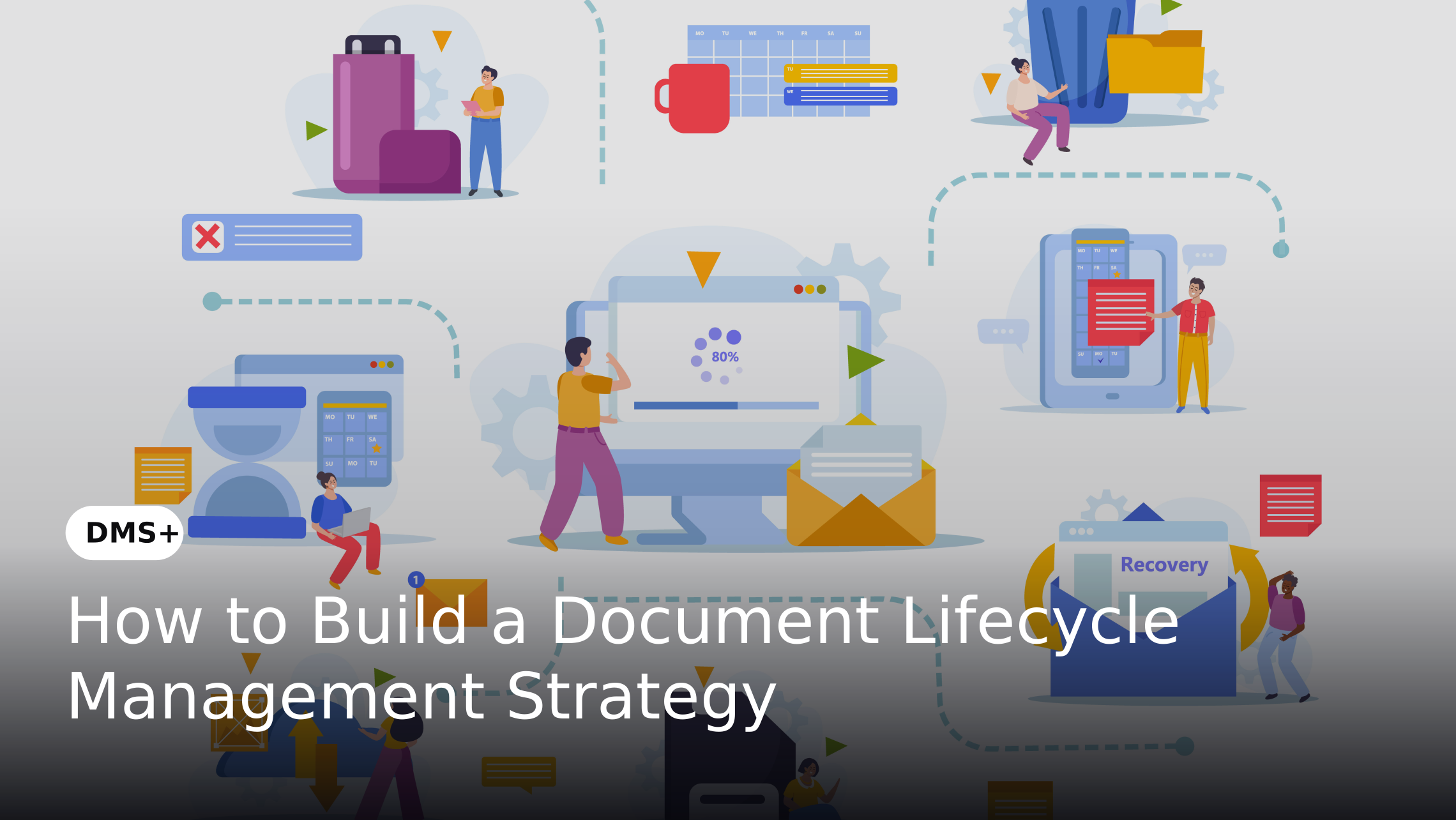
Access policies should therefore be considered alongside document creation, review, approval, retention and disposal. A structured lifecycle strategy can help organizations align security requirements with each stage of document management. See How to Build a Document Lifecycle Management Strategy for a broader lifecycle perspective.
Conclusion
Effective document management system access control is not simply about restricting access. It is about ensuring that every user receives the appropriate level of access based on their role, responsibilities and legitimate business requirements.
A scalable enterprise permission model should combine role-based access, document classification, granular actions, document-level restrictions, controlled external access and regular reviews. With these controls in place, organizations can reduce unnecessary exposure, strengthen accountability and keep enterprise documents accessible to the people who need them.