Introduction
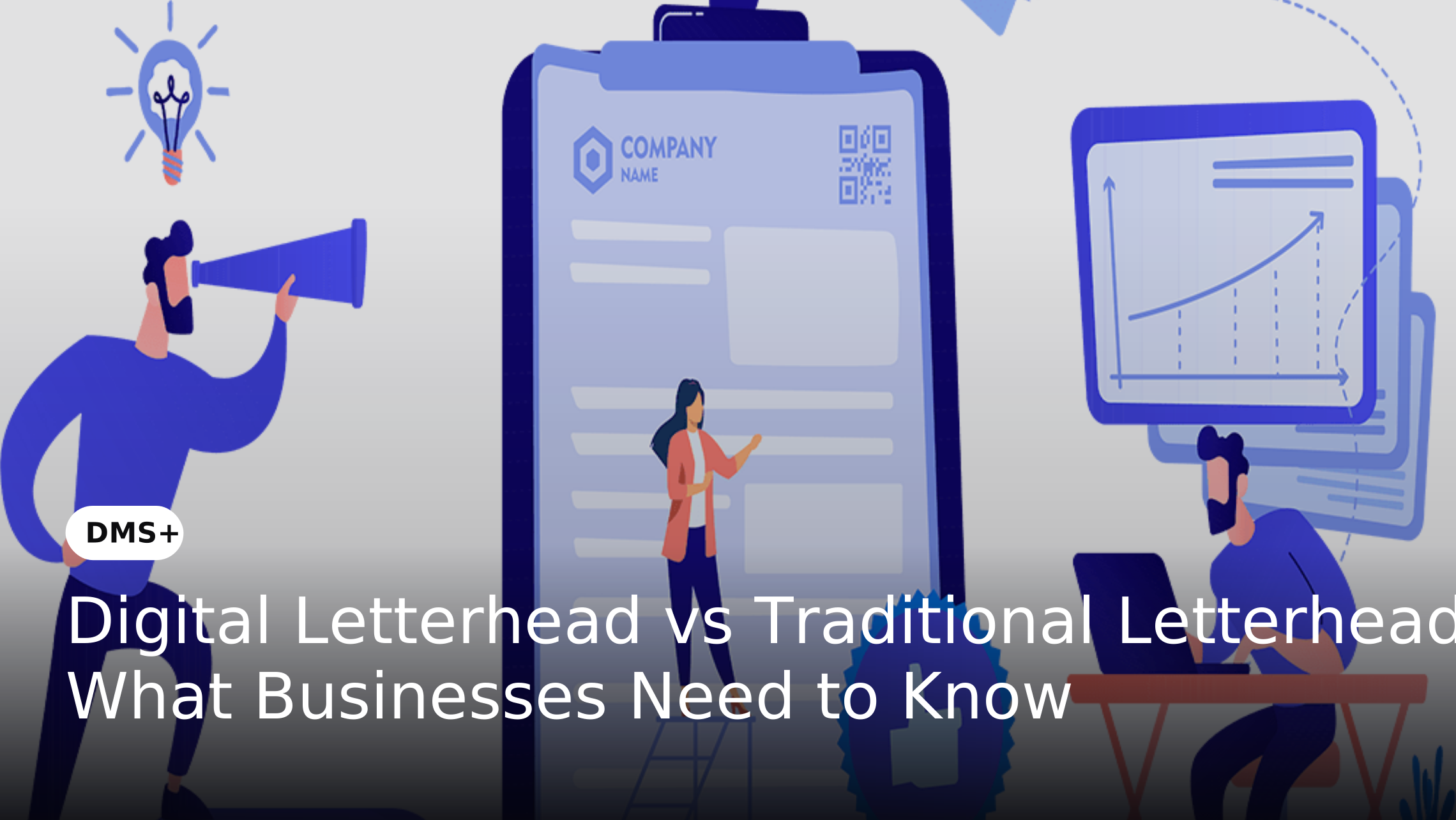
Letterheads have long been an important part of professional business communication. They help identify an organization and typically include its name, logo, contact information and other brand elements. Traditional letterheads are printed on physical stationery while digital letterheads are designed for use within electronic documents. As organizations move more of their communication and document processes online, the choice between these two formats is becoming increasingly relevant.
The shift does not mean that paper has disappeared. Quocirca's 2024 Document Capture research found that only 11% of organizations were fully paperless, while 52% had digitized most of their business processes and 75% were accelerating plans to digitize paper-based processes. Quocirca – Document Capture Trends 2024 This makes the decision less about completely replacing traditional letterhead and more about understanding where digital letterhead can improve document creation, distribution and management while recognizing where physical documents are still required.
What Is Traditional Letterhead?
Traditional letterhead is printed stationery containing an organization's official branding and business information. It commonly includes the company logo, registered name, address, telephone number, email address, website and other relevant corporate details.
Organizations typically print letterheads in advance and make them available to employees or departments for preparing official correspondence. They are commonly used for business letters, notices, certificates, appointment letters, formal communications and documents that need to be physically submitted or delivered.
Advantages of Traditional Letterhead
Traditional letterhead remains useful when a business needs to provide a physical document. It can be appropriate for formal correspondence, paper-based processes and situations where customers, partners or authorities require printed documentation.
It can also work well in organizations where physical signatures or hard-copy records remain part of established processes.
Limitations of Traditional Letterhead
The main limitation is its dependence on physical stationery. Organizations need to print, store and distribute letterhead before employees can use it. Updating printed stationery can also create waste and administrative challenges. For example, if an organization changes its logo, address or legal information, previously printed stationery may no longer be suitable for official use.
Paper-dependent processes also remain common. Quocirca found that 36% of organizations cited customers sending paper documents as a reason for continued paper reliance, while 30% cited legal requirements and 29% cited physical signatures. Quocirca – Document Capture Trends 2024
What Is Digital Letterhead?
A digital letterhead is an electronic version of an organization's official letterhead that can be incorporated into digital documents. Instead of starting with pre-printed stationery, employees can use an approved digital template when creating business letters, quotations, proposals, notices, HR communications and other official documents.
Digital letterheads can be provided as document templates or maintained within controlled digital repositories. They can also form part of broader document workflows where documents are created, reviewed, approved, shared and stored electronically.
The broader movement toward digital document processes supports this approach. Bitkom Research's Digital Office Index 2024 found that 84% of surveyed German companies with 20 or more employees used at least one Enterprise Content Management application for digitally managing business documents, compared with 76% in 2022. Bitkom Research – Digital Office Index 2024
Advantages of Digital Letterhead
Digital letterheads can make approved templates easier to access and distribute. Employees can use them without waiting for printed stationery to be delivered to their location.
They are particularly useful for organizations with multiple offices or distributed teams because an approved template can be made available through a centralized digital environment.
Digital Letterhead vs Traditional Letterhead: Key Differences
Digital and traditional letterheads serve the same branding purpose but differ significantly in how they are created, distributed and managed. The following factors can help businesses determine which approach is better suited to their document processes.
1. Format
Digital Letterhead: Available as a digital document or template that can be used electronically.
Traditional Letterhead: Printed stationery containing the organization's branding and business information.
2. Creation
Digital Letterhead: Created and applied electronically while preparing a business document.
Traditional Letterhead: Printed in advance and used as physical stationery when preparing correspondence.
3. Distribution
Digital Letterhead: Documents can be shared through email, cloud platforms or other digital business systems.
Traditional Letterhead: Documents generally need to be physically delivered, mailed or handed to the recipient.
4. Printing Requirements
Digital Letterhead: Printing is usually unnecessary when the document is shared electronically.
Traditional Letterhead: Requires printed stationery and therefore depends on paper and printing resources.
5. Accessibility
Digital Letterhead: Approved templates can be accessed digitally by authorized employees from different locations.
Traditional Letterhead: Employees need access to physical stationery before they can prepare documents using the letterhead.
6. Support for Remote Work
Digital Letterhead: Well suited to remote and hybrid teams because employees can access templates digitally.
Traditional Letterhead: Less convenient for distributed teams because physical stationery may not be available at every location.
7. Brand Consistency
Digital Letterhead: A centrally managed template can help employees use consistent logos, contact information and corporate branding.
Traditional Letterhead: Consistency depends on employees having access to the correct printed stationery and using the appropriate version.
8. Version Control
Digital Letterhead: Digital templates can be updated and managed as different versions.
Traditional Letterhead: Once stationery has been printed, its information cannot be updated. Existing stock may become outdated when company information or branding changes.
9. Access Control
Digital Letterhead: Access to templates can be restricted through permissions and document management systems.
Traditional Letterhead: Controlling who can access or use physical stationery is more difficult.
10. Storage
Digital Letterhead: Templates and documents can be stored electronically without requiring physical storage space for stationery.
Traditional Letterhead: Printed stationery requires physical storage and inventory management.
11. Scalability
Digital Letterhead: An approved template can be distributed to authorized employees across departments and locations without printing additional stationery.
Traditional Letterhead: Scaling across multiple offices requires additional printing, inventory and physical distribution.
12. Updates
Digital Letterhead: Changes to the approved template can be made and distributed digitally.
Traditional Letterhead: Existing printed stationery may need to be replaced when company information, branding or contact details change.
13. Auditability
Best Suited For
Digital Letterhead: Best suited for digital-first communication, remote teams, electronic document workflows and organizations that need centralized template management.
Traditional Letterhead: Best suited for physical correspondence, paper-based processes and situations where printed documentation is required.
Creation and Distribution
Traditional letterhead must generally be printed before it can be used. Digital letterhead can be incorporated directly into electronic documents and distributed through email, cloud platforms or other business systems.
This can be particularly useful for organizations operating across multiple locations because employees can access an approved template without waiting for stationery to be shipped to their office.
Cost and Printing
Traditional letterhead creates recurring requirements for paper, printing, inventory and physical distribution. Digital letterhead can reduce these requirements when documents are created and distributed electronically.
The broader move away from printing is reflected in Quocirca's 2024 research. Organizations surveyed expected their print volumes to decline by an average of 3%, while scan volumes were expected to increase by 6% as businesses continued digitizing paper-based processes. Quocirca – The Future of Document Capture 2024
Digital workflows can also produce significant savings in some scenarios. Adobe reported that documents created, signed, shared and stored through its Acrobat solutions generated 90% cost savings compared with paper-based processes in its analysis. Because this is an Adobe-reported result rather than an independent industry benchmark, it should be viewed as an example rather than a universal saving that every organization will achieve. Adobe – Celebrating 30 Years of Digital Transformation with Acrobat
Accessibility and Remote Work
Traditional letterhead is generally tied to the physical workplace because printed stationery must be available where documents are prepared.
Digital letterhead is more flexible for distributed teams. Employees can access an approved template through a digital system regardless of their physical location.
This is relevant because hybrid work remains established in many organizations. ZipRecruiter's 2024 Annual Employer Survey found that 40% of companies supported a mix of in-office and remote work. ZipRecruiter – Annual Employer Survey 2024
Brand Consistency
Traditional printed stationery can provide strong brand consistency when every employee uses the same approved stock. However, consistency can become more difficult when organizations operate across multiple locations or when old stationery remains in circulation.
Digital letterhead can be maintained as an approved template and distributed through a controlled system. This makes it easier to update logos, addresses, contact information and other brand elements.
Version Control
Version control is another important difference. Once a traditional letterhead has been printed, the information on it cannot be changed. If the company updates its address or branding, existing stock may need to be withdrawn.
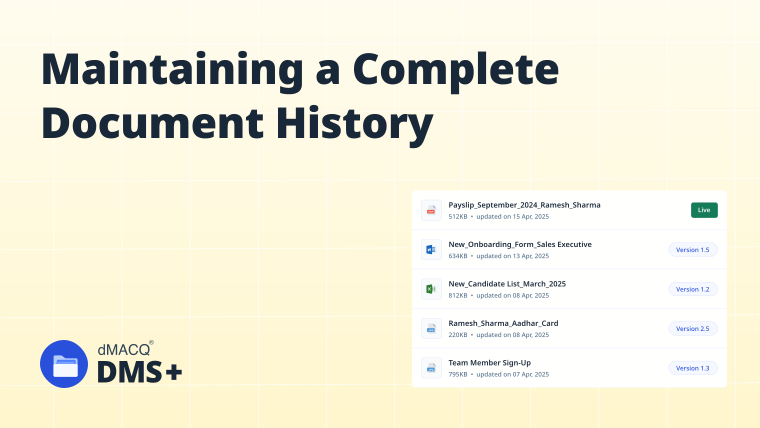
A digital letterhead can be updated and maintained as a controlled template. When connected to a document management system, organizations can also maintain version history and control which version employees can access.
Benefits of Digital Letterhead for Businesses
Faster Document Creation and Distribution
Employees can create official documents using an approved digital template without waiting for stationery to be printed or delivered. Once completed, documents can also be shared electronically. This can simplify routine correspondence and reduce physical handling.
Better Brand Consistency
A centralized digital letterhead can help different departments use the same approved branding. This is particularly important for enterprises with multiple branches, departments or business units where uncontrolled templates can lead to inconsistent external communication.
Reduced Printing and Administrative Requirements
Digital letterhead can reduce the need to print stationery for documents that are already created and distributed electronically. The benefit can extend beyond paper consumption to include reduced storage, handling and distribution requirements.
Support for Distributed Teams
Digital letterheads can be accessed by authorized employees regardless of where they work. This can help organizations maintain consistent document standards across headquarters, branches, remote employees and hybrid teams.
Easier Template and Version Management
Digital templates can be updated when corporate information changes. With appropriate controls, organizations can ensure that employees use the current approved version rather than relying on locally saved copies.
Better Document Control
Digital letterheads can become part of a broader document-control process. Organizations can manage who can access templates, who can modify them, which versions are approved and how documents are subsequently stored.
Where Traditional Letterhead Still Makes Sense
Digital letterhead is not necessarily a complete replacement for traditional letterhead. Some business processes continue to require physical documentation.
Physical Business Correspondence
Printed letterheads may still be appropriate for customers, suppliers, authorities or other recipients who require physical correspondence.
Regulatory or Legal Requirements
Some documents or processes may require physical records, signatures or specific formats. Organizations should therefore evaluate the requirements of each document rather than assuming that all correspondence can be digitized.
Physical Signatures and Offline Processes
Businesses that continue to rely on physical signatures or paper-based approval processes may find traditional letterhead more practical for certain documents.
Customer or Partner Preferences
Some customers, suppliers or business partners may still prefer printed documentation. The continuing role of paper is reflected in recent research. Quocirca found that only 11% of organizations surveyed were fully paperless, demonstrating that most organizations continue to operate some combination of paper and digital processes. Quocirca – The Future of Document Capture 2024
Digital Letterhead vs Traditional Letterhead: Which Is Better for Your Business?
There is no universal answer. The appropriate choice depends on how an organization creates, distributes and manages its business documents.
Choose Digital Letterhead When
Digital letterhead is generally more suitable when:
Traditional Letterhead May Be Better When
Traditional letterhead may remain appropriate when:
A Hybrid Approach May Be the Most Practical
For many businesses, the decision does not have to be either digital or traditional. Organizations can use digital letterheads as the default for electronic correspondence while retaining printed letterhead for documents that genuinely require physical delivery.
This approach allows businesses to reduce unnecessary printing without eliminating paper from processes where it still has a legitimate purpose.
Managing Digital Letterheads Across an Organization
Creating a digital letterhead is relatively simple. Managing multiple versions across an organization can be considerably more difficult.
Without centralized management, employees may save templates on individual computers, share them through email or create modified departmental versions. Over time, this can result in:
This makes digital letterhead management a document governance issue rather than simply a design issue. The broader adoption of document management technologies supports this shift. Bitkom Research reported that 84% of surveyed German companies used at least one ECM application in 2024, up from 76% in 2022. Bitkom Research – Digital Office Index 2024
How a Document Management System Supports Digital Letterhead Management
A document management system can provide the controls needed to manage digital letterheads across departments and locations.
Centralized Digital Letterhead Storage
Approved letterhead templates can be stored in a centralized repository instead of being distributed through email or saved across individual computers. Employees can access the approved version from a controlled location.
Access Control
Organizations can control who can view, download or modify letterhead templates. For example, employees may be allowed to use an approved template while only authorized administrators can modify or replace the master version.
Version Management
Version management helps organizations identify the current approved letterhead and maintain a history of previous versions. This reduces the possibility of employees unknowingly using an outdated template.
Approval Workflows
Changes to corporate letterheads can be routed through an approval process before the new version becomes available.
A typical process could be:
Design update → Review → Brand approval → Document administrator approval → Published template
Audit Trails
A document management system can maintain records of activities such as uploads, changes, approvals and access. This can provide greater visibility than simply storing a letterhead file in a shared folder.
Controlled Distribution
Once a new letterhead is approved, the latest version can be made available through the organization's controlled document environment. This reduces dependence on manually emailing updated templates to employees or departments.
For broader context on document control, organizations can also consider the role of a document management system in centralizing and controlling business documents.
Best Practices for Using Digital Letterheads
1. Standardize the Corporate Letterhead
Create a consistent design containing approved corporate information, branding and contact details.
2. Maintain an Approved Master Template
Maintain a single authoritative version rather than allowing multiple uncontrolled copies to circulate.
3. Restrict Editing Permissions
Employees who only need to use the template should not necessarily have permission to modify the master version.
4. Maintain Version History
Record significant changes so that the organization can identify when and why a letterhead was updated.
This approach aligns with broader document-history practices discussed in Maintaining a Complete Document History.
5. Establish an Approval Workflow
Branding and corporate-information changes should be reviewed before a new template becomes available.
6. Remove Outdated Templates
When a new version is approved, old templates should be archived or removed from general employee access.
7. Integrate Letterheads With Digital Workflows
Where possible, letterheads should form part of the broader document creation, review, approval and storage process. This connects digital letterhead management with the broader document lifecycle management strategy used by an organization.
8. Review Templates Periodically
Organizations should periodically verify logos, addresses, contact information, legal details and other elements to ensure that templates remain accurate.
Real-World Examples
Example 1: HR Department
An HR team may create appointment letters, employment confirmations and employee notices regularly. A centrally managed digital letterhead allows authorized employees to work from an approved template while reducing the risk of different HR teams using outdated branding.
Example 2: Sales Team
Sales teams may send proposals, quotations and formal customer communications from different locations. A centralized digital letterhead can help ensure that customer-facing documents maintain consistent corporate branding.
Example 3: Finance Department
Finance teams frequently exchange formal correspondence with customers, suppliers and other stakeholders. Controlled templates can help ensure that official communications use the correct company information.
Example 4: Multi-Location Enterprise
An organization operating across multiple branches may previously have distributed printed stationery to every office. A centrally managed digital letterhead can provide authorized users with access to the current template while reducing the need to distribute physical stationery.
FAQs
What is the difference between digital letterhead and traditional letterhead?
Digital letterhead is an electronic version of a company's official letterhead used within digital documents. Traditional letterhead is printed stationery containing the company's branding and official information.
Is digital letterhead legally valid?
The legal validity of a document depends on the document type, applicable laws, jurisdiction and requirements of the recipient. A digital letterhead itself does not automatically determine whether a document is legally valid.
Can digital letterhead be used for official business documents?
Yes. Digital letterheads can be used for business correspondence, HR documents, quotations, proposals, notices and other official communications when the format is appropriate for the specific document and recipient.
Is digital letterhead more cost-effective than traditional letterhead?
It can be, particularly when documents are primarily distributed electronically. Digital letterheads can reduce printing, stationery inventory and physical distribution requirements. Actual savings will depend on document volume, printing costs and the organization's processes.
How can businesses manage digital letterhead templates?
Businesses can manage digital letterheads through centralized storage, access permissions, version control, approval workflows and periodic template reviews. A document management system can bring these controls together.
Can a document management system manage digital letterheads?
Yes. A DMS can store approved templates, control access, manage versions, support approval workflows and maintain audit trails. This makes it useful when multiple departments or locations need to use the same corporate letterhead.
Conclusion
Digital and traditional letterheads serve the same fundamental purpose: presenting official business communication with a consistent corporate identity. The difference lies in how that identity is created, distributed and controlled. Traditional letterhead remains useful for physical correspondence and processes that require paper while digital letterhead is better suited to electronic communication, distributed teams and digital document workflows. Recent research showing that 75% of organizations are accelerating paper-digitization initiatives reinforces the broader movement toward less-paper business processes. Quocirca – Document Capture Trends 2024
For organizations moving toward digital-first operations, the larger consideration is not simply replacing printed letterheads with digital templates. Businesses also need to control which templates employees use, how those templates are updated and how official documents are managed throughout their lifecycle. Centralized storage, access control, version management, approval workflows and audit trails can help organizations manage digital letterheads consistently at scale while retaining traditional letterhead for situations where physical documentation remains necessary.