Introduction
A letterhead identifies an organization on official business documents by displaying details such as its name, logo, address and contact information. Traditionally, letterheads were printed on pre-designed paper and used for formal communication.
With businesses moving toward digital workflows, organizations increasingly use digital letterheads for documents such as business letters, quotations, notices, approvals and official communications. Managing these templates effectively also requires control over versions, access and usage. A document management system can help organizations maintain standardized and approved digital letterheads across departments.
What Is a Digital Letterhead?
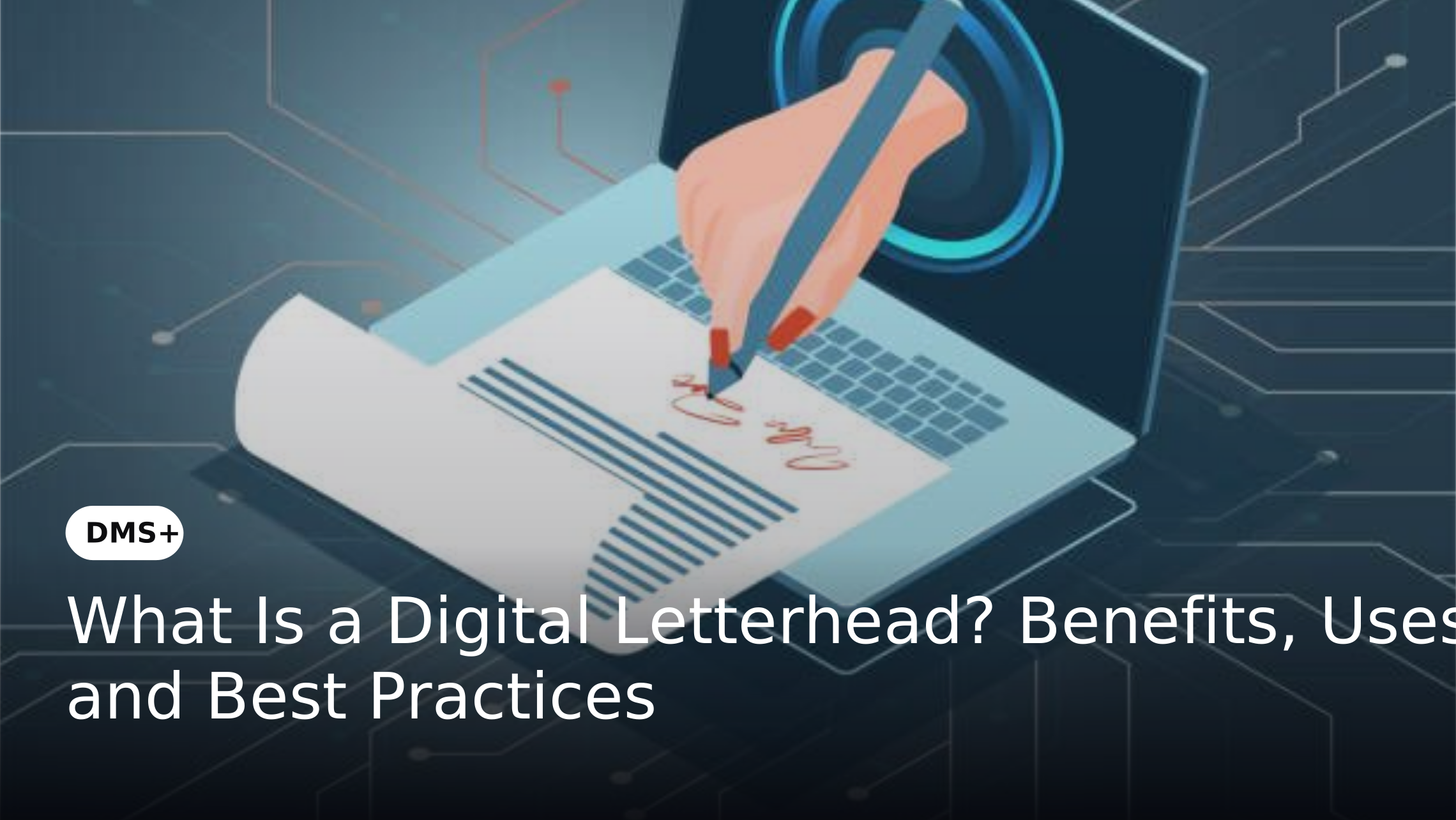
A digital letterhead is a branded document template used to create official business communications electronically. It typically includes the organization's logo, name, address, contact details and other brand or legal information required on formal documents. Unlike a traditional printed letterhead, a digital letterhead can be incorporated into electronic documents and workflows.
This allows employees to create, review, approve and share official documents without relying on physical stationery. When managed through a document management system, digital letterheads can be stored centrally so employees can access approved templates without creating or modifying them independently.
What Does a Digital Letterhead Include?
A digital letterhead generally contains information that establishes the identity and authenticity of an organization.
Common elements include:
The exact information depends on the organization's industry, document type and regulatory requirements.
Digital Letterhead vs Traditional Letterhead
The primary difference between digital and traditional letterheads is how they are created, accessed and distributed.
Traditional Letterhead
Digital Letterhead
A digital letterhead therefore provides greater flexibility for organizations moving toward paperless and digitally managed documentation. When managed through a document management system, organizations can also control access, approvals and versions of their official templates.
Benefits of Using Digital Letterheads
Maintain Brand Consistency
A standardized digital letterhead ensures that official documents follow the organization's approved branding. Centralized templates can reduce inconsistencies caused by employees using outdated logos, fonts or contact information.
Reduce Printing and Administrative Costs
Digital letterheads reduce dependence on pre-printed stationery for documents that are created and distributed electronically. This can lower printing, storage and stationery management requirements.
Speed Up Document Creation
Employees can start with an approved template instead of creating the document format from scratch. This makes routine correspondence faster and reduces formatting-related errors.
Support Remote and Distributed Teams
Employees working from different locations can access standardized digital templates without needing physical stationery. This is particularly useful for organizations with multiple offices, branches or remote teams.
Improve Document Control
Digital letterheads can be managed as controlled document templates. Organizations can restrict who can modify templates and ensure employees use the latest approved version.
Common Uses of Digital Letterheads
Digital letterheads can be used across departments and business processes.
Common examples include:
For HR teams, digital letterheads can also form part of a broader employee document management system, where employment-related documents are stored and managed centrally.
Digital Letterheads in Document Management Systems
A digital letterhead becomes more useful when it is treated as a controlled business document rather than simply a design template. A document management system can provide a centralized environment for storing approved letterhead templates and controlling how they are accessed and used.
For example, an organization may maintain separate approved templates for:
Access permissions can determine which employees or departments can use specific templates. When a letterhead is updated, the organization can replace the outdated version with an approved version while maintaining document history. This approach reduces the risk of employees creating unofficial versions or continuing to use outdated company information.
How DMS+ Can Support Digital Letterhead Management
DMS+ can be used to manage digital letterheads as part of an organization's broader document environment.
Instead of keeping templates across individual computers, shared folders or email attachments, organizations can maintain approved letterheads within a centralized repository.
Relevant DMS+ capabilities can support:
The objective is not simply to store a letterhead digitally. It is to ensure that employees can consistently access and use the right approved version.
Best Practices for Managing Digital Letterheads
Create Standardized Templates
Define approved templates for different departments, document types and business entities. Establish clear rules for logos, fonts, contact details and mandatory information.
Establish Approval Workflows
Changes to official letterheads should follow a defined review and approval process. This helps prevent unauthorized changes from becoming the organization's standard template.
Control Template Access
Not every employee needs permission to modify a letterhead. Separate template access from template editing rights and provide modification permissions only to authorized users.
Maintain Version History
Keep track of approved versions and clearly identify outdated templates. This prevents employees from accidentally using an old address, logo or regulatory detail.
Review Templates Periodically
Business addresses, contact information, legal details and branding can change over time. Schedule periodic reviews to ensure that templates remain accurate and relevant.
Integrate Letterheads With Digital Workflows
Where possible, incorporate approved letterheads into document creation and approval workflows. This reduces the need for employees to download, modify and re-upload templates manually.
Challenges of Managing Digital Letterheads Without a DMS
Storing digital letterheads across shared drives, personal computers and email attachments can create several problems. Employees may unknowingly use outdated templates, different departments may maintain conflicting versions and unauthorized changes may go unnoticed. Finding the latest approved template can also become difficult as organizations grow.
A centralized document management approach addresses these challenges by providing controlled storage, permissions, version history and workflow-based approvals. This becomes particularly important for organizations with multiple departments, locations or legal entities where document standardization is critical.
Digital Letterhead and the Document Lifecycle
Digital letterhead management can be viewed as part of the wider document lifecycle management process.
A typical lifecycle may include:
Create → Review → Approve → Publish → Use → Update → Archive
For example, a new corporate letterhead may be created by the branding team, reviewed by legal or administration, approved by an authorized stakeholder, published to the organization's document repository and made available to relevant employees.
When the organization's branding or legal information changes, the template can move through the same controlled process again. This provides greater visibility into which letterhead is currently approved and reduces dependence on manually distributed templates.
Frequently Asked Questions About Digital Letterheads
What is a digital letterhead?
A digital letterhead is an electronic document template containing an organization's approved branding and official business information. It is used to create formal digital communications.
Is a digital letterhead legally valid?
A letterhead primarily identifies the organization and provides document branding. Its legal validity depends on the nature of the document, applicable laws and whether additional requirements such as signatures, authentication or digital signatures apply.
Can digital letterheads be managed through a DMS?
Yes. A document management system can store approved letterhead templates and control their access, versions, approvals and usage.
Why is version control important for digital letterheads?
Version control helps ensure employees use the latest approved letterhead and reduces the risk of outdated company information, branding or regulatory details appearing on official documents.
Can different departments have different digital letterheads?
Yes. Organizations can maintain department-specific or entity-specific templates while controlling access to ensure employees use the appropriate approved version.
Conclusion
Digital letterheads offer a practical way to maintain consistent business communication in a digital-first environment. However, simply converting a printed letterhead into an electronic file does not solve the challenges of version control, access or template governance. When managed through a document management system, digital letterheads can become part of a controlled document environment.
With centralized storage, approval workflows, access controls and version history, organizations can make approved templates easier to use while reducing the risk of outdated or unauthorized versions. For organizations looking to strengthen broader document control, DMS+ can support digital letterhead management alongside document storage, workflow, version control and document lifecycle management.