Introduction
As organizations expand across departments, branches and locations, managing employee access to business documents becomes increasingly complex. Employees need access to records relevant to their responsibilities, while sensitive financial, legal, HR and operational documents must remain restricted to authorized users. Managing separate login credentials across multiple business applications can add to this administrative burden.
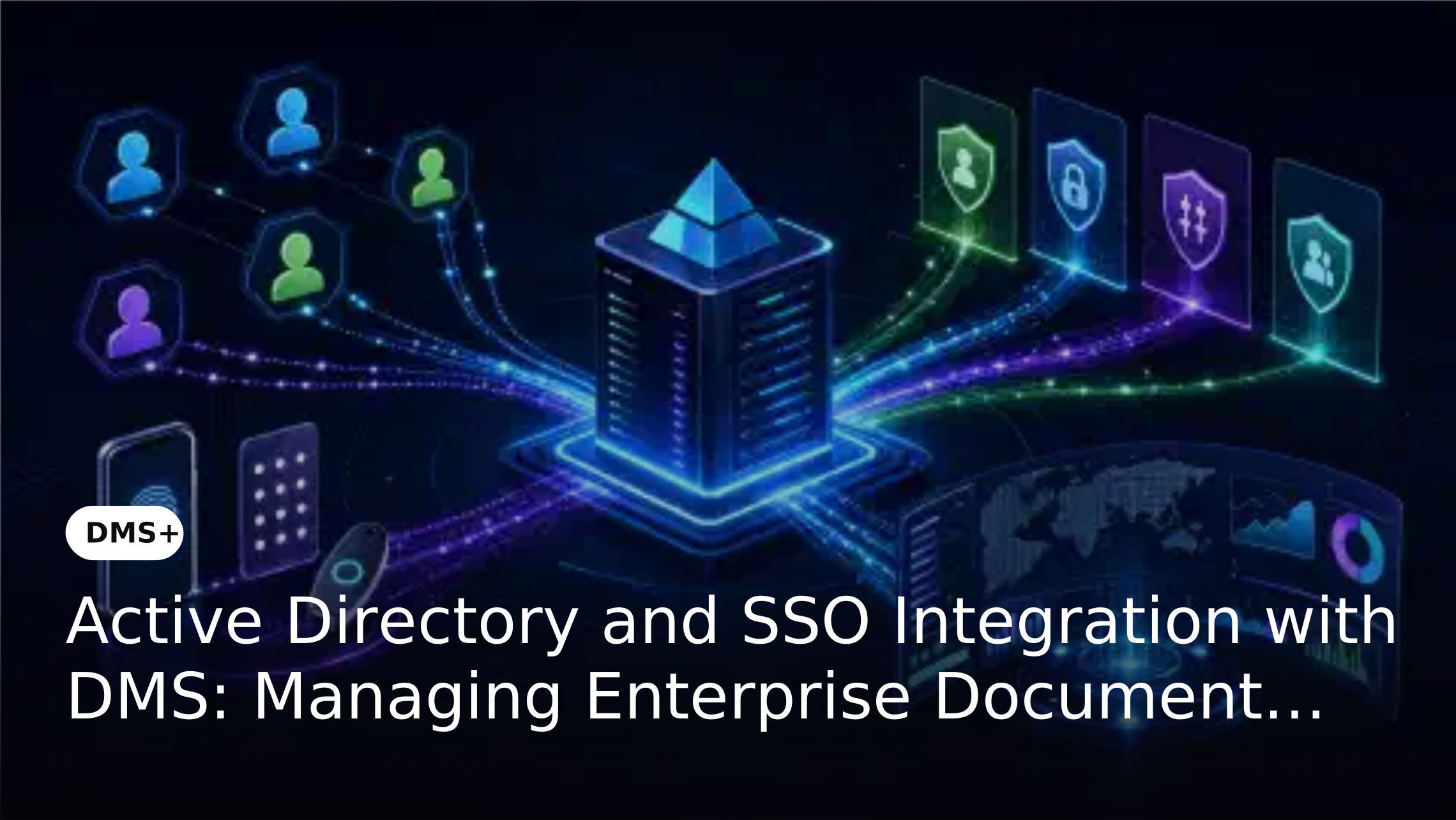
Integrating a Document Management System (DMS) with identity management services such as Active Directory, Microsoft Entra ID, Okta and LDAP can help enterprises establish a more coordinated authentication process. Single Sign-On (SSO) allows employees to access supported applications through a centralized identity provider, while the DMS continues to apply its own document permissions. Together, these controls help organizations manage user authentication and document access more systematically.
Why Identity Management Matters in Enterprise Document Management
A DMS may contain documents belonging to multiple departments, including employee records, contracts, financial statements, customer information and technical files. Not every employee should have access to every document. Permissions must reflect job responsibilities, departmental requirements and the sensitivity of the information.
When user accounts are managed separately across applications, administrators may need to maintain credentials and access arrangements in different places. This becomes more challenging when employees join, change roles, move between departments or leave the organization. A centralized identity management approach helps coordinate authentication, while document-level permissions determine what each authenticated user can access.
What Is Active Directory Integration with a DMS?
Active Directory is Microsoft's directory service for managing users, computers and other resources within an organization's IT environment. It allows administrators to maintain centralized user identities and organize accounts according to the organization's structure.
When a DMS integrates with Active Directory, the objective is to connect document management access with the organization's existing identity infrastructure. For example, employees in HR, finance, legal and procurement may authenticate through the organization's supported identity environment, while the DMS applies its own permissions to determine which departmental documents they can view, edit or manage. The exact level of directory synchronization and account management depends on the integration supported by the solution.
Understanding SSO and LDAP Integration
Active Directory, SSO and LDAP are related to identity management, but they serve different purposes. Understanding these distinctions helps enterprises evaluate what an integration actually provides.
Single Sign-On (SSO)
Single Sign-On allows users to authenticate through a centralized identity provider and access multiple connected applications without entering separate credentials for each application during the same authentication session. This can simplify the employee access experience and help IT teams manage authentication through a more centralized approach.
When SSO is integrated with a DMS, employees can use the organization's supported authentication environment to access the document management platform. However, successful authentication does not automatically grant unrestricted access to the document repository. The DMS must still apply its configured permissions.
Active Directory
Active Directory maintains directory information such as user accounts, groups and organizational identities. It helps IT teams manage employee identities within a centralized directory environment.
An Active Directory integration can connect a DMS with this existing identity infrastructure. The specific level of directory synchronization, account management and group mapping depends on the integration supported by the solution.
Lightweight Directory Access Protocol (LDAP)
LDAP is a protocol used to access and manage directory information. Enterprise applications can use LDAP integration to communicate with supported directory services and access relevant identity information.
For organizations that already use LDAP-based directory infrastructure, compatibility can be an important consideration when selecting a DMS. IT teams should verify the supported configuration and determine whether it meets their existing directory requirements.
How Active Directory and SSO Work with Document Access Controls
Identity integration and document permissions operate as complementary controls. SSO supports the authentication process, while the DMS manages access to documents and related actions. A typical enterprise access model involves the following stages:
This distinction is important because authentication verifies identity, whereas authorization determines what an authenticated user is allowed to do. Organizations should design both controls together. For a deeper understanding of document-level permissions, see The Importance of Fine-Grained Access Control in all our Products.
Business Benefits of Integrating Identity Management with a DMS
Centralized Authentication
Organizations can connect DMS access with their existing identity infrastructure rather than relying entirely on separate authentication arrangements. This can simplify the user access experience across supported applications.
Reduced Password Management Complexity
SSO can reduce the need for employees to remember and manage separate credentials for every connected application. It also allows IT teams to manage authentication through a more centralized approach.
More Consistent Access Administration
Connecting the DMS with enterprise identity services can support a coordinated approach to user access management. Administrators can align authentication arrangements with the organization's broader identity management policies.
Stronger Document Access Governance
Authentication alone does not protect every document. The DMS must also enforce permissions that determine which users can view, edit, download or share specific records. Combining centralized authentication with role-based access controls helps establish multiple layers of access management.
Support for Enterprise IT Environments
Large organizations may already use directory services and identity providers across their business applications. A DMS that supports compatible identity integrations can fit more naturally into the existing IT environment.
Practical Example: Managing Document Access Across Departments
Consider a financial services organization with separate HR, finance, legal and operations departments. Its DMS stores employee files, financial statements, customer agreements and internal policy documents. Without a coordinated identity and access management approach, administrators may need to manage separate login arrangements and permissions across different systems.
With an appropriate identity integration, employees can authenticate through the organization's supported identity provider. The DMS then applies its configured document permissions. HR employees can access authorized employee records, finance employees can access relevant financial documents and legal employees can access assigned contracts. If an employee changes departments or leaves the organization, administrators should review the employee's document permissions and follow the established account deactivation process. This illustrates why identity integration and document-level permission management must be planned together.
What Enterprises Should Evaluate Before Choosing a DMS with SSO Integration
Selecting a DMS with identity integration requires more than confirming that SSO is available. IT and security teams should evaluate how the integration fits their existing infrastructure and access governance requirements.
Compatibility with Existing Identity Providers
Confirm whether the DMS supports the organization's current identity provider, such as Microsoft Entra ID, Active Directory or Okta. Establish whether the required integration is available under the intended subscription or deployment plan.
Authentication and Directory Requirements
Understand which authentication and directory integration methods are supported. Confirm the required configuration, dependencies and responsibilities of the DMS provider and internal IT team.
Role-Based Access Control
Check whether the DMS can assign permissions according to user roles and business requirements. Authentication integration should not replace document-level access controls. For more on controlling access to shared records, see Secure Cross-Organization Collaboration with DMS+: Sharing Without Risk.
User Lifecycle Management
Understand how the integration handles employees joining, changing roles or leaving the organization. Ask whether account provisioning, deactivation and permission updates are automated, manually administered or dependent on additional integration work.
Auditability and Access Reviews
Evaluate whether the DMS provides relevant user and document activity records. Administrators should be able to review access arrangements and investigate document-related activity according to the platform's available audit capabilities.
Integration Scope and Support
Ask the provider to clarify supported identity providers, integration methods, configuration requirements and any additional implementation or licensing costs. A demonstration using the organization's intended identity environment can help validate compatibility before deployment.
How DMS+ Supports Enterprise Identity and Document Access Management
DMS+ combines document management capabilities with access controls that help organizations manage business records across departments. Its feature set includes user management, role-based security access controls, granular folder access, document classification, user access rights and advanced user audit trails.
The current DMS+ Feature and Plan Guide lists Microsoft Entra ID (AD), Okta SSO, Active Directory, SSO and LDAP integration under the Enterprise plan. Organizations should confirm the exact integration scope and configuration requirements for their identity environment before implementation. DMS+ can then apply its configured document permissions to help restrict access according to assigned user rights and business requirements.
Frequently Asked Questions
Is SSO the same as Active Directory?
No. Active Directory is a directory service used to manage identities and resources, while SSO is an authentication approach that allows users to access multiple connected applications through a centralized identity provider. Active Directory can participate in an SSO environment.
Does SSO automatically control which documents an employee can access?
No. SSO verifies a user's identity and supports authentication. Document access is controlled separately through the DMS's permissions, roles and access policies.
What is the difference between LDAP and SSO?
LDAP is a protocol for accessing and managing directory information. SSO is an authentication approach that allows users to access multiple connected applications through a centralized identity provider. They can work together, but they are not interchangeable.
Does DMS+ support Active Directory and SSO integration?
The current DMS+ Feature and Plan Guide lists Active Directory, SSO, LDAP, Microsoft Entra ID (AD) and Okta SSO integration under the Enterprise plan. Organizations should confirm the specific integration requirements and supported configuration with the dMACQ team.
Why should enterprises integrate a DMS with their identity provider?
Integration can help organizations coordinate application authentication with their existing identity infrastructure. When combined with DMS permissions, it supports a more structured approach to managing employee access to business documents.
Conclusion
Active Directory, SSO and LDAP integration can help enterprises connect document management with their existing identity infrastructure. By centralizing authentication while maintaining separate document-level permissions, organizations can simplify application access and establish clearer controls over sensitive business records.
A DMS should therefore be evaluated not only for its document storage and retrieval capabilities but also for how it fits into the organization's identity and access management environment. With supported identity integrations, user management and role-based document permissions, DMS+ can help enterprises establish a more coordinated approach to authentication and document governance.