Introduction
Enterprise applications such as ERP, CRM, HRMS and procurement platforms depend on accurate information to support daily operations. Yet many data problems begin before information reaches these systems. Incorrect entries, missing fields and inconsistent formats can create downstream corrections, processing delays and unreliable records.
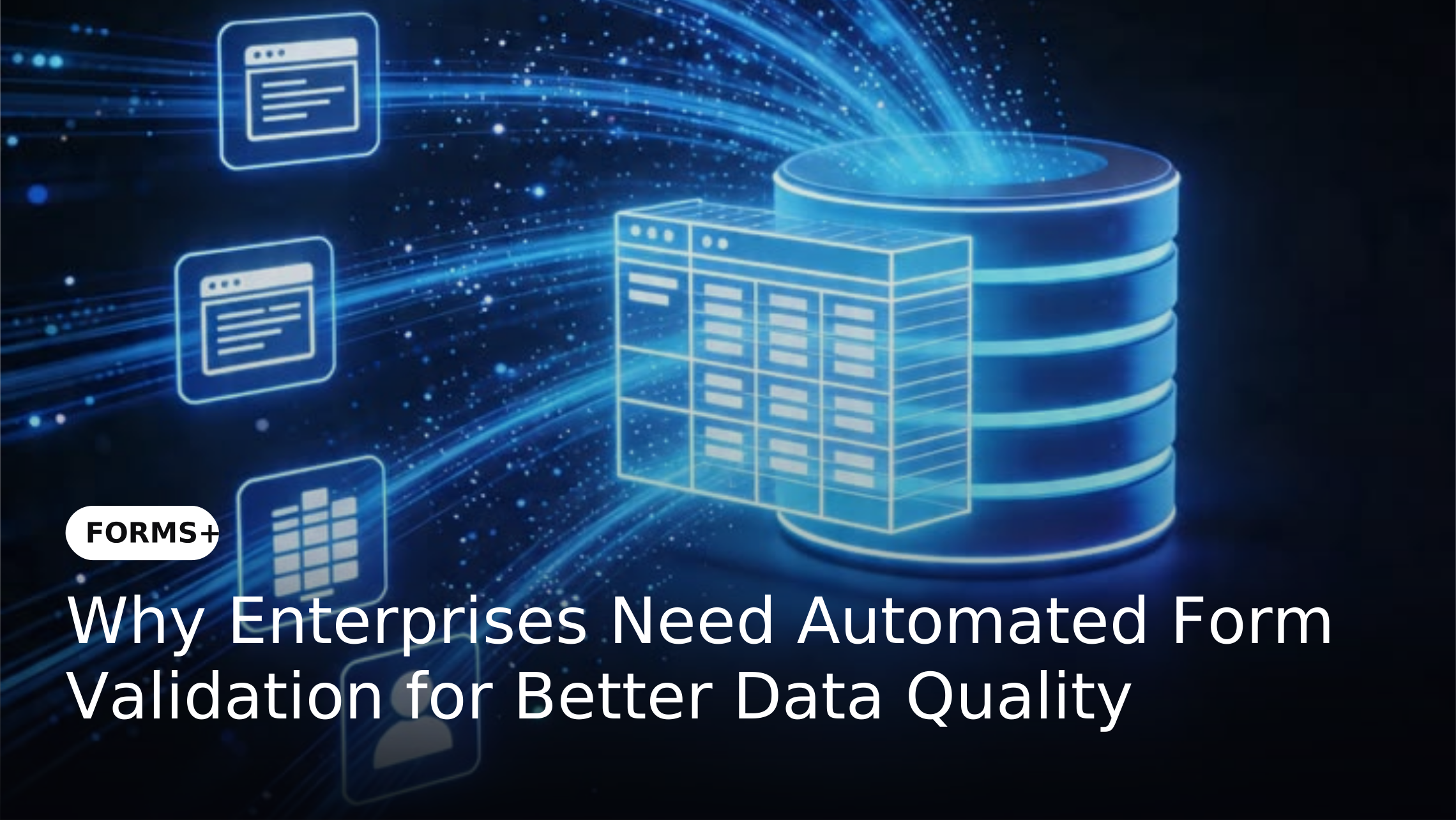
Automated form validation addresses this problem at the point of capture. Instead of allowing errors to move through the process, validation rules can check information before submission and ensure that only complete and acceptable data moves to the next stage. This makes digital forms an important control layer for enterprise data.
How Automated Form Validation Works
Automated validation checks information against predefined rules while users complete a form. These rules can identify missing information, incorrect formats, invalid values or inconsistencies between related fields before the submission is completed.
For example, an enterprise form can require mandatory fields, validate email formats, restrict values within predefined ranges or display specific fields based on previous responses. More advanced rules can also compare information against business conditions or reference data.
Why Data Validation Should Happen Before Submission
Finding an error after information has entered an ERP, CRM or HRMS creates additional work. Employees may need to identify the issue, contact the requester, correct the record and submit the information again. When this happens across thousands of transactions the effort can become significant.
Validating information before submission moves error detection closer to its source. Users receive immediate feedback and can correct issues while they are completing the form. This reduces unnecessary back-and-forth and helps downstream teams work with information that is ready for processing.
Preventing Bad Data from Reaching Enterprise Systems
Enterprise systems often share information across departments. An incorrect vendor detail can affect procurement records while an inaccurate employee entry can create problems in HR or payroll processes. Once incorrect information enters connected systems it can become harder to identify and correct.
Forms+ can be positioned as an initial data-control layer where information is checked before being passed into subsequent business processes. This approach helps organizations reduce the risk of invalid submissions entering connected applications.
Types of Automated Form Validation Enterprises Can Use
1. Required Field Validation
Mandatory fields ensure that users provide essential information before submitting a request. This is particularly useful for employee requests, vendor registrations, purchase requests and compliance forms where incomplete submissions can delay processing.
2. Format and Value Validation
Forms can check whether information follows an expected format or falls within an acceptable range. Examples include email addresses, identification numbers, dates, numerical limits and predefined selections.
3. Conditional Validation
Conditional rules can change validation requirements based on information provided by the user. A form may request additional documents or information when a particular option is selected. This keeps the submission relevant while avoiding unnecessary fields.
4. Business Rule Validation
Enterprises can apply rules based on their internal processes. For example a purchase request above a defined threshold may require additional information or approval before it can proceed.
How Automated Validation Reduces Rework
Without validation errors are often discovered by the person processing a request rather than the person submitting it. This creates a cycle of rejection, clarification, correction and resubmission that adds unnecessary work to already busy teams.
Automated validation moves much of this correction to the beginning of the process. Users can address issues immediately while processing teams receive more complete submissions. Over time this can reduce manual intervention and improve overall process efficiency.
Automated Validation and Enterprise Data Quality
Data quality is not only about having accurate information in a database. It also depends on whether information remains complete, consistent and usable as it moves between business processes.
By applying validation at the point of capture enterprises can establish a consistent standard for incoming information. This creates a stronger foundation for reporting, analytics, operational processes and downstream automation.
Forms+ as a Data Quality Control Layer
Forms+ enables organizations to build structured digital forms that can capture information according to predefined business requirements. Validation rules can help organizations control what information users provide before submissions move into subsequent workflows.
This approach is particularly useful when forms connect with broader enterprise processes. Instead of treating forms as simple data collection tools organizations can use them as an initial control point for improving the quality and consistency of business information.
What Enterprises Should Validate in Digital Forms
Organizations should identify the information that has the greatest impact on downstream processes. This may include employee details, customer information, vendor records, purchase requests, financial data or compliance information.
Validation should then be designed around actual business requirements rather than adding unnecessary restrictions. The objective is to prevent meaningful errors while keeping the form simple enough for users to complete efficiently.
Real-World Examples
Vendor Registration
A vendor registration form can validate mandatory business information and required documents before the submission reaches procurement teams. This can reduce incomplete registrations and avoid repeated requests for missing information.
Employee Requests
HR forms can validate employee identifiers, dates and request-specific information before submissions enter HR workflows. This helps teams process requests without repeatedly correcting basic data-entry errors.
Purchase Requests
Purchase request forms can validate required fields, spending limits and supporting information before routing requests for approval. This helps procurement teams receive submissions that meet predefined requirements.
Key Benefits of Automated Form Validation
How to Implement Automated Validation Effectively
Start by identifying the most common errors within existing forms and business processes. Focus first on fields that frequently cause rejection, manual correction or downstream issues.
Next define clear validation rules and test them with actual users. Validation should prevent meaningful errors without making forms unnecessarily complicated. Monitoring submission errors and correction rates can then help organizations continuously improve their forms.
Conclusion
Automated form validation allows enterprises to address data problems before they spread into downstream systems. By checking information at the point of capture organizations can reduce incomplete submissions, minimize rework and create more consistent business data.
The broader value comes from treating enterprise forms as part of the data management process rather than standalone collection tools. With Forms+ organizations can establish structured validation at the source and create a stronger foundation for reliable workflows, connected applications and data-driven operations.
Frequently Asked Questions
What is automated form validation?
Automated form validation uses predefined rules to check information entered into a digital form. It can identify missing fields, incorrect formats, invalid values and other issues before the form is submitted.
Why is form validation important for enterprises?
Enterprise form validation helps prevent incorrect or incomplete information from entering business processes. This can reduce manual correction, processing delays and downstream data issues.
What types of data can digital forms validate?
Digital forms can validate text, numbers, dates, email addresses, identification information, required fields and values based on predefined business rules.
Can automated validation work with enterprise applications?
Yes. When digital forms are connected with enterprise applications validation can help ensure information meets defined requirements before it moves into subsequent business processes.
Does form validation improve data quality?
Yes. Validation can improve data quality by identifying errors and incomplete information at the point of capture. This helps create more consistent information for downstream processes.