FORMS+
Enterprise Forms: Build Custom or Buy a Form Builder?
Compare custom form development with enterprise form builder software to evaluate cost, flexibility, integration, maintenance and long-term business fit.
Veyan Vellaipandi • Oct 28, 2026
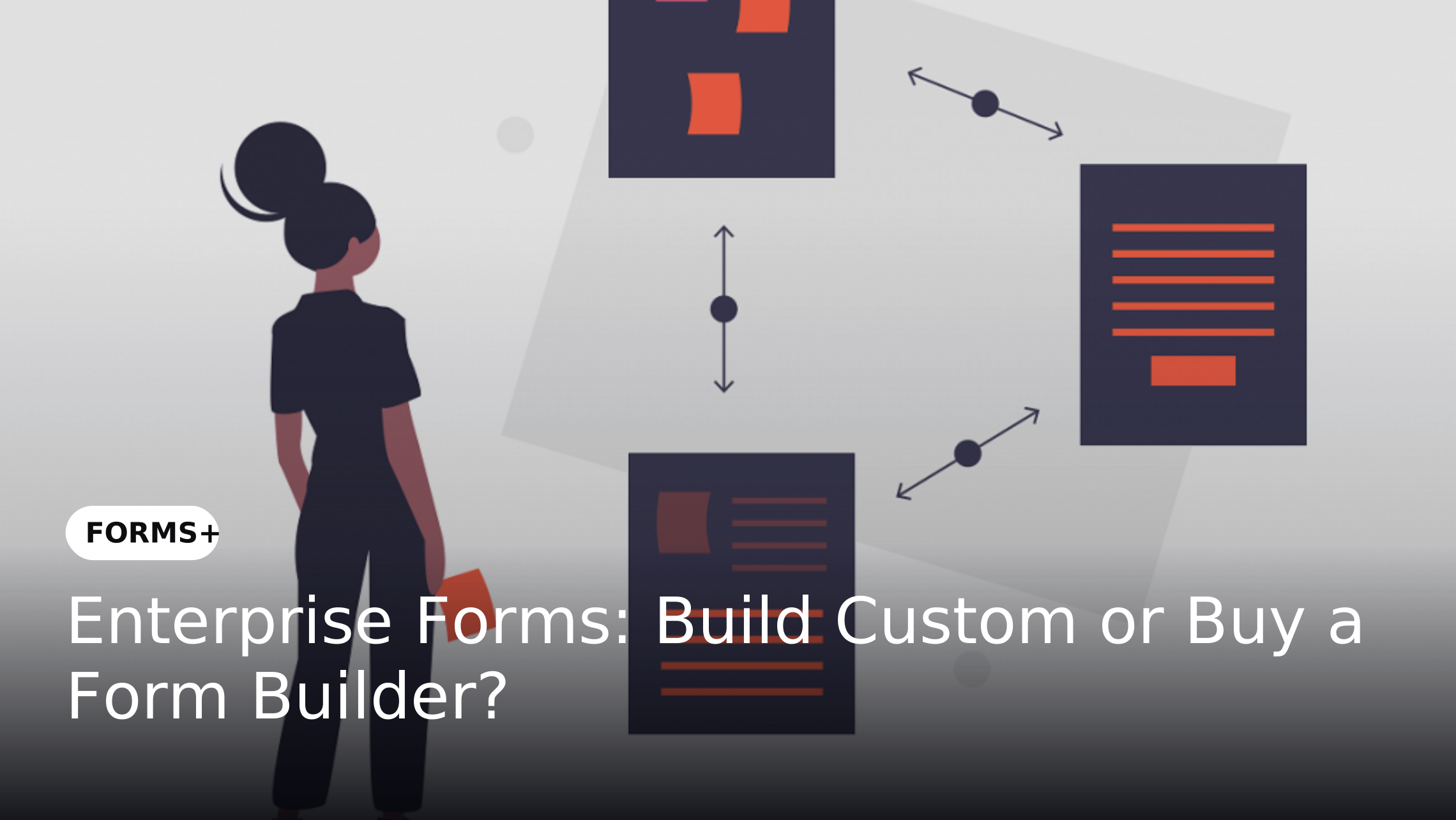
Compare custom form development with enterprise form builder software to evaluate cost, flexibility, integration, maintenance and long-term business fit.
Enterprise forms support processes such as employee onboarding, vendor registration, purchase requests, customer applications and compliance submissions. As these processes become more complex, organizations must decide whether to develop a custom form solution or adopt an existing enterprise form builder. The choice affects implementation effort, integration, maintenance and the ability to respond to changing business requirements.
Custom development can offer greater control over specialized requirements, while an enterprise form builder may provide reusable capabilities without requiring an organization to develop every component independently. Neither approach is universally better. The right decision depends on process complexity, available technical resources, security requirements and the total cost of ownership over time.
Custom form development involves designing and building a form solution around an organization's specific requirements. The development team determines the form structure, validation logic, user interface, integrations and supporting architecture based on the intended use case.
This approach may suit organizations with unusual business rules or requirements that existing platforms cannot adequately support. However, the organization must also plan for testing, security updates, technical documentation, maintenance and future enhancements.
An enterprise form builder is a software platform that enables organizations to create and manage digital forms using available design tools and configurable capabilities. Depending on the platform, these may include reusable templates, conditional fields, validation rules, document collection, routing, reporting and integration options.
Rather than building every component from scratch, teams configure the capabilities provided by the platform. The extent of customization depends on its supported features, APIs, deployment options and integration architecture.
The main difference is where the organization invests its effort and assumes responsibility. Custom development requires greater ownership of the solution's design and technical implementation, while buying a platform shifts some of that responsibility to a software vendor.
The following considerations help decision-makers compare the approaches.
Custom development may require expenditure on requirements analysis, design, engineering, testing, deployment and infrastructure. Even after launch, the organization must budget for defect resolution, security updates, compatibility changes and enhancements.
An enterprise form builder typically involves licensing or subscription fees alongside implementation, configuration, integration and training costs. Before deciding, compare the expected cost over a defined period rather than focusing only on the initial development budget or subscription price.
Include these cost categories in the assessment:
Requirements gathering and solution design
Development or platform licensing
Configuration and customization
Integration with existing business applications
Testing, deployment and migration
Ongoing support and maintenance
Internal administration and training
Future upgrades and changes
Custom development generally requires a team to design, build, test and deploy the solution. The timeline depends on technical complexity, integration requirements, testing obligations and the availability of developers and business stakeholders.
A form builder may shorten implementation when its existing capabilities match the requirements. However, extensive customization, complex integrations or unclear business rules can still require significant effort. Organizations should evaluate a realistic implementation plan rather than assume that either approach will automatically be faster.
Custom development provides greater control over the user interface, application logic and underlying architecture. It can be appropriate when a business process requires specialized behavior that cannot be implemented reliably through the configuration options of an existing platform.
An enterprise form builder offers a different type of flexibility through supported field types, conditional logic, reusable components and configurable rules. The important question is whether those capabilities can accommodate the organization's actual requirements without excessive workarounds or unsupported modifications.
Forms rarely operate in isolation. Submissions may need to reach CRM, ERP, HR, finance or document management systems, and some processes may trigger further actions after information is captured.
Custom development can provide control over integration design, but the organization becomes responsible for building and maintaining those connections. A form builder may offer APIs, connectors or other supported integration methods. Evaluate the exact systems, data flows, authentication requirements and error-handling behavior before selecting either approach.
For more context, read Why Enterprise Forms Should Integrate Directly with Your Existing Business Applications.
Custom development allows security controls to be designed around the organization's architecture, but the development team must implement, test and maintain those controls. Requirements may include authentication, permissions, audit records, encryption, retention and secure handling of sensitive information.
An enterprise form builder may provide some of these capabilities as standard features or through configuration. Organizations should verify the actual controls, deployment model, audit capabilities and contractual commitments offered by the vendor. Neither a custom solution nor a commercial platform should be assumed to meet every security or regulatory requirement without validation.
With custom development, the organization needs a clear ownership model for source code, documentation, dependencies, bug fixes, upgrades and staff transitions. If the original developers become unavailable, insufficient documentation or specialist knowledge can make future changes more difficult.
With a purchased platform, the vendor usually manages the underlying product and its releases, while the organization remains responsible for its configuration, integrations and operational use. The agreement should clarify support responsibilities, upgrade schedules, service expectations, data access and exit arrangements.
A custom solution can be designed around anticipated workloads and architecture requirements. However, future growth may require additional development, infrastructure changes and performance testing.
A form builder may allow teams to extend form usage across departments through reusable templates and centralized configuration. Its suitability depends on verified limits, deployment options, licensing conditions and the complexity of future requirements. Assess expected growth and expansion scenarios rather than relying on broad scalability claims.
Custom form development is worth evaluating when the organization has requirements that cannot be met adequately through available platforms or when control over the underlying solution is a material business requirement.
Potential situations include:
Highly specialized business logic: A form must support complex rules that cannot be configured in a suitable existing platform.
Unique user experiences: The interface or interaction model is central to the business service and cannot be achieved through supported customization.
Specialized architecture requirements: The solution must fit a particular internal architecture or technical environment.
Control over the codebase: The organization needs direct control over source code and has the technical capability to maintain it.
Existing internal development capacity: A capable team is available to build, document, secure and support the solution over its lifecycle.
These conditions do not automatically justify custom development. The organization should first confirm that the requirements are essential and cannot be met through configuration, supported extensions or integration.
Buying a form builder is worth considering when an organization needs repeatable form creation and management capabilities across multiple teams without independently developing and maintaining every component.
A platform may be a suitable option when:
Multiple departments need digital forms: Teams require a consistent way to create and maintain forms for different business processes.
Requirements fit standard capabilities: Available validation, conditional logic and design tools meet most business needs.
The organization needs faster configuration: Business and technical teams want to configure forms rather than develop every form from the beginning.
Forms must connect to existing systems: Supported integrations can handle the required data exchange and downstream actions.
Centralized management matters: The organization needs a consistent approach to reusable forms, permissions, changes and oversight.
Buying a platform still requires requirements analysis, implementation planning and technical validation. Organizations should test the proposed solution against real processes before committing.
Some organizations can combine a form builder with custom development instead of choosing only one approach. A platform can manage common requirements such as employee requests, vendor registration and standard compliance forms, while custom components address specialized requirements that cannot be met through supported configuration.
A hybrid approach can balance flexibility with reduced development effort, provided responsibilities are clearly defined. Before implementation, establish ownership, integration standards, testing responsibilities and upgrade procedures to keep the combined solution maintainable.
A structured evaluation helps stakeholders compare options against business requirements rather than individual preferences. Start by identifying the essential capabilities, constraints and responsibilities associated with the intended form processes.
Use the following sequence:
Document the requirements: Identify users, data fields, conditional rules, approvals, integrations and reporting needs.
Separate essential from optional features: Distinguish mandatory requirements from preferences that could be addressed later.
Assess platform fit: Test whether a form builder can meet the essential requirements using supported capabilities.
Identify genuine gaps: Record any requirements that need workarounds, custom extensions or separate development.
Estimate lifecycle costs: Include implementation, licensing, internal effort, maintenance, upgrades and exit costs.
Evaluate technical ownership: Clarify who is responsible for security, integrations, troubleshooting and future changes.
Run a representative pilot: Test a real business process and document limitations, effort and results.
Make a documented decision: Compare each option against the same requirements and record why the selected approach fits.
This process also creates a useful record for future reviews when business requirements, technology constraints or operating costs change.
FORMS+ is an enterprise digital form creation and automation platform that organizations can assess as a potential alternative to building form functionality from scratch. Its relevance depends on whether its available capabilities match the required form design, data validation, process routing, integration and management needs.
During an evaluation, teams should test representative business scenarios and verify the capabilities available in the proposed configuration. This includes checking how forms are created, how submissions are handled, which integrations are supported and what responsibilities remain with the implementation team. The decision should be based on demonstrated fit rather than assuming that every requirement is available natively.
A custom solution may have substantial ongoing maintenance costs, while a purchased platform may introduce recurring licensing and configuration expenses. Compare both options over the same time horizon and include internal effort, integration work and future changes.
Organizations sometimes treat existing manual processes as proof that a custom solution is necessary. Before commissioning development, test whether a platform can support the requirement through configuration or a supported integration.
A platform's feature list may not reflect the exact behavior required by a business process. Validate important scenarios, deployment constraints, integration behavior and customization limits before purchase.
A solution must remain supportable after its initial implementation. Document who maintains the code or configuration, manages changes, resolves incidents and handles upgrades or vendor transitions.
Choosing between custom form development and an enterprise form builder requires a clear understanding of business requirements, technical constraints, implementation effort and long-term ownership. Custom development can be appropriate for specialized needs that justify direct control, while a form builder can provide a practical foundation for repeatable enterprise form processes. A hybrid model may suit organizations whose requirements fall between these approaches.
Before deciding, document the essential requirements, compare total cost of ownership and test each viable option against a representative business process. FORMS+ can be included in that evaluation where its confirmed capabilities align with the organization's needs. The final decision should reflect demonstrated fit, manageable ownership and the ability to support future changes.
There is no universal answer. Custom development involves design, engineering, testing and ongoing maintenance, while a form builder may involve licensing, configuration, integration and training. Compare the total cost over the same period using the organization's actual requirements and resource estimates.
Some platforms support advanced validation, conditional logic, routing and integration. The available capabilities vary, so organizations should test complex rules and exception scenarios against their requirements before making a decision.
It may be justified when essential requirements cannot be met adequately through an existing platform, supported configuration or integration. The organization should also have the resources and ownership model needed to maintain the custom solution.
Yes. A hybrid approach can use a platform for standard forms and custom components for specialized requirements. Clear boundaries, integration standards and maintenance responsibilities are important to prevent unnecessary complexity.
Include development or licensing, implementation, integration, testing, training, infrastructure, maintenance, upgrades, internal staffing and exit costs. Estimate costs over a consistent period and document assumptions that could materially change the comparison.
Run a pilot using representative business processes. Test required fields, conditional logic, validation, integrations, permissions, reporting and relevant operational constraints. Record which requirements are supported, which need configuration and which remain unmet.
© Copyright 2026, All Rights Reserved
Designed with

by dMACQ Solutions