Introduction
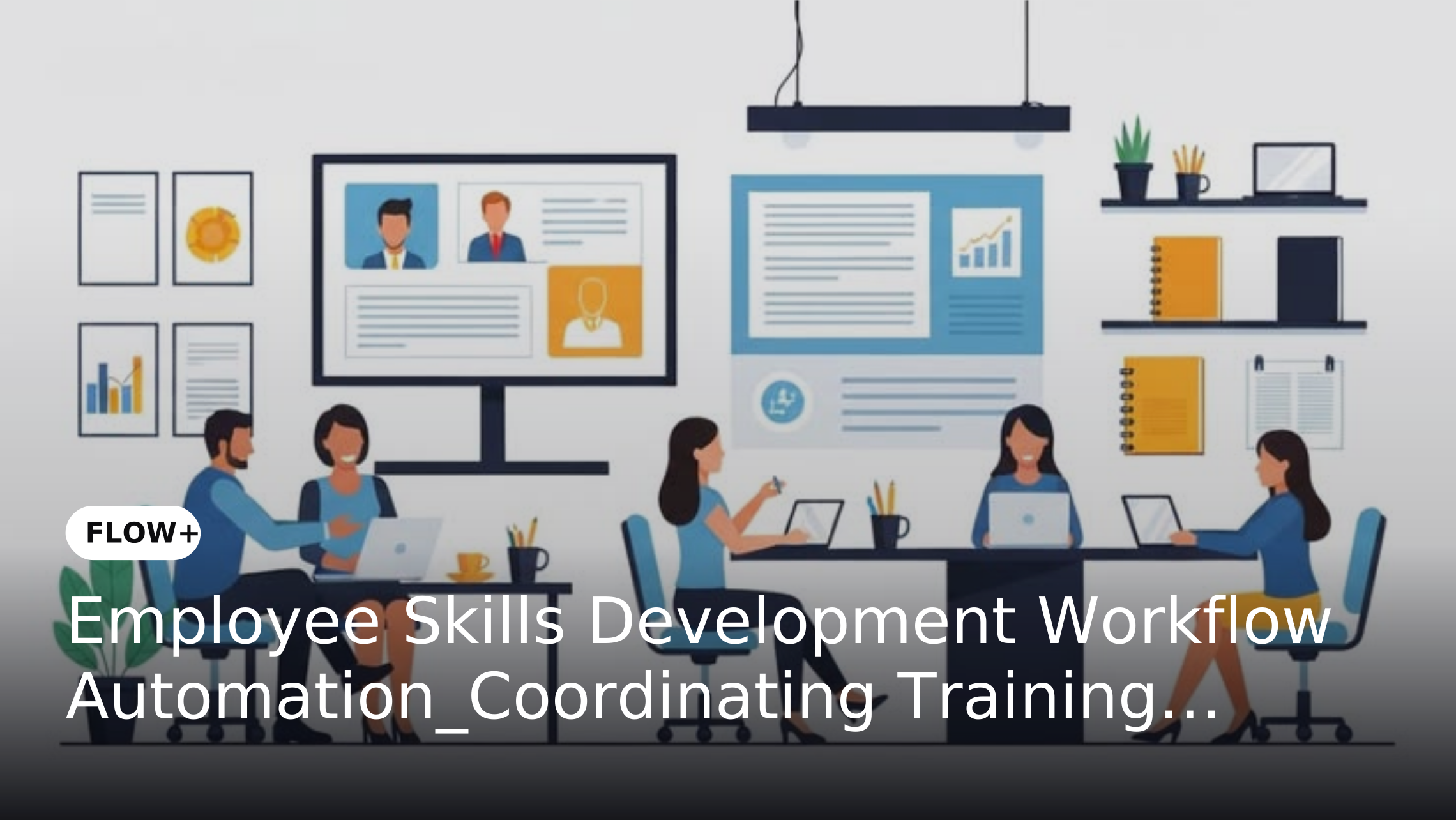
Employee development requires coordination between employees, managers, HR teams, training coordinators and finance departments. From identifying skill gaps to approving training budgets and tracking completion, each stage involves decisions, information exchange and follow-up. When these activities rely on emails, spreadsheets and disconnected systems, requests can remain pending, responsibilities become unclear and HR teams may struggle to maintain an accurate view of development progress.
Employee skills development workflow automation provides a structured way to coordinate these activities from request initiation through approval and completion. FLOW+ can help organizations configure workflows that assign responsibilities, route requests according to business rules, send notifications and track pending tasks. The objective is to improve administrative coordination while allowing existing HR management and learning platforms to handle their specialized functions.
Why Employee Skills Development Needs Structured Workflows
Employee development involves more than enrolling people in training programs. Managers must identify development needs, employees must submit requests, HR teams must verify relevance and finance may need to authorize expenditure. Once training is approved, stakeholders must coordinate schedules, monitor participation and record completion. Without a defined process, requests can be delayed by unclear approval responsibilities, missing information, budget questions or incomplete follow-ups.
The scale of the skills challenge makes this process important. According to LinkedIn's 2025 Workplace Learning Report, 49% of surveyed learning and talent development professionals said their executives were concerned that employees did not have the right skills to execute business strategy. This global survey finding highlights the importance of skills development, although it does not measure the impact of workflow automation itself. Organizations can address administrative gaps by establishing clear ownership, standardizing request information and defining how each request moves from submission to completion.
How Employee Skills Development Workflow Automation Works
1. Capture Training Requests in a Standardized Format
Employees or managers can initiate training requests by providing details such as the skill to be developed, the business reason, the proposed training program, the expected cost and the preferred timeline. Standardized information requirements help reviewers assess requests consistently and reduce repeated clarification.
A workflow can route incomplete submissions back to the requester before the approval process continues. This creates a clearer starting point for each request and reduces the need to manage multiple versions of the same request through email. For organizations seeking to standardize information capture before routing, Build Workflows That Scale: How FORMS+ Turns Data Capture Into Growth Enablers explores the role of structured data capture in workflow processes.
2. Route Requests to the Right Approvers
Training requests may require review by a reporting manager, HR representative, department head or finance team, depending on organizational policy. Configurable routing rules can direct requests according to department, training category, cost threshold or other approved criteria.
For example, a routine training request may require manager and HR approval, while a higher-cost external program may also need finance authorization. FLOW+ can coordinate these approval steps based on the configured workflow. Organizations can apply the principles discussed in Automate HR Approvals with FLOW+: From Hiring Requests to Policy Acknowledgments while keeping this process focused specifically on employee development requests and their lifecycle.
3. Coordinate Training Assignments and Scheduling
Once a request is approved, the next steps may include confirming availability, assigning a training coordinator, notifying the employee and recording the planned completion date. These activities can be represented as workflow tasks with designated owners and expected timelines.
The workflow can notify stakeholders when an assignment is ready or when additional action is required. Course delivery, learning content and enrollment functionality remain the responsibility of the organization's learning platform or training provider where applicable. FLOW+ coordinates the business process around these activities rather than replacing the learning platform.
4. Track Training Completion and Pending Actions
Approving a training request does not mean the development activity has been completed. HR teams may still need to confirm attendance, collect completion evidence, update records or follow up with employees who have not completed assigned training.
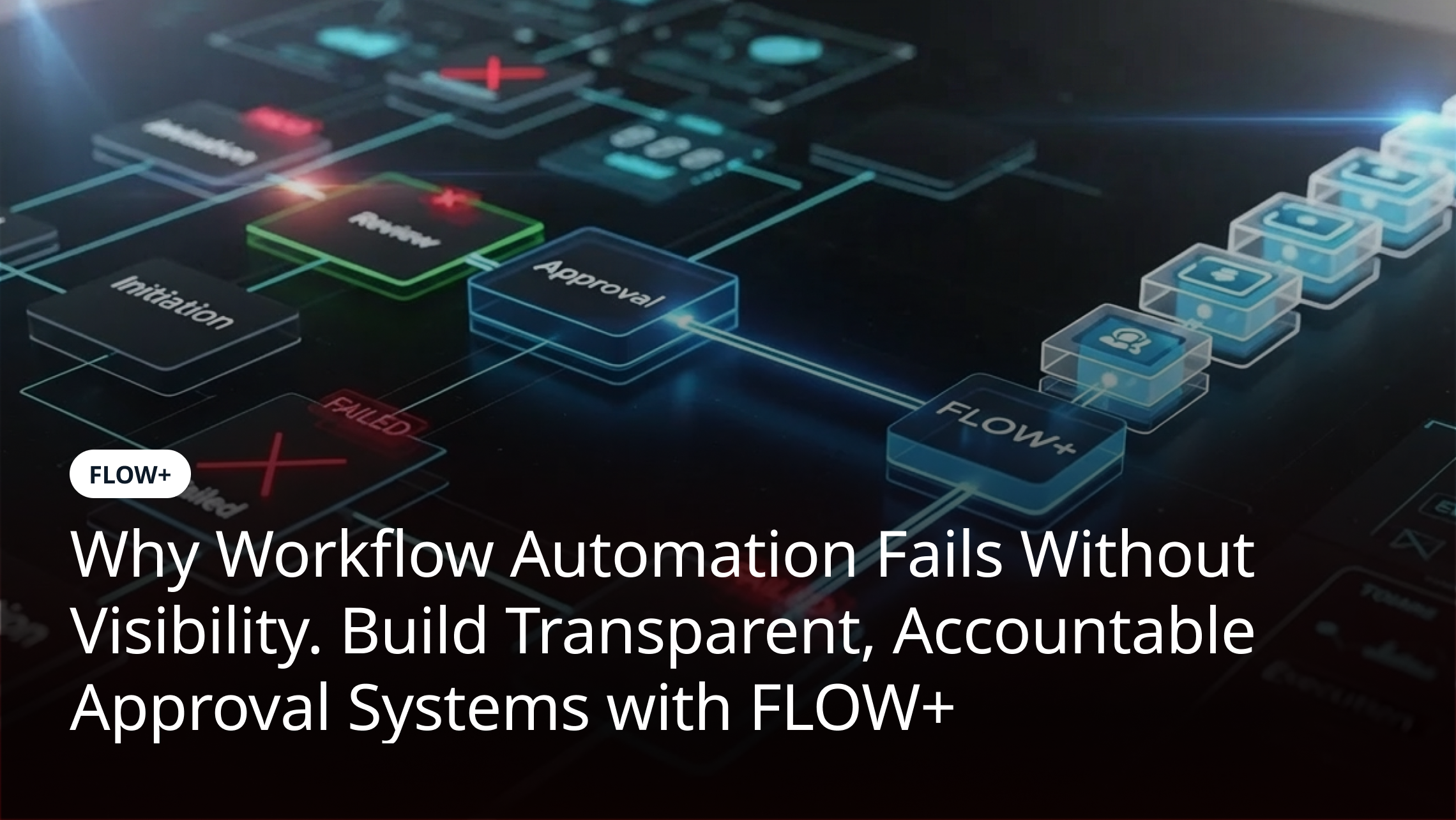
Workflow tasks can be configured to request completion confirmation, notify responsible stakeholders and escalate overdue actions according to organizational rules. This approach aligns with the need for process visibility discussed in Why Workflow Automation Fails Without Visibility. Workflow status alone, however, should not be treated as proof that an employee has acquired a particular skill.
Practical Use Cases for Employee Development Workflow Automation
Employee-Initiated Training Requests
An employee identifies a need for technical or professional training and submits a request for review. The workflow routes it to the manager and HR team, checks whether required information is available and records the final decision. Once approved, the relevant stakeholders receive the next tasks and notifications.
Manager-Nominated Training
A manager identifies a development need for one or more team members and submits a training nomination. The workflow coordinates managerial or departmental authorization, HR review and budget approval where required. This creates a consistent process for handling nominations across teams.
Mandatory Training Follow-Ups
Organizations may require employees to complete assigned training within a defined period. A workflow can notify employees and managers about pending actions, track completion confirmation and escalate overdue tasks. The learning platform remains the source of learning activity data unless an integration supplies that information to the workflow.
External Training and Certification Requests
External courses and professional certifications may require justification, budget approval and evidence of completion. A structured workflow can coordinate authorization, capture the final decision and assign follow-up tasks for recording the outcome or certificate details.
Key Benefits of Automating Employee Development Workflows
Clearer Ownership and Faster Coordination
When each stage has a defined owner, employees and managers know who must act next. Automated notifications and escalation rules can reduce manual follow-ups and make pending requests easier to manage. Actual improvements depend on the existing process, approval policies and how consistently teams use the workflow.
Consistent Approval and Budget Controls
Configurable rules help organizations apply their training policies consistently. Requests can follow different approval paths according to cost, department or training category while preserving the required decision points. Authorized exceptions can be routed to the appropriate decision-maker rather than handled through informal workarounds.
Better Visibility Into Training Administration
Centralized workflow status helps HR teams identify requests awaiting approval, assignments that have not been completed and follow-ups that remain outstanding. This improves operational visibility into training administration without confusing administrative progress with learning effectiveness.
More Reliable Completion Records
Structured follow-up tasks help teams collect completion confirmations and supporting records. When connected systems provide reliable data, organizations can reduce duplicate entry and maintain a clearer record of training activity. Records should be updated according to the organization's data governance and retention requirements.
What to Evaluate Before Automating Employee Development Workflows
Before implementing automation, HR and operations teams should map the current training request process and identify where delays, repeated handoffs or missing information occur. They should define approval authority, mandatory fields, expected timelines, escalation conditions and the records that must be retained. Unnecessary steps should be removed before the process is automated.
The workflow should also fit the organization's existing HR management system, learning management system and finance processes where integration is required. Evaluate integration options, access permissions, reporting needs and responsibility for maintaining training records. For a broader approach to workflow design and implementation, see 8 Steps to a High-Impact Business Process Automation Strategy. A clear division of responsibilities prevents workflow automation from being mistaken for a complete learning management or skills assessment solution.
How to Measure Employee Development Workflow Performance
Organizations should establish a baseline before introducing automation and compare the same measures after implementation.
Useful operational indicators include:
These measures evaluate the efficiency of the administrative workflow. They should be considered separately from learning outcomes such as skill proficiency, assessment results or job performance, which require appropriate evaluation methods and reliable learning data. Teams can also review workflow ownership, versioning and audit requirements using the principles covered in Workflow Governance with Versioning, Audits and Lifecycle Management in FLOW+.
How FLOW+ Supports Employee Skills Development Workflow Automation
FLOW+ can coordinate the process surrounding employee development by managing request routing, approval rules, task assignments, notifications and escalation paths. Organizations can configure workflows around their training policies and responsibilities, helping HR teams maintain visibility from initial request through authorization and completion follow-up.
For organizations that already use an HR management system or learning management system, integration requirements should be assessed according to available interfaces and the data that needs to move between systems. FLOW+ supports the workflow coordination layer; course delivery, learning content, skill assessment and learning analytics should remain within the appropriate systems unless specific integrated capabilities are confirmed.
Conclusion
Employee skills development depends on more than selecting training programs. Organizations also need a consistent way to handle requests, review business needs, authorize expenditure, coordinate assignments and follow up on completion. Workflow automation can bring structure to these administrative activities by clarifying ownership, applying approval rules and making pending tasks visible.
With FLOW+, organizations can coordinate employee development workflows while retaining their existing learning and HR systems where appropriate. By measuring request turnaround, approval delays and completion follow-ups, HR teams can identify process improvements and provide employees with a more consistent administrative experience as development needs evolve.