Introduction
Customer complaints can involve more than the team that initially receives them. A product defect may require an investigation by Quality and Operations, a billing dispute may need Finance and Customer Service, while a service-related complaint could involve technical teams and senior management. When these departments work through disconnected communication channels, resolving a complaint becomes difficult to coordinate and monitor.
Many organizations manage complaints through shared email inboxes, spreadsheets, CRM records or helpdesk platforms. These tools can capture complaints and support customer communication, but complex cases may still require manual coordination between departments. Customer complaint workflow automation provides a structured way to assign responsibilities, coordinate investigation tasks, manage escalations and maintain visibility until the internal resolution process is complete.
What Is Customer Complaint Workflow Automation?
Customer complaint workflow automation uses predefined business rules to coordinate the internal activities required to investigate and resolve customer complaints. It helps organizations route cases to responsible teams, assign tasks, trigger follow-ups and track progress without depending entirely on manual coordination.
The objective is not necessarily to automate every customer interaction or replace an existing complaint management platform. Instead, it is to ensure that once a complaint is received, the right people take the required actions in a defined sequence, with clear ownership and visibility at each stage.
Why Manual Complaint Handling Becomes Difficult
A complaint may initially appear straightforward but become more complex when its resolution depends on multiple departments. Without a defined process, employees may rely on individual follow-ups and informal communication to move the case forward.
Common challenges include:
These challenges become more significant when complaints require input from several departments or follow defined service and internal resolution timelines. Similar ownership problems occur in approval-driven processes, as discussed in Approvals Don’t Fail Because of Volume Rather Due to No Ownership.
How Organizations Currently Manage Customer Complaints
Organizations do not necessarily need a separate workflow automation platform to manage every complaint. The appropriate approach depends on the number of complaints, the complexity of investigations and the number of teams involved.
Common approaches include:
These approaches can be sufficient for straightforward complaints or cases handled by a single team. Workflow automation becomes more relevant when resolution requires structured handoffs, multiple departmental investigations, approval steps, time-based escalation and centralized process visibility.
CRM or Helpdesk Software vs Workflow Automation: When Is Each Needed?
A CRM or helpdesk platform may already provide everything an organization needs to manage straightforward complaints. Introducing another workflow layer in such situations may increase system complexity without delivering meaningful operational benefits. The decision should depend on whether the existing platform can coordinate the complete internal resolution process.
When a CRM or Helpdesk Is Sufficient
Consider a company that receives a complaint about a delayed order. Customer Service creates a ticket, assigns it to an employee, checks the order status, updates the ticket and communicates the outcome to the customer. Since one team manages the complaint from receipt to closure, the existing helpdesk can handle the process through ticket assignment, status tracking, communication history and closure without requiring a separate workflow automation platform.
Before introducing another system, the organization should assess whether its existing CRM or helpdesk can meet the requirement through its available features or configuration. If it already supports the necessary assignments, follow-ups and status updates, adding another platform may create unnecessary integration work and require employees to maintain information across multiple systems.
When Workflow Automation Adds Value
Now consider a manufacturing company that receives a complaint about a defective product. Customer Service records the complaint, but resolving it requires Quality to investigate the defect, Production to review the manufacturing process and Operations to assess corrective action. Management may also need to approve a proposed resolution.
The helpdesk can continue storing the complaint and managing customer communication, while a workflow automation platform coordinates the internal investigation. Tasks can be routed to the appropriate departments, responsibility can be assigned at each stage and pending actions can be escalated according to configured timelines.
This is where FLOW+ can add value. It helps connect the internal activities required to resolve the complaint without requiring the organization to replace its existing CRM or helpdesk platform.
A Practical Decision Rule
The objective is not to introduce automation for every complaint. It is to identify where manual coordination creates delays and whether a structured workflow can solve that operational problem.
How FLOW+ Supports Customer Complaint Workflow Automation
FLOW+ can structure the internal complaint resolution process by connecting tasks, responsibilities and escalation rules across departments. Rather than relying on employees to manually forward every update, organizations can configure workflows around their complaint handling procedures.
Automated Complaint Routing
Complaints can be directed to the appropriate teams based on configured workflow conditions. For example, a billing-related complaint may require Finance review, while a product quality issue may need investigation by the Quality team.
This reduces manual forwarding and helps establish clear responsibility for the next action. Routing conditions and departmental responsibilities should be configured according to the organization's complaint categories and internal processes.
Task Assignment and Ownership
A complaint investigation may require different employees to complete specific activities. FLOW+ can assign workflow tasks to designated users or roles so that each stage has a responsible owner.
For example, Customer Service may initiate the internal process, Quality may investigate the reported defect and Operations may review the corrective action. Defined ownership helps prevent cases from remaining unattended between departments.
Escalation of Pending Complaints
Some complaints require faster attention because of their severity, business impact or internal resolution deadlines. Organizations can configure workflow reminders and escalation logic to notify the appropriate stakeholders when actions remain pending beyond defined timelines.
Escalation rules can help bring delayed cases to managerial attention instead of depending entirely on employees to identify and report every delay manually. Similar principles are used in approval workflows, where The Hidden Impact of Approval Bottlenecks explains how pending actions and delayed decisions affect business operations.
Cross-Department Investigation Coordination
A complaint may require information or decisions from more than one department. A structured workflow can coordinate these activities and route tasks according to predefined responsibilities and conditions.
For instance, a product complaint may require Quality to examine the issue, Operations to review the production or service process and Customer Service to manage the customer-facing update through the existing communication channel. The workflow helps coordinate these internal activities without requiring every department to manage the entire complaint independently.
This approach is also relevant to other internal reporting processes. Automating Compliance Incident Reporting Across Departments with Integrated Workflow Management explores how structured workflows can coordinate reporting, departmental responsibilities and escalations.
Workflow Status and Visibility
Managers need to understand which complaints are being investigated, which tasks are pending and where delays are occurring. Workflow dashboards can provide visibility into task status and ownership across configured processes.
This makes it easier to identify pending actions, review workload distribution and monitor the progress of internal complaint resolution. For a broader explanation of the importance of workflow visibility, read Why Workflow Automation Fails Without Visibility.
Action History and Traceability
Complaint investigations can involve several actions, reviews and decisions. Maintaining a record of workflow activities helps organizations understand how a case progressed and which users completed the relevant steps.
FLOW+ supports workflow audit trails that record actions and activity history. The specific information retained should be aligned with the organization's documentation, audit and record-retention requirements.
Example: An Automated Customer Complaint Resolution Workflow
Consider a manufacturing company that receives a customer complaint about a defective product. The complaint is recorded in the company's existing CRM or helpdesk platform, but resolving it requires investigation by multiple departments.
A configured workflow using FLOW+ could coordinate the internal process as follows:
This is an illustrative workflow. Actual triggers, integrations, routing conditions, notifications and closure steps depend on the organization's configuration and connected applications. FLOW+ coordinates the internal process; it should not be assumed to provide a complete customer-facing ticketing or complaint portal.
When Should Organizations Automate Complaint Resolution?
Not every complaint handling process requires a separate workflow automation layer. Organizations should first assess how complaints are received, how investigations are assigned and where delays occur.
Workflow automation may be worth considering when:
A CRM or helpdesk platform may already be sufficient when complaints are handled by one team through straightforward ticket assignment and status updates. In those situations, adding another workflow layer may introduce unnecessary complexity. The stronger case for workflow automation arises when internal coordination extends beyond the capabilities or configured processes of the existing system.
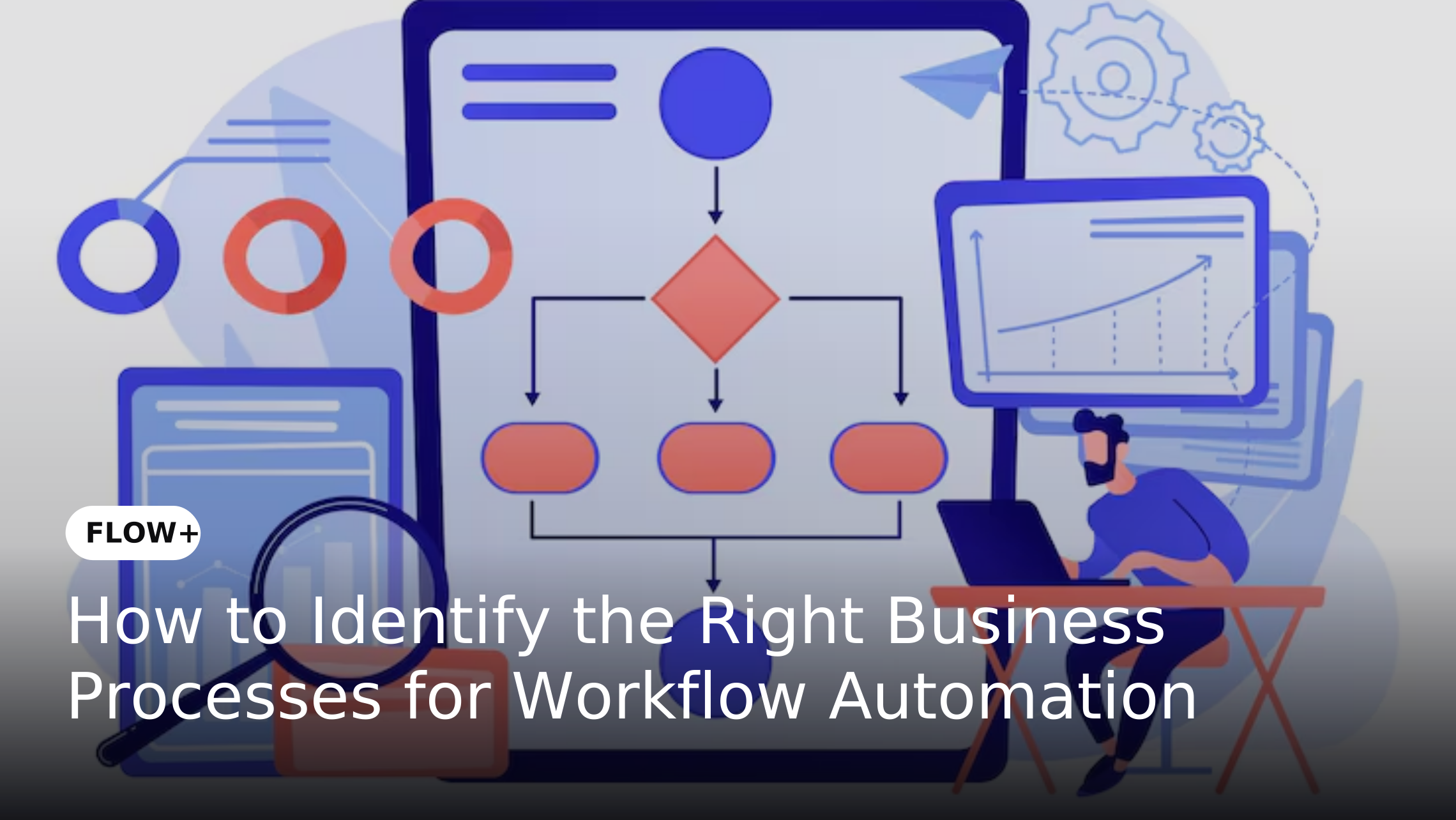
Before selecting a process for automation, organizations should also assess whether its responsibilities, rules and exceptions are clearly defined. How to Identify the Right Business Processes for Workflow Automation provides a useful framework for evaluating process suitability and readiness.
Customer Complaint Management Software and Workflow Automation: Different Roles
Customer complaint management software and workflow automation serve different purposes within the complaint resolution process. CRM and helpdesk platforms typically manage complaint records, customer communication, ticket status and service interactions, while workflow automation coordinates internal activities such as task assignment, departmental reviews, approvals, escalations and process tracking.
For organizations handling complaints that require multiple departments, these capabilities can complement each other. An existing CRM or helpdesk system can remain the primary application for customer interactions while FLOW+ coordinates the internal resolution workflow. The extent of integration and data exchange depends on the applications involved and the configured integration requirements.
Implementation Considerations for Complaint Workflow Automation
Before automating complaint resolution, organizations should define the process they want to improve. Automating an unclear or inconsistent process can simply transfer existing inefficiencies into a digital environment.
Consider the following steps:
-
Map the current process: Document how complaints are received, assigned, investigated, escalated and closed.
These steps help ensure that automation supports an established complaint resolution process rather than introducing unnecessary workflow complexity.
Conclusion
Customer complaint resolution becomes difficult to manage when investigations depend on manual forwarding, unclear ownership and disconnected communication between departments. Email, spreadsheets, CRM platforms and helpdesk applications can support complaint handling, but organizations with complex internal resolution processes may need a more structured way to coordinate tasks, reviews and escalations.
FLOW+ can support this requirement by automating configured routing, assigning workflow responsibilities, coordinating departmental activities, triggering escalations and providing visibility into process progress. It is not a replacement for a complete CRM, helpdesk or dedicated complaint management platform. Its value lies in connecting the internal activities required to move a complaint towards resolution while allowing existing customer-facing systems to continue serving their intended purpose.