Introduction
Organizations managing employee, customer, financial and business records need more than a place to store documents. They need controls that determine who can access information, how documents are tracked and how records are managed throughout their lifecycle.
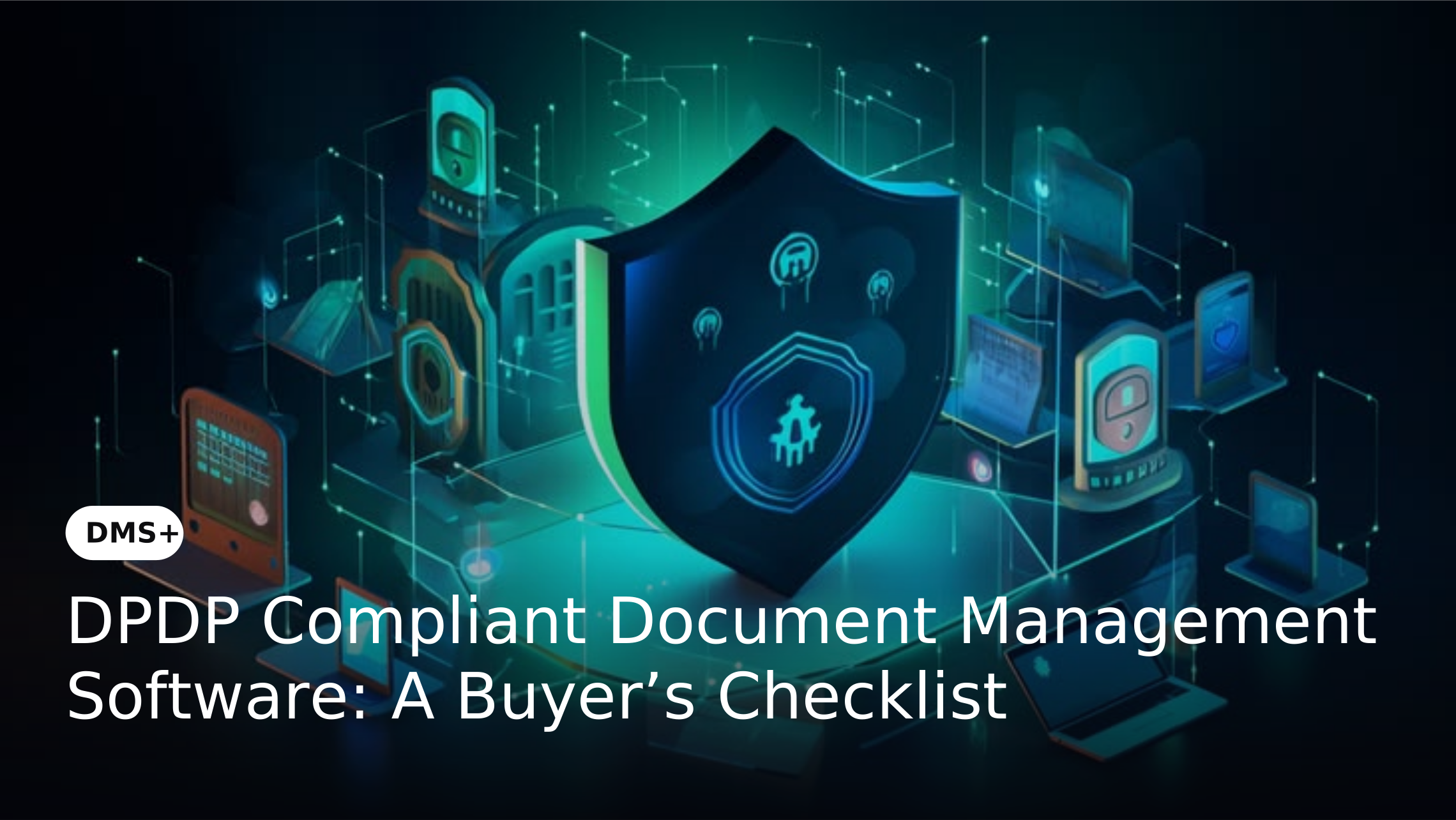
For organizations evaluating document management software in the context of DPDP requirements, the right platform should combine security, governance, usability and scalability. This buyer’s checklist highlights the capabilities and questions worth considering before making a decision.
What Should You Evaluate in DPDP-Ready Document Management Software?
A DMS should support the practical controls required to manage documents containing personal information. However, choosing the right platform should go beyond checking whether a vendor uses terms such as "DPDP compliant."
Evaluate how the software handles access, classification, activity tracking, document lifecycle, sharing, search, integration and scalability. These capabilities determine how effectively the system can fit into your organization's information management practices.
DMS Buyer’s Checklist: 8 Capabilities to Evaluate
1. Access Control and User Permissions
A DMS should allow organizations to control access according to user roles, departments or document categories. This becomes particularly important when different teams handle different types of personal or confidential information.
What to check:
- Can administrators control viewing, editing, downloading and sharing permissions?
- Can access be changed when an employee changes roles or leaves the organization?
2. Document Classification and Metadata
As document volumes grow, relying only on folders can make information difficult to organize and govern. Classification and metadata allow organizations to structure documents according to attributes such as document type, department or business function.
What to check:
- Can metadata fields be customized?
- Can documents be classified consistently?
- Can classification help users locate specific records without navigating multiple folders?
3. Audit Trails and Activity Tracking
Organizations should have visibility into important actions performed on documents. Activity tracking can help establish accountability and provide useful evidence when investigating changes, access or other document-related events.
What to check:
- Does the system record relevant document activities?
- Can administrators identify users and timestamps?
- Can activity records be retrieved when required for internal reviews?
4. Document Lifecycle Management
A DMS should manage documents beyond their initial upload. Creation, review, approval, versioning, archival and disposal are all part of the document lifecycle.
What to check:
- Can lifecycle stages be defined?
- Can review and approval processes be controlled?
- Does the system support archival and retention processes based on organizational policies?
5. Secure Document Sharing
Documents often need to move between departments, business units and external stakeholders. Buyers should understand how the DMS maintains control when information is shared.
What to check:
- Can access be limited to authorized recipients?
- Can sharing activity be monitored?
- Does the platform reduce reliance on email attachments and uncontrolled document copies?
6. Search and Information Retrieval
Security controls are valuable only when authorized employees can still find the information they need efficiently. A DMS should make document retrieval practical even as repositories grow.
What to check:
- Does the platform support metadata-based and full-text search?
- Can users locate documents using relevant attributes?
- How quickly can large document repositories be searched?
7. Integration With Business Applications
Documents are often created and used within ERP, CRM, HRMS, accounting and workflow systems. A DMS that operates separately can create additional information silos.
What to check:
- Which business applications can be integrated?
- Can documents be accessed within existing workflows without requiring employees to repeatedly switch between systems?
8. Scalability and Administration
A DMS should remain manageable as the organization adds users, departments, documents and business processes. Buyers should therefore consider both technical scalability and administrative effort.
What to check:
- Can the system accommodate growing document volumes?
- How easily can administrators manage users and permissions?
- Does expansion require significant infrastructure or configuration changes?
DPDP DMS Evaluation Checklist
Access Control
Check whether the DMS allows administrators to control document access based on users, roles, departments or document categories. Ask the vendor whether viewing, editing, downloading and sharing permissions can be configured separately.
Document Classification
Check whether documents can be categorized using metadata and predefined attributes. Ask whether classification fields can be customized and whether they can help identify and retrieve specific types of records.
Audit Trails
Check whether the system records important document activities. Ask the vendor whether administrators can identify who accessed or modified a document and when the activity occurred.
Document Lifecycle Management
Check whether the platform manages documents beyond storage. Ask whether creation, review, approval, versioning, archival and disposal can be managed through defined lifecycle processes.
Secure Document Sharing
Check how the platform manages documents shared with internal or external users. Ask whether access can be restricted to authorized recipients and whether sharing activities can be monitored.
Search and Retrieval
Check whether users can quickly locate documents using metadata, indexing or full-text search. Ask the vendor how the system performs when managing large volumes of documents.
Business Application Integration
Check whether the DMS can connect with existing ERP, CRM, HRMS, accounting and workflow applications. Ask which integrations are available and whether APIs or custom integrations are supported.
Scalability
Check whether the platform can accommodate increasing users, departments and document volumes. Ask how the system handles organizational growth and whether additional infrastructure or major configuration changes are required.
Administration
Check how easily internal teams can manage users, permissions, document structures and system configurations. Ask how much technical expertise is required to maintain the platform after implementation.
Questions to Ask Before Selecting a DMS Vendor
A product demonstration should reflect your actual document environment rather than a generic presentation. Ask vendors to demonstrate workflows involving sensitive records, user permissions, document approvals, searches and audit activity.
Also clarify implementation timelines, integration requirements, support, deployment options, scalability and pricing. These details can have a significant impact on the long-term value and usability of the platform.
How to Compare DMS Vendors
Feature count alone is not a reliable way to compare document management software. Two vendors may offer similar features while differing considerably in configuration flexibility, user experience, integration depth and administration.
Create a weighted scorecard based on your priorities. For example, security and governance may receive greater weight for regulated environments while integration and usability may be more important for organizations with highly connected workflows.
Common Mistakes to Avoid When Choosing a DMS
One common mistake is selecting software solely because it is marketed as "DPDP compliant." Buyers should examine the actual controls behind the claim and determine whether they fit the organization's processes.
Other mistakes include overlooking user experience, failing to test real workflows, ignoring integration requirements and comparing only upfront costs. A successful DMS investment should consider implementation, administration, scalability and long-term operational requirements.
How DMS+ Fits the Evaluation Framework
DMS+ brings several of the capabilities considered in this checklist into a centralized document management environment. These include document classification, metadata management, role-based access, version control, audit trails, search and document lifecycle management.
It also supports integration with business applications and document-centric processes. Organizations can therefore evaluate DMS+ against the same practical criteria used to assess other document management platforms.
Can a DMS Make an Organization DPDP Compliant?
A DMS should not be treated as a complete DPDP compliance program. Software can provide technical and operational controls but cannot replace an organization's privacy policies, governance processes, responsibilities or legal obligations.
The better approach is to evaluate whether the DMS provides capabilities that support the organization's broader data protection framework. Access management, auditability, classification and lifecycle controls can form an important part of that framework.
Who Should Consider DPDP-Ready Document Management Software?
Organizations managing significant volumes of personal or sensitive information can benefit from evaluating DMS platforms through a data protection lens. This includes HR teams managing employee records, finance teams handling financial documents and legal teams managing contracts and case files.
The need becomes greater as organizations expand across departments, locations or business applications. Centralized document management can provide a more structured alternative to fragmented storage and sharing practices.
Final DMS Buyer’s Checklist
Before selecting a platform, confirm that it can:
Support your organization's wider data protection and governance requirements
Conclusion
Selecting document management software for DPDP-sensitive environments requires a broader assessment than checking security features or compliance claims. Organizations should evaluate how effectively the platform controls access, organizes information, tracks activity and manages documents throughout their lifecycle.
A structured buyer's checklist helps decision-makers compare vendors against real business requirements. DMS+ provides capabilities across document management, security, governance and integration that organizations can evaluate against these criteria as they build a more controlled document environment.