Introduction
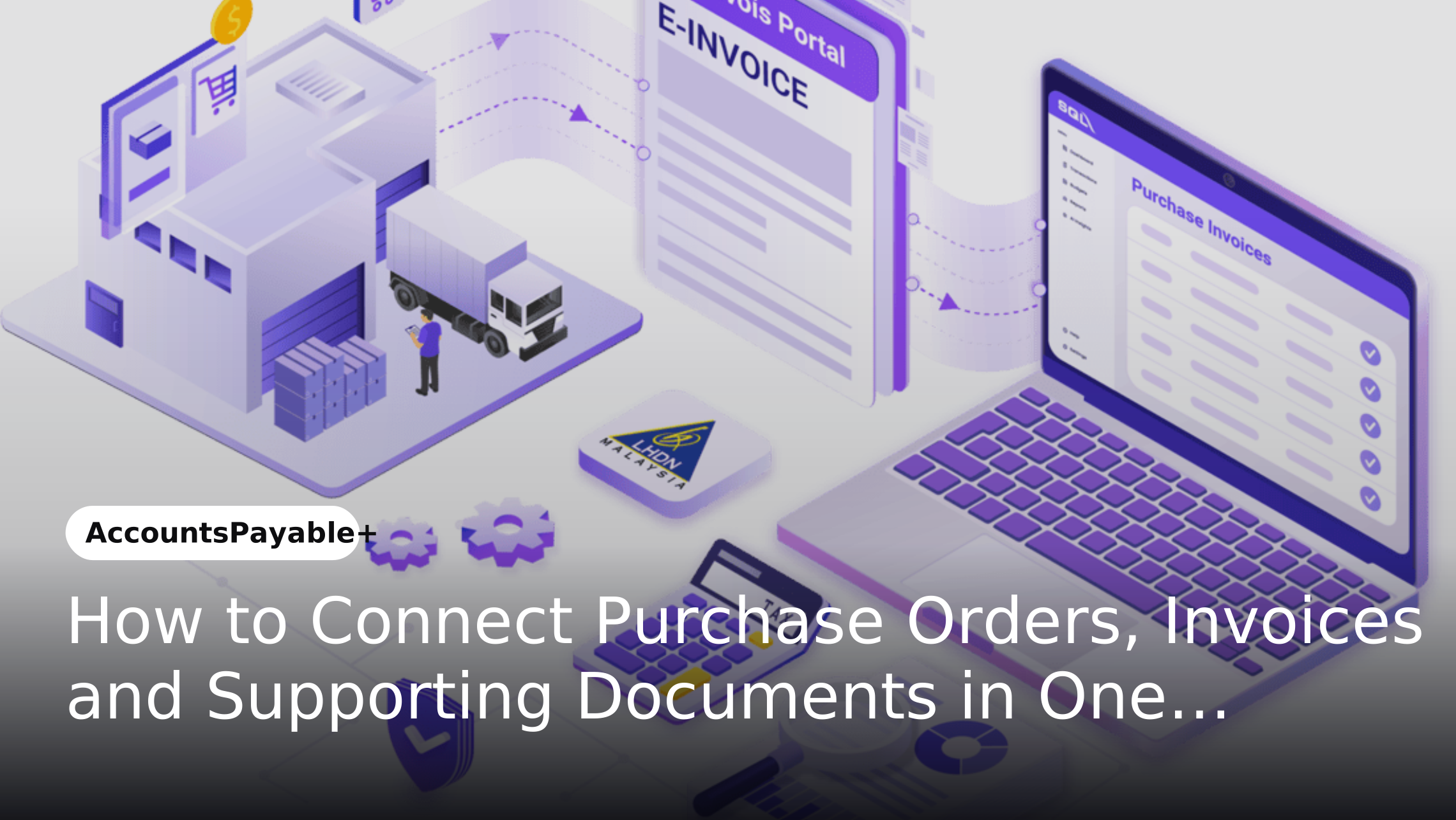
Accounts payable transactions rarely involve an invoice alone. A single payment may depend on a purchase order, delivery confirmation, receipt, contract, quotation or other supporting document. When these records are stored across emails, folders and separate business systems, finance teams often have to manually collect information before an invoice can be reviewed and approved.
Connecting these records within one workflow creates a more complete view of each transaction. Instead of treating the invoice as an isolated document, organizations can associate it with the relevant purchasing information, supporting records and approval activities. This creates a structured path from purchase request to invoice review and payment.
Why Purchase Orders and Invoices Become Disconnected
Purchase orders are generally created during procurement while invoices arrive later through separate channels. Supporting documents may be generated by procurement teams, suppliers, warehouse teams or business departments and stored in different locations.
When these records are not connected, AP teams may need to search through emails or shared folders to find the information required to validate an invoice. This can create unnecessary manual work and make it harder to determine whether a transaction is ready for approval.
What a Connected AP Workflow Looks Like
A connected workflow brings the relevant records together around a single transaction. The purchase order establishes what was requested while the invoice represents what the supplier is requesting payment for. Supporting documents provide additional evidence that helps validate the transaction.
Once these records are associated, the workflow can route the transaction through validation and approval based on predefined business rules. Finance teams can then review the transaction with the relevant information available in one place instead of coordinating documents manually.
Key Components of a Connected Purchase-to-Payment Workflow
Purchase Order
The purchase order establishes the original purchasing requirement. It can provide information such as supplier details, ordered items, quantities, agreed pricing and purchasing terms.
Keeping the purchase order connected to the invoice provides finance teams with the original purchasing context when reviewing the payment request.
Invoice
The invoice represents the supplier's payment request. Invoice information such as invoice number, date, amount, tax details and supplier information can be captured and associated with the relevant transaction.
Connecting the invoice to its purchase order and supporting documentation gives AP teams greater context during validation and approval.
Supporting Documents
Supporting documents can include delivery records, goods receipts, contracts, quotations, service confirmations and other transaction-related records.
Keeping these documents connected to the transaction creates a more complete record and reduces the need for finance teams to search across multiple repositories.
Approval Workflow
Once the relevant records are connected, the transaction can be routed to the appropriate approvers. Rules can determine who needs to review the transaction based on factors such as department, business unit, amount or transaction type.
This creates a structured path from invoice submission to final approval while maintaining a record of the actions taken during the process.
How to Connect Purchase Orders, Invoices and Documents in One Workflow
Step 1: Capture the Purchase Order
The workflow begins with the purchase order and its associated information. The PO number, supplier details and purchasing information provide the foundation for connecting subsequent documents.
A structured identifier such as the PO number can help establish the relationship between the purchasing record and documents received later in the transaction.
Step 2: Capture the Supplier Invoice
When the invoice enters the organization, relevant invoice information can be extracted and recorded digitally. The system can then identify information such as supplier name, invoice number and PO reference.
This reduces the need for AP teams to manually enter the same information into multiple systems and provides structured data for subsequent processing.
Step 3: Associate Supporting Documents
Supporting records can then be attached or linked to the same transaction. These may include goods receipt notes, delivery confirmations, contracts or service documentation.
Having these records available alongside the invoice allows reviewers to assess the transaction without switching between multiple repositories.
Step 4: Validate the Transaction
The workflow can compare relevant information across the connected records. Differences in quantities, amounts, supplier details or other transaction information can be identified for review.
Transactions that meet predefined requirements can continue through the workflow while exceptions can be routed to the appropriate team.
Step 5: Route for Approval
Once the transaction has been validated, the workflow can determine the appropriate approval path. Approval rules can be configured around organizational requirements such as spending limits, departments and business units.
Approvers can access the invoice together with its associated purchase order and supporting documentation. This provides the context required to make an informed approval decision.
Step 6: Maintain the Complete Transaction Record
After approval, the connected records remain associated with the transaction. This creates a consolidated history that can be referenced during reconciliation, reporting or audit activities.
Instead of reconstructing the transaction later by searching through separate systems, finance teams can access the relevant information through the workflow.
What Happens When These Documents Are Not Connected?
When purchase orders, invoices and supporting documents remain separate, AP teams often become the link between them. Employees may need to request missing documents, verify information manually and follow up with procurement or business teams before an invoice can move forward.
This creates additional administrative work and can make exception handling more difficult. It can also reduce visibility because the status of a transaction depends on information spread across multiple channels.
How a Connected Workflow Improves AP Operations
Less Manual Document Searching
Connecting related records reduces the need for AP teams to search through emails, folders and separate systems. Relevant documents can be accessed as part of the same transaction workflow.
This allows finance teams to spend less time gathering information and more time reviewing exceptions or activities requiring financial judgment.
Better Transaction Context
An invoice by itself may not provide enough information to determine whether a payment request should be approved. Linking the invoice with the PO and supporting records provides a broader view of the transaction.
This helps approvers understand what was purchased, what was received and what the supplier is requesting payment for.
Faster Exception Resolution
Exceptions often require additional information before an invoice can proceed. When the relevant documents are already connected, finance teams can identify the source of the discrepancy more quickly.
This reduces the back-and-forth between AP, procurement, suppliers and business departments.
Stronger Process Traceability
A connected workflow creates a record of the transaction and its associated documents. Finance teams can see how the transaction moved through the process and identify relevant approval activities.
This creates stronger traceability without requiring teams to reconstruct the transaction manually.
Connecting Documents Without Creating Another Information Silo
Simply storing invoices, POs and supporting documents in one location does not automatically create an effective workflow. The information also needs to remain connected to the transaction and accessible at the appropriate stages of processing.
This means organizations should look beyond document storage when designing their AP processes. The objective should be to connect documents + transaction data + workflow + approvals rather than simply creating another repository.
The Role of Three-Way Matching in a Connected Workflow
Three-way matching can form an important validation step when organizations need to compare a purchase order, receipt information and an invoice before payment. Connecting these records makes the relevant information available within the same transaction context.
However, not every AP transaction follows the same structure. Some invoices may require contracts, service confirmations or other supporting documentation instead. A connected workflow therefore needs to accommodate different transaction types rather than relying on a single validation model.
How AccountsPayable+ Connects AP Documents and Workflows
AccountsPayable+ helps organizations bring invoice processing, document handling and approval workflows into a structured AP environment. Relevant transaction information and supporting documents can be associated with the invoice so finance teams have greater context during processing.
By connecting documents with workflow activities, AccountsPayable+ can help reduce manual coordination between AP and other business teams. This creates a more structured path for invoice review, validation and approval while maintaining transaction records for future reference.
Connecting AP With the Broader Enterprise Workflow
Purchase orders and invoices often originate from different parts of the organization. Procurement may create the PO while operations confirm delivery and finance manages the invoice and payment process.
Connecting AP with broader enterprise workflows can reduce these handoffs. Flow+ can support business workflow automation while DMS+ can provide document management capabilities. This allows organizations to create a more connected environment rather than treating AP as an isolated finance process.
What to Consider When Designing a Connected AP Workflow
Organizations should first identify the documents and data required at each stage of their AP process. This includes determining which transactions require purchase orders, what supporting documents need to be attached and which teams are responsible for approvals.
The workflow should also account for exceptions. Not every transaction will contain the same documents or follow the same approval path. Designing flexible rules around different transaction types can prevent the workflow from becoming unnecessarily rigid.
Frequently Asked Questions About Connected AP Workflows
Why should purchase orders and invoices be connected?
Connecting purchase orders and invoices gives AP teams the purchasing context required to validate supplier payment requests. It also reduces the need to search for related information across separate systems.
What supporting documents can be connected to an invoice?
Depending on the transaction, supporting records can include goods receipt notes, delivery confirmations, contracts, quotations, service confirmations and other relevant business documents.
Does connecting AP documents eliminate manual review?
Not necessarily. Automation can reduce repetitive document collection and validation tasks but exceptions and complex transactions may still require human review.
Can connected AP workflows support different approval paths?
Yes. Workflow rules can route transactions according to factors such as amount, department, business unit or transaction type. This allows organizations to maintain different approval requirements within the same AP environment.
How does a connected workflow help during audits?
A connected transaction record makes it easier to retrieve the invoice, purchase order, supporting documents and approval history associated with a payment. This can simplify transaction verification and audit preparation.
Conclusion
Connecting purchase orders, invoices and supporting documents transforms AP from a collection of separate documents into a structured transaction workflow. Finance teams gain the context they need to validate invoices while reducing the manual effort involved in finding, checking and coordinating related records.
The objective is not simply to store documents together but to connect transaction data, documents, validation and approvals within one process. With AccountsPayable+ organizations can create a more structured AP workflow that improves visibility, strengthens traceability and provides a scalable foundation for connected financial operations.